

Candy Sort - Candy puzzle is a Puzzle application developed by WebAlf, but with the best Android emulator-LDPlayer, you can download and play Candy Sort - Candy puzzle on your computer.
Running Candy Sort - Candy puzzle on your computer allows you to browse clearly on a large screen, and controlling the application with a mouse and keyboard is much faster than using touchscreen, all while never having to worry about device battery issues.
With multi-instance and synchronization features, you can even run multiple applications and accounts on your PC.
And file sharing makes sharing images, videos, and files incredibly easy.
Download Candy Sort - Candy puzzle and run it on your PC. Enjoy the large screen and high-definition quality on your PC!
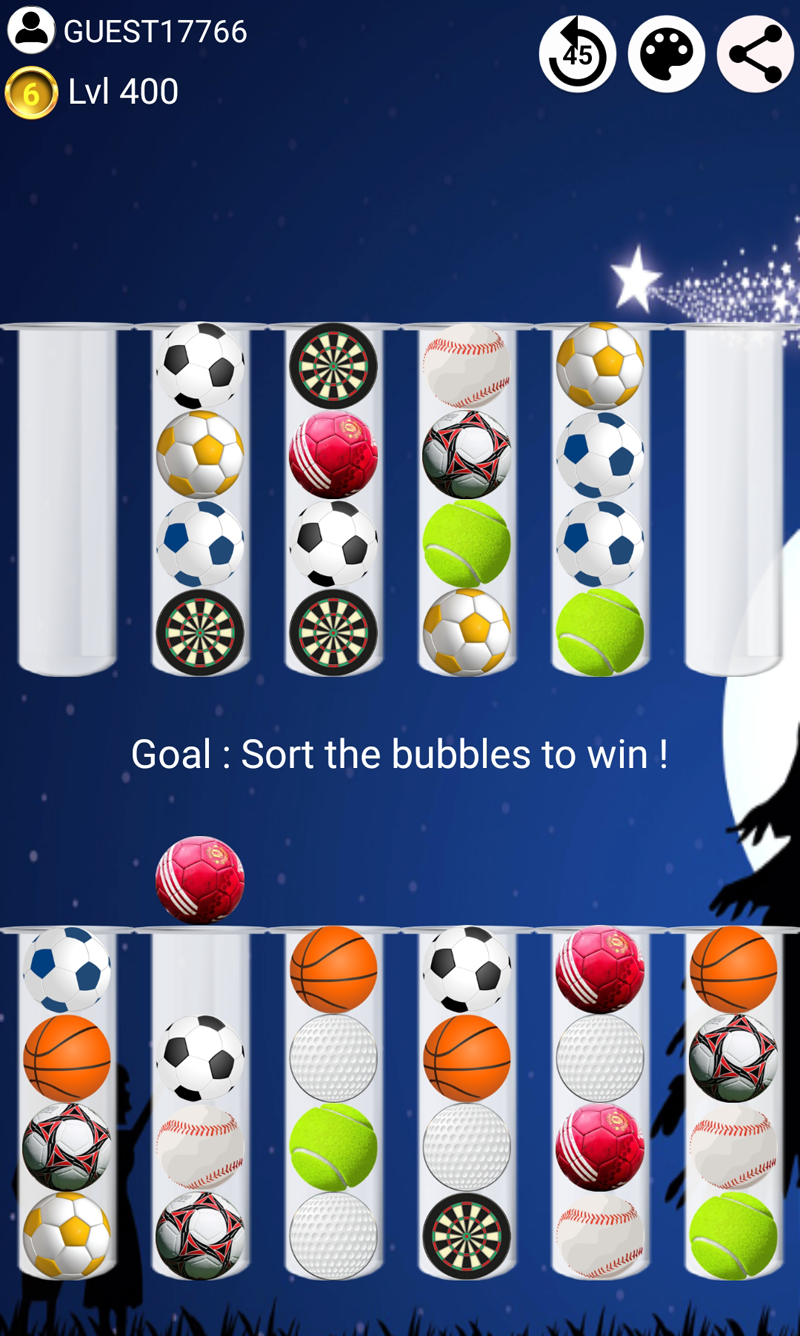
New Candy Ball sort game 2022 : Sort puzzle for all !To achieve your goal : Solve logic puzzle by moving BALLS and sorting them to win ! 👍 👍 👍
▶️ HOW TO PLAY
Only 2 rules to know :
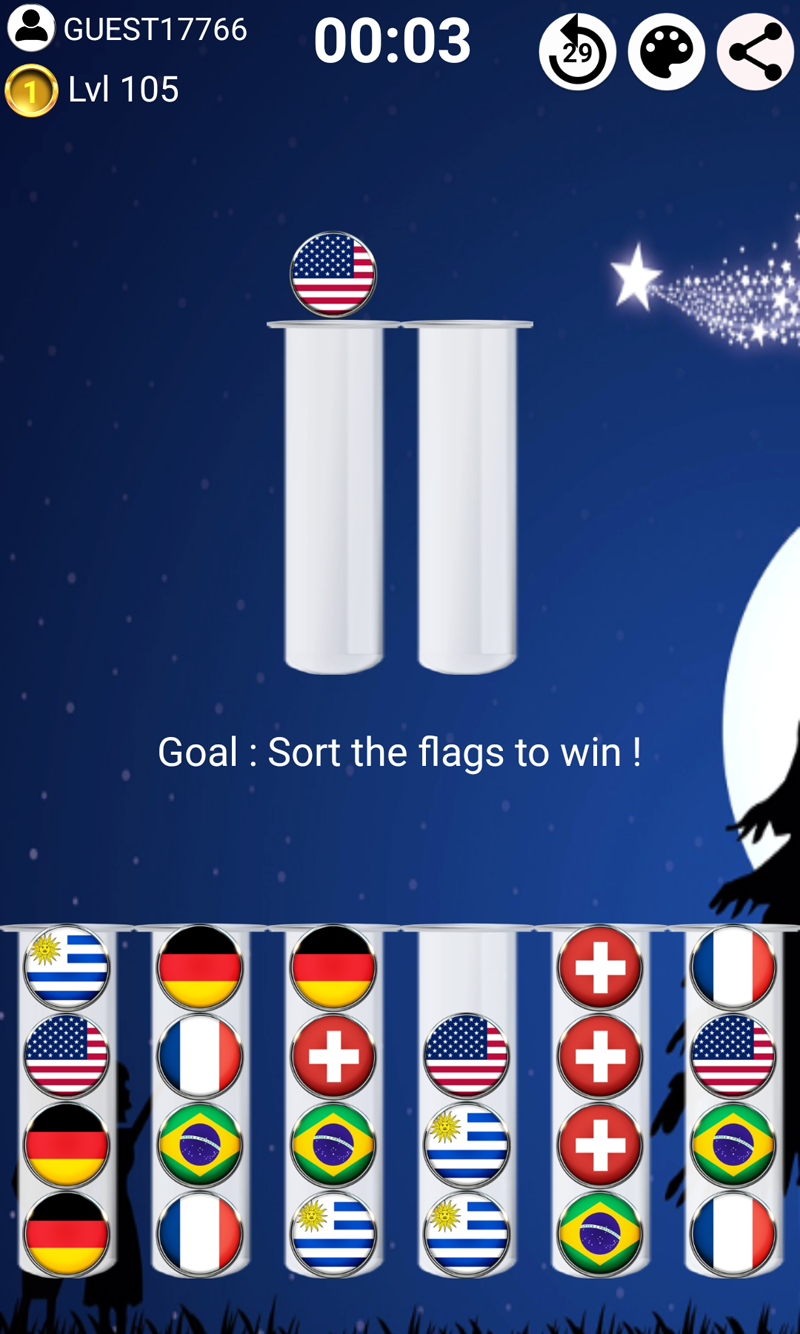
- Tap a tube = Move the ball on top.
- Then, tap an empty tube or tube with similar ball = Ball changes tube.
Classic game at your Fingertips.
▶️ 5 PROGRESSIVE LEVELS
Thousands of awesome levels : From 5 pipes with 16 balls until 10 pipes with 40 balls. More 100 levels in 5 game modes : Easy - Moderate - Difficult - Crazy - Master.
For each resolved level in time, you win 3 coins to unlock new features (Design, Joker, Undo...).
Put your logic and strategy skills to the test ! Smash your way to the victory !
▶️ 🏆 TAKE ON CHALLENGES🏆
Each level has its own leaderboard : Ideal for challenging your friends and familly during endless games ! Try to solve each level as soon as possible to be at the top of the list.
▶️ CONNECT ANYTIME, ANYWHERE
Play everywhere, anywhere and as much as you want - no internet connection is required.
Play even when your device has no connection.
▶️ CUSTOMIZE YOUR PUZZLE
You can customize the app as you wish :
✔ Color Sort puzzle
✔ Ball Sort puzzle
✔ Animal Sort puzzle
✔ Bubble Sort puzzle
✔ Donuts Sort puzzle
✔ Flag Sort puzzle
✔ Emojis Sort puzzle
and so much more !
▶️ TIP TO WIN
Before starting game, make sure that you choose easiest balls to sort.
Simple but so attractive. Sort them now !
Download now from the play store and join the fun sort adventure !