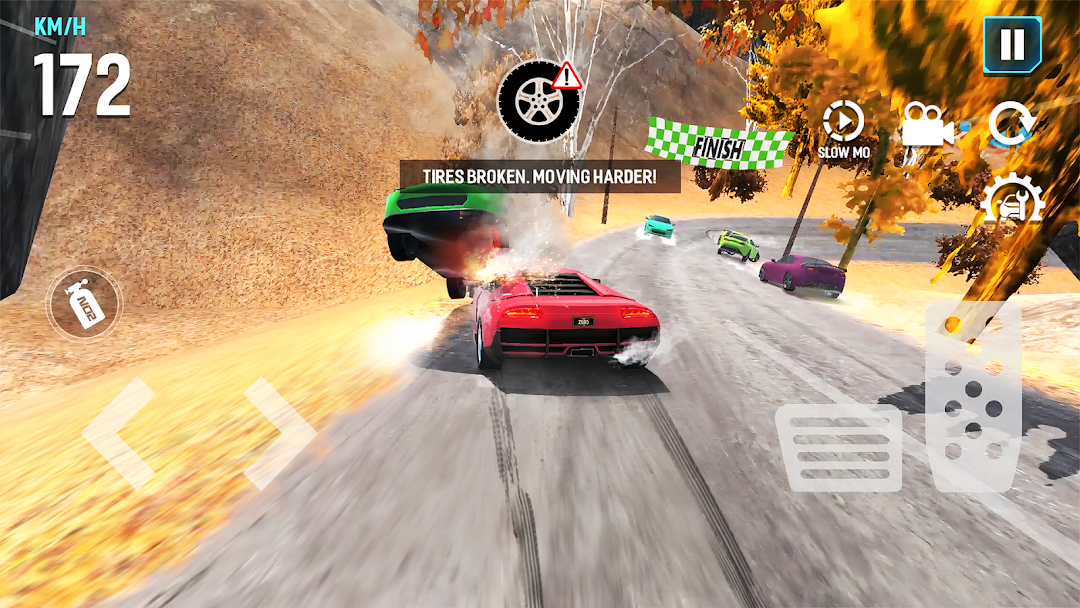
Mega Car Crash Simulator is a Racing game developed by Zego Studio. LDPlayer is the best platform for playing Mega Car Crash Simulator on Windows PC, providing robust features to help you achieve an immersive experience in Mega Car Crash Simulator.
When playing Mega Car Crash Simulator on your computer, if you prefer using your own gamepad to control the game, LDPlayer's automatic gamepad detection can assist you in customizing controls with just a few simple clicks, allowing you to enjoy more realistic racing scenes and challenges.
With support for high frame rates, the game's diverse track designs and rich terrain and environmental changes become even more lifelike and detailed.
Additionally, the video recording feature makes it easy for you to capture all the exciting and amusing races and game content, making it convenient to share with friends or create videos. Start downloading and playing Mega Car Crash Simulator on your computer now!
Welcome to the new addition of the amazing Mega Car Crash Simulator 3D. Enjoy the free modern sports cars recently released in this crash game. Become the champion in this amazing free offline car racing game. This game is for you if you'd love to smash a huge number of awesome cars.Play this Mega Car Crash Simulator game and you can enjoy the car crash game experience by:
- Collecting numerous high-end, high-quality vehicles as you pass through every single level. There are high-performance supercars with different speeds for you to drive. You can choose from a collection of your favorite vehicles, or even custom your own collection if you prefer in this free mega car crash game.
- Creating your own customizable racing cars by choosing different authentic free mega car crashing engines, luxurious accessories and colorful designs. A wide range of paint wraps, decals, rims, brake calipers and interior trims, etc. are waiting for you.
- Earning coins as many as possible to unlock a huge number of levels in our multiple 3D car selections for free. Mega coins packs and speed boosters are everywhere to encourage players to unlock new awesome crash simulator cars and complete new challenges.
Our Mega Car Crash Simulator game is all-new, free and ready for you to crash. Enjoy for free and start crashing in the car games now! Join us to find out if you can master our most adventurous, amusing and challenging car racetracks.