

Car Driving 3D: Race Master is a Racing game developed by Bacon Ltd. LDPlayer is the best platform for playing Car Driving 3D: Race Master on Windows PC, providing robust features to help you achieve an immersive experience in Car Driving 3D: Race Master.
When playing Car Driving 3D: Race Master on your computer, if you prefer using your own gamepad to control the game, LDPlayer's automatic gamepad detection can assist you in customizing controls with just a few simple clicks, allowing you to enjoy more realistic racing scenes and challenges.
With support for high frame rates, the game's diverse track designs and rich terrain and environmental changes become even more lifelike and detailed.
Additionally, the video recording feature makes it easy for you to capture all the exciting and amusing races and game content, making it convenient to share with friends or create videos. Start downloading and playing Car Driving 3D: Race Master on your computer now!
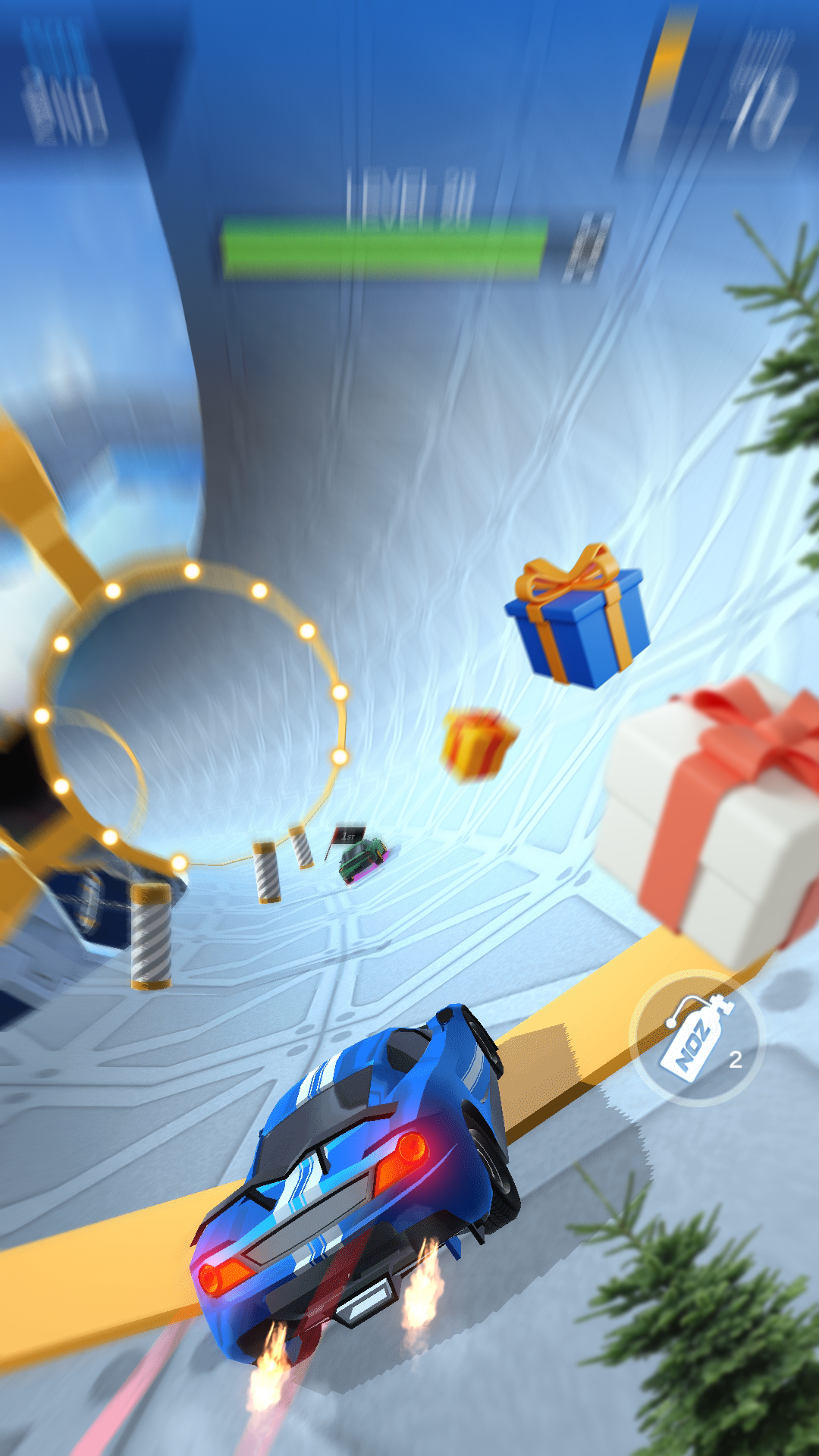
Car Driving 3D: Race Master brings you a whole fresh pocket racing experience.Car Driving 3D: Race Master is created with the latest-updated engine, stunning colorful 3D graphics which provides you fast-furious racing experience and instant access anywhere anytime you want to play. The game is crash-free for your best gaming experience.
Car Driving 3D: Race Master contains:
- Multi language versions:
We have many different suitable languages for your living area for the playing journey.
- Multiple car selection:
Bored of using the same car all the time? This game is here for you as we supply you with plenty of sport and modern cars. Our exclusive features allow you to customize car body paint, the rims, and wheels or apply different-looking detailed body parts such as radiator supports, step bumper.
- Diffrerent game modes:
Take your car driving skills to a new level and beat other players from all over the world with the competitive mode. There is also time-limited mode for a neat and breath-taking experience. Championship mode is also available in our game.
- Unlimited levels:
A huge range of variable surfaces and obstacles to race over and around at breakneck speed is included respectively in each levels. Special levels with easter eggs will make your mind blown for a very long time
- Quality graphics:
We have tried our best to bring to you the most stunning and colourful 3D graphics for a new driving experience. We also provide you unique HD 3D graphics features detailed car crashes, fully functional damage, and dynamic reflections for truly HD racing.
- Impressive sound:
We also try to bring you a fantastic experience in music along with qualified graphics.Our game focus on enhancing sound effect quality like the engine sound, background music. Enjoy the music while playing our games. Music is also customizable in settings.
Ready for speed? Fasten your seat belt, keep your feet on the gas, dodge every obstacles, and try to keep out the way of your equally manic rivals with your best manner in super-fast, super-exciting, psychedelic races.
Our game is free but ads are supported. If you have any complains, please read our policy or reach out to us for more information.