Car Mechanic Shop Simulator 3D is a Simulation application developed by Skyloft Yazılım Bilişim ve Anonim Şirketi, but with the best Android emulator-LDPlayer, you can download and play Car Mechanic Shop Simulator 3D on your computer.
Running Car Mechanic Shop Simulator 3D on your computer allows you to browse clearly on a large screen, and controlling the application with a mouse and keyboard is much faster than using touchscreen, all while never having to worry about device battery issues.
With multi-instance and synchronization features, you can even run multiple applications and accounts on your PC.
And file sharing makes sharing images, videos, and files incredibly easy.
Download Car Mechanic Shop Simulator 3D and run it on your PC. Enjoy the large screen and high-definition quality on your PC!
Introducing Car Mechanic Shop Simulator 3D, the ultimate mobile game where you can live out your dreams of managing a thriving car parts empire and immerse yourself in the intricate world of automotive maintenance and repair. This simulation game offers a comprehensive, in-depth experience that combines strategic business management with the technical intricacies of car maintenance, making it a must-download for enthusiasts and newcomers alike.Build Your Auto Parts Kingdom:
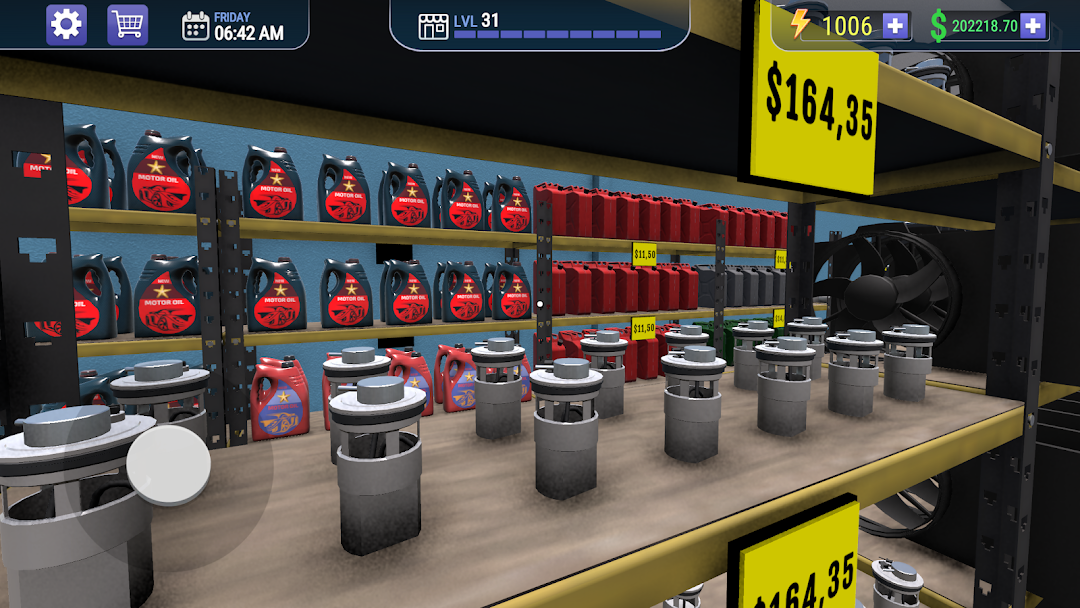
Start your journey with a modest shop and strategically expand it into a premier destination for car parts and accessories. Car Mechanic Shop Simulator 3D allows you to deal with everyday items such as oil filters, tires, and brake pads, as well as high-performance components like V8 OHV engine parts, advanced suspension systems, and high-tech electronics. Your decisions will not only shape the operational aspect of your business but also influence its financial health and market reputation.
Master Inventory Management:
Develop your skills in inventory management by handling an extensive array of automotive parts, including alternators, clutch kits, radiators, exhaust systems, and sophisticated electronic systems crucial for modern vehicles. Learn to master the art of inventory control, optimize pricing strategies, and respond to market demand. Watch as your car mechanic shop becomes a local industry leader known for its efficiency and reliability.
Customize and Expand Your Shop:
Car Mechanic Shop Simulator 3D provides an array of customization options. Personalize your space with a variety of design choices—select the layout, themes, and decorations that reflect your personal style to attract more customers. As your business grows, you're tasked with expanding your shop's physical space to accommodate an increasing inventory and broadening the range of services offered, from routine maintenance to specialized repairs and custom modifications.
Unlock New Auto Parts and Technologies:
In order to stay competitive in the fast-evolving automotive industry, you'll need to continuously unlock new car parts and technologies. Secure licenses to sell and install advanced parts that meet the diverse needs of car enthusiasts and professional repair shops. This feature ensures your store remains at the cutting edge, offering the latest innovations in automotive technology, from hybrid engine components to autonomous vehicle systems.
Ensure Customer Satisfaction:
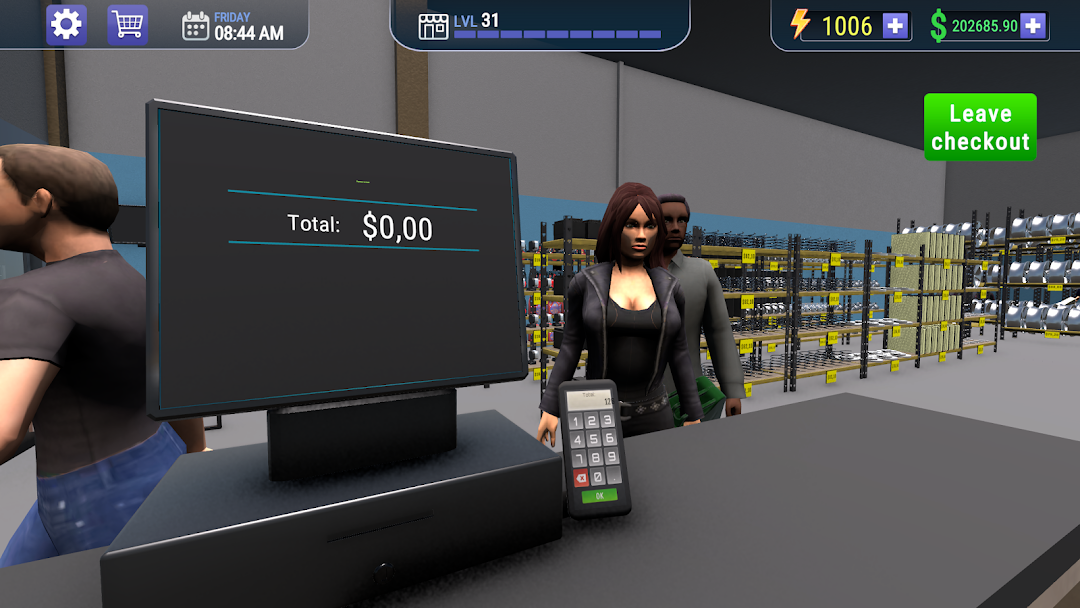
Car Mechanic Shop Simulator 3D places a strong emphasis on customer satisfaction. Pay close attention to customer feedback and adapt your business strategies to meet their expectations. Excellent customer service is pivotal in building a robust clientele base that depends on your shop for all their automotive needs, from simple oil changes to complex engine rebuilds.
Game Features:
- A wide variety of car parts to manage, from basic maintenance supplies to exotic performance upgrades.
- In-depth customization options for building the ideal mechanic shop.
- Opportunities for business expansion and technological advancement.
- Responsive customer feedback mechanism to refine service and inventory.
Car Mechanic Shop Simulator 3D is not just a game; it’s a comprehensive simulation that tests your business acumen and management skills. Download now and prove that you can run the best car mechanic shop in the digital world!