Card Story is a Puzzle application developed by BuzzBreak, but with the best Android emulator-LDPlayer, you can download and play Card Story on your computer.
Running Card Story on your computer allows you to browse clearly on a large screen, and controlling the application with a mouse and keyboard is much faster than using touchscreen, all while never having to worry about device battery issues.
With multi-instance and synchronization features, you can even run multiple applications and accounts on your PC.
And file sharing makes sharing images, videos, and files incredibly easy.
Download Card Story and run it on your PC. Enjoy the large screen and high-definition quality on your PC!
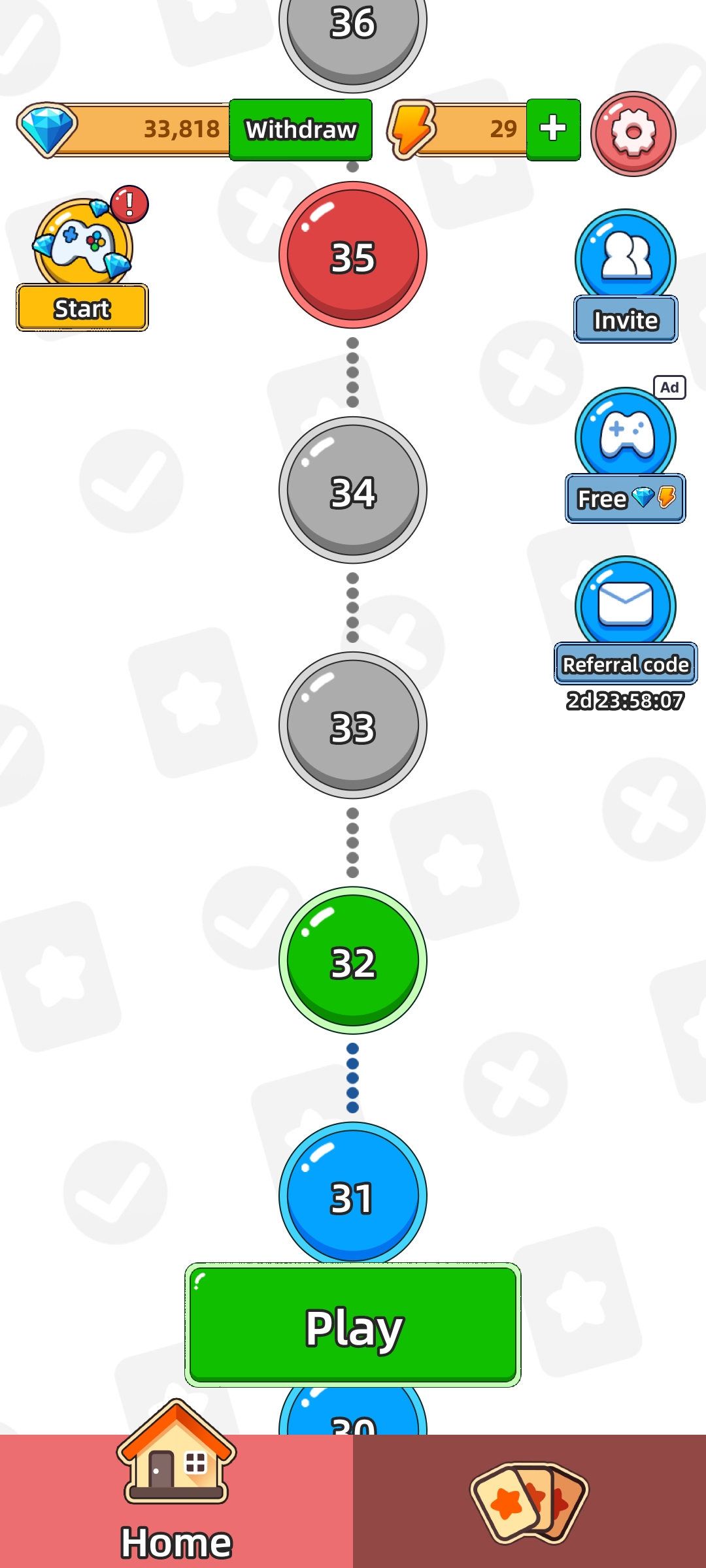
Welcome to Card Story! A fun and challenging game that combines memory, observation, and logic skills. Not only is it engaging, but you can also earn real rewards!In this game, you’ll complete various puzzle challenges to unlock treasure chests, earn coins, and collect cards. Use your wits and patience to conquer levels, complete card sets, and discover exciting surprises!
Gameplay Highlights
• Normal Mode: Each image has one block randomly hidden. Select the correct hidden block from the options below to pass the level. A wrong choice will end the game.
• Hard Mode: Multiple blocks are hidden in each image. You must select them in the correct order to pass the level. Any mistake or incorrect sequence will result in failure.
• Card Mode: After completing a level, you’ll earn a treasure chest, which contains cards. Duplicate cards will be converted into rewards, and completing a full card set unlocks special prizes!
Rewards System
1. Coin Rewards: Complete levels to earn coins, which can be accumulated and redeemed for real cash rewards!
2. Card Rewards: Collect cards and complete full sets to unlock exclusive rewards!
Fun and rewards go hand in hand! Join Card Story now, take on brain-teasing challenges, earn incredible rewards, and become the ultimate puzzle master!