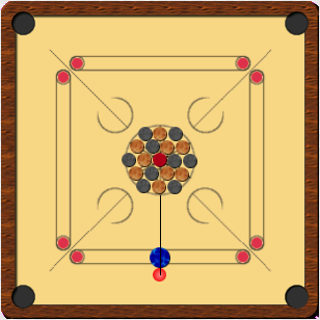
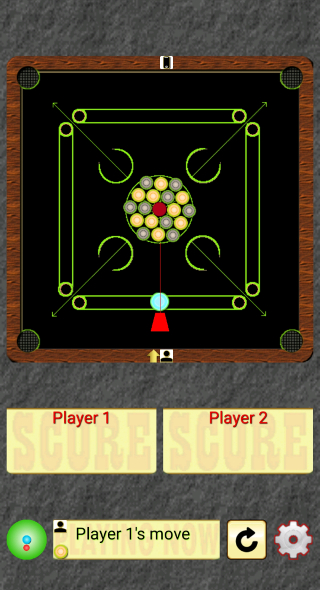
Carrom Board is a Board application developed by Vipul Kumar, but with the best Android emulator-LDPlayer, you can download and play Carrom Board on your computer.
Running Carrom Board on your computer allows you to browse clearly on a large screen, and controlling the application with a mouse and keyboard is much faster than using touchscreen, all while never having to worry about device battery issues.
With multi-instance and synchronization features, you can even run multiple applications and accounts on your PC.
And file sharing makes sharing images, videos, and files incredibly easy.
Download Carrom Board and run it on your PC. Enjoy the large screen and high-definition quality on your PC!
This is the popular Carrom Board game.Default settings : Two Players, 1st - Manual & 2nd - Auto
How to play --
- Game has four components: Striker, Queen, Black and White.
- Set Striker to desired position by dragging it.
- Set Hitter to desired position by dragging hitter on large round at bottom.
- Make move by tapping centre circle on large round at bottom.
- 2/4 players can play at a time.
- In case of four players, players sitting opposite to each other make a team.
- Each of the player/team has to pocket coins in turn.
- Player/Team finishing his/her coins first wins the game.
- Pocketed opponent coins will be awarded to opponent.
- If player pockets all coins but queen is still there on board, that player/team loses game.
- Queen must be followed by a coin.
- Pocketing Striker causes FOUL and penalty of a coin, if there are pocketed coins.