Home/

Games/

Action/

Century: Age of Ashes

Century: Age of Ashes
4.0100+

Century: Age of Ashes

Play on PC with LDPlayer
recommend
PLAYWING LTD
How to Download&Play Century: Age of Ashes on PC?
Last Updated: 2022-09-26
Century: Age of Ashes
Share:
  • Overview

  • FAQ

  • Game Guides

Use LDPlayer to Play Century: Age of Ashes on PC

Run Century: Age of Ashes on PC
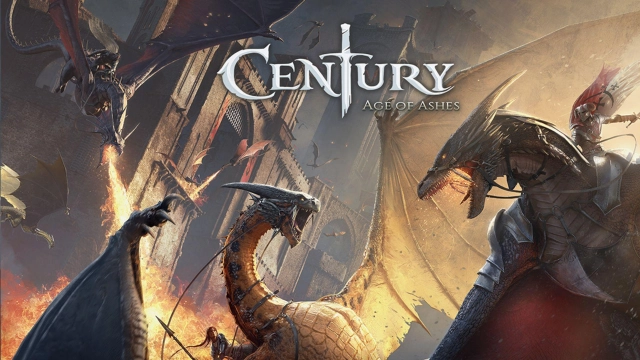
It is a dragon battle by Playwing, and you will become a master of some dragons. They will be deployed into the battles with a roster of classes, and every dragon comes with their own skills to raid the fights. It is time to rule the skies with the most power, and you are allowed to deploy all these dragons to some arena battles. It is time to become a ruler of the skies as a dragon master, and this time is yours to mark your victory through some aerial combat.

Numerous Game Modes to Deal with Dragons
All the intense battles will range from 6v6 and 3v3 aspects, and you, as a master, will dive into the arena by yourself or with your friends. You have to go through several game modes to ensure your survival in this world, and Gates of Fire, Carnage, Survival, and Soils of War will feature their own characteristics to be handled by a player.
Not any game mode will be easy because everything flows around the battles. You will have to do many things to ensure your survival, and each game mode will make you flow through the most intense moments in your life. LDPlayer 9 will be your best emulator here to give you the best features to ensure your survival with the best optimizations.

Choose your Class, Dragon, and Battle
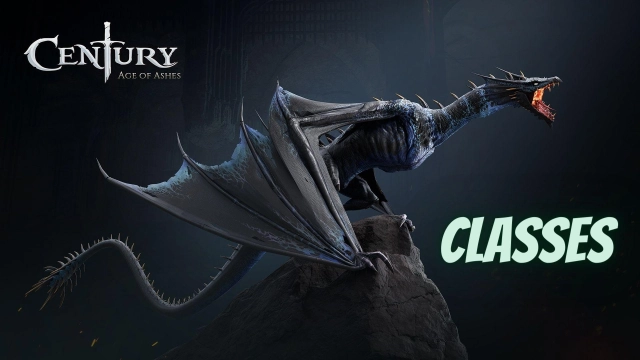
Four unique classes are available here to choose from, and depending on what outcome you expect, you can have a class selected. And the dragons here can be customized as you want, and it is up to you to choose your style. And then deploy into the battles to gain the most out of it.
 

Open up

Screenshots and Videos of Century: Age of Ashes PC

Experience a wider field of view, exquisite game graphics, and cooler combat skills and effects by downloading and playing Century: Age of Ashes on PC with LDPlayer. Enjoy the ultimate gaming experience with LDPlayer.

Why Play Century: Age of Ashes on PC with LDPlayer?

LDPlayer offers unique emulator features including multi-instance support, macros, operation recorder, and other functions not available on mobile devices.

Ultra-Wide Screen

Keyboard Mapping

One-Click Macro

Ultra-Wide ScreenKeyboard MappingOne-Click Macro

Utilizing the expansive screen, it offers a panoramic, all-encompassing view of the game in Century: Age of Ashes, leaving no blind spots. Players can observe game details with crystal clarity and react instantaneously.

  • High FPS

    With support for high FPS, Century: Age of Ashes's game graphics are smoother, and actions are more seamless, enhancing the visual experience and immersion of playing Century: Age of Ashes.
  • Extended Battery Life

    When running Century: Age of Ashes on your computer, you need not worry about low battery or device overheating issues. Enjoy playing for as long as you desire.

How to Download&Play Century: Age of Ashes on PC?

  • 1

    Download and install LDPlayer on your computer

  • 2

    Locate the Play Store in LDPlayer's system apps, launch it, and sign in to your Google account

  • 3

    Enter "Century: Age of Ashes" into the search bar and search for it

  • 4

    Choose and install Century: Age of Ashes from the search results

  • 5

    Once the download and installation are complete, return to the LDPlayer home screen

  • 6

    Click on the game icon on the LDPlayer home screen to start enjoying the exciting game