Hashi (Bridges) is a Puzzle application developed by Pipi Chick Studio, but with the best Android emulator-LDPlayer, you can download and play Hashi (Bridges) on your computer.
Running Hashi (Bridges) on your computer allows you to browse clearly on a large screen, and controlling the application with a mouse and keyboard is much faster than using touchscreen, all while never having to worry about device battery issues.
With multi-instance and synchronization features, you can even run multiple applications and accounts on your PC.
And file sharing makes sharing images, videos, and files incredibly easy.
Download Hashi (Bridges) and run it on your PC. Enjoy the large screen and high-definition quality on your PC!
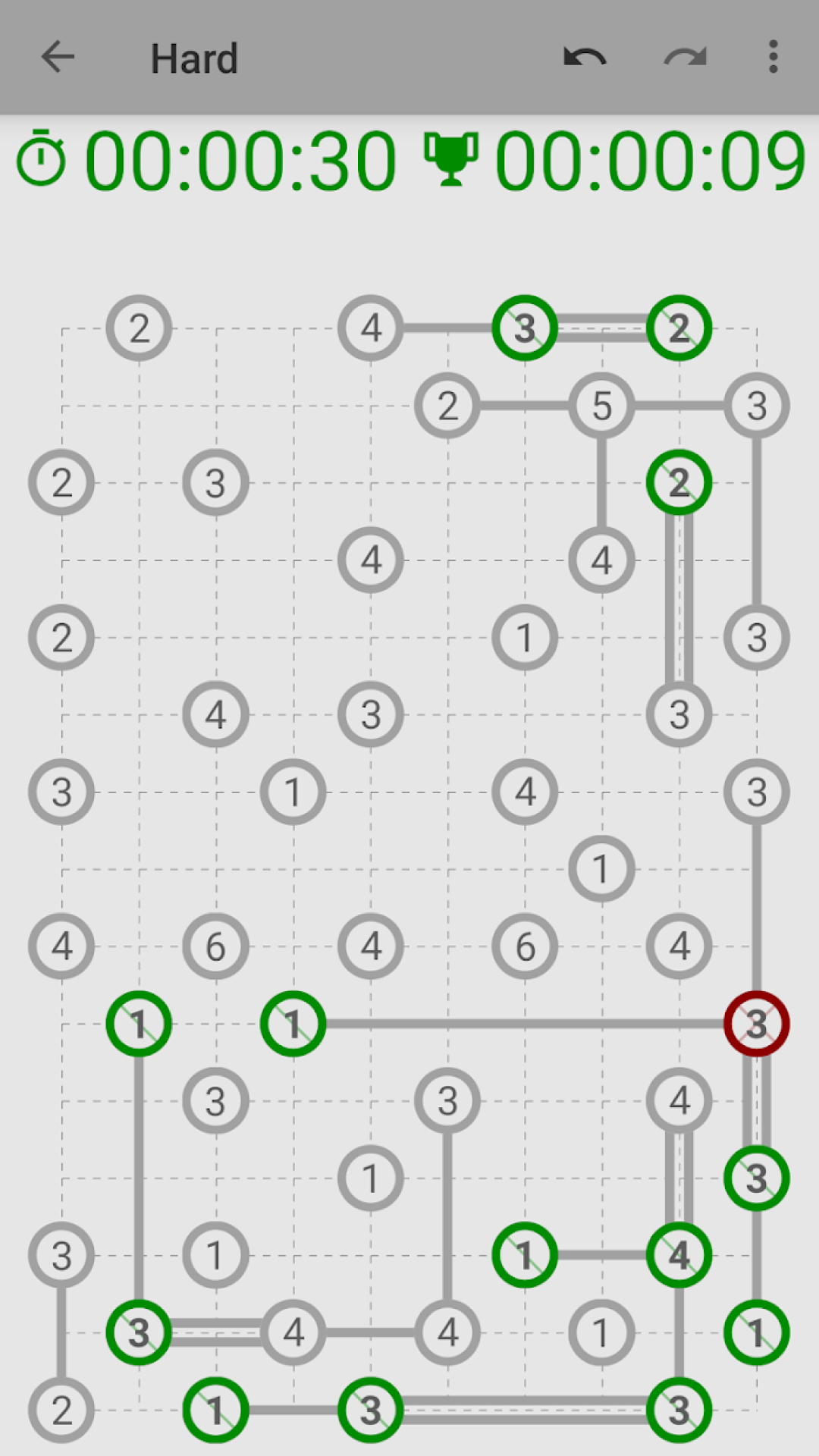
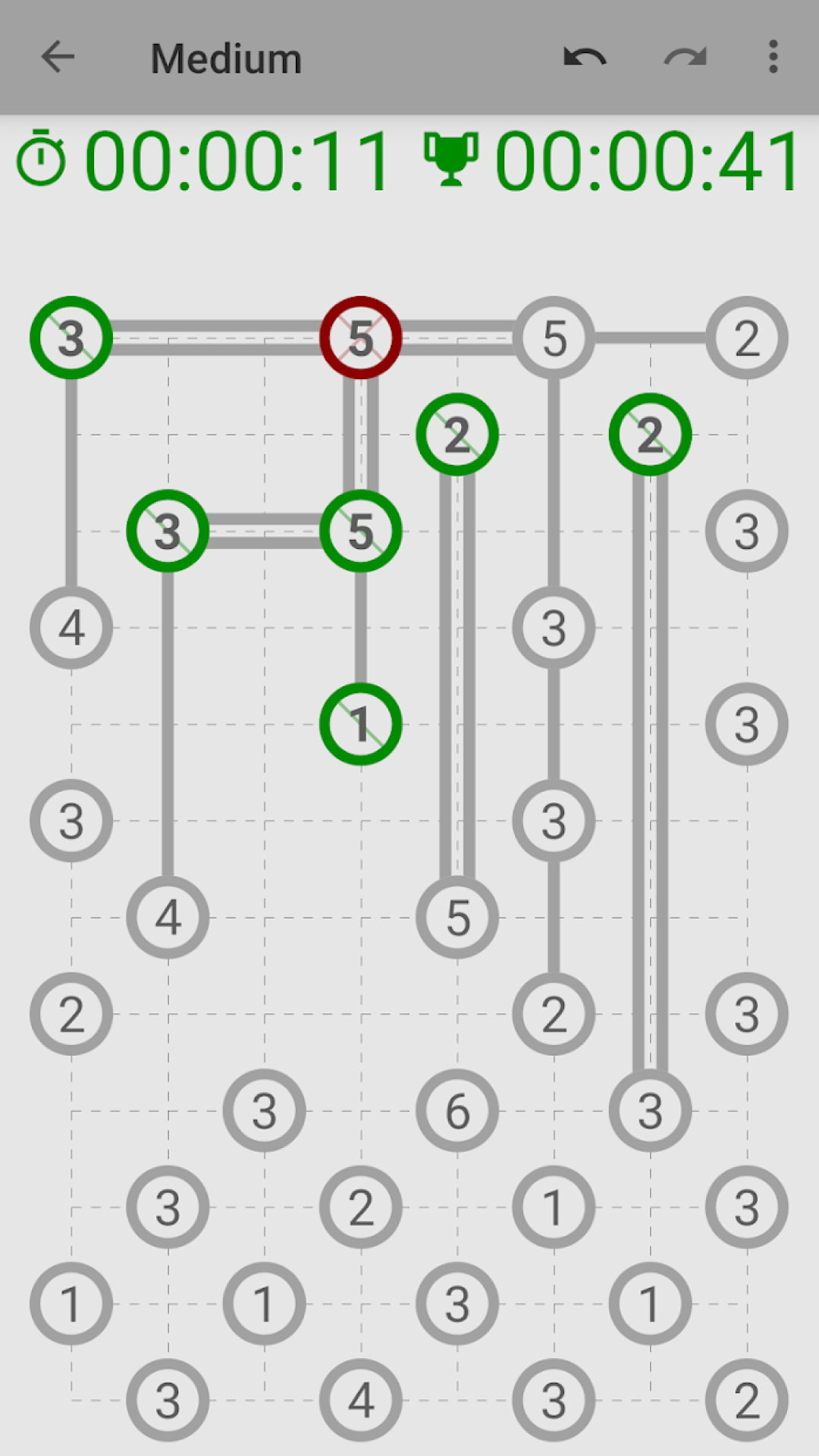
Hashi is a typical puzzle game, where you try to connect islands with bridges.The goal of Hashi is to connect every island with as much bridges as the number on the island displays. Two connecting islands can either have one or two bridges.
You win Hashi, when every island is connected either directly or indirectly with every other island. That means that they must build a closed network. But be aware, that bridges must not be crossing each other.
Each game is generated and therefore unique, so there are unlimited games to play without any payment.
Features:
- Unlimited Puzzles for free
- Undo / Redo
- Timer / Personal high score
- Game is automatically saved
- Different difficulties
- Night mode
- Detailed help
- Leaderboards
- Achievements
The gameplay of Hashi is very simple: You press on the island you want to connect, shift to the island you want to connect it to and release your finger on that island. With that, a bridge is built. Repeat to build two bridges, and again to remove the bridges.
There are different levels in Hashi that have different size of the field. But don't be afraid to try a more difficult level, as every level will be saved, so you can continue on that later.
Methods:
Usually it is useful to start with the highest numbered islands. Building bridges eliminates the possibility for other bridges, as they may not cross. With that it forces to place another bridge, as there are no more possibilities.
An island with 3 in a corner, an island with 5 along a side and island of 7 in the middle requires at least one bridge to every direction.
A corner island with 4, an island along a side with 6 and an island with 8, requires two bridges to every direction.
The same is of course the same for 3 and 4 that only have two directions left and for 5 and 6 that have only three directions left.
It is advisable to watch out for islands that have no more options left. For instance, when you have an island with 1 and a possibility to every direction, you connect it, as soon as three of these possibilities have gone, due to blocking bridges.
Always keep in mind, that all island must be connected to one single network. Therefore some connections are not possible, such as connecting two 1 together.
History:
The first version of Hashi (the full name is Hashiwokakero) was published in September 1990 in the magazine Puzzle Communication Nikoli. Although an earlier version of the game has already been published in December 1989.