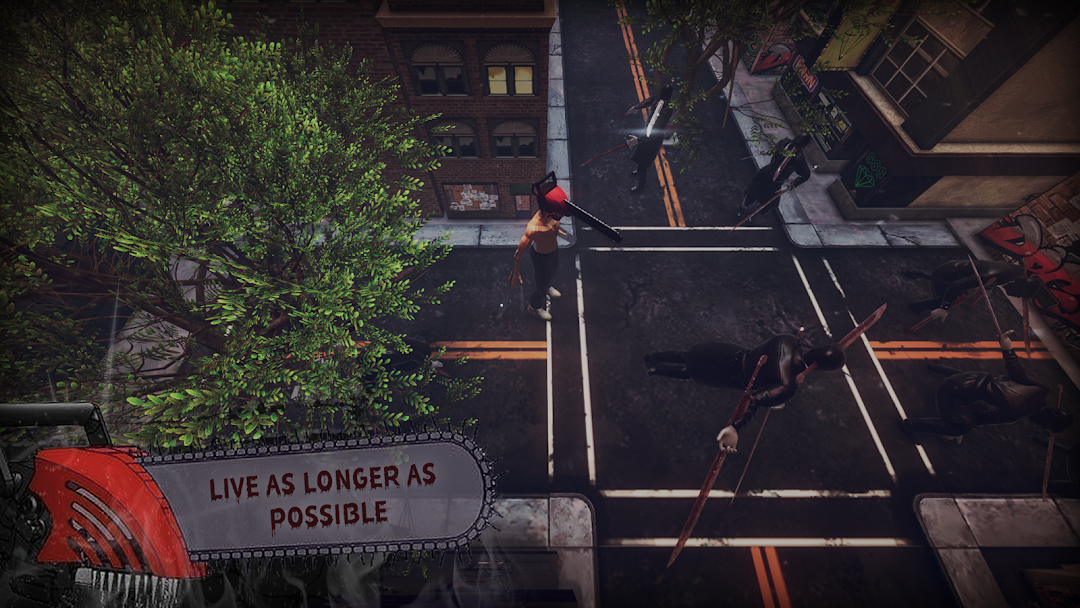
Chainsaw Man vs Katana Man 3D is a Arcade application developed by neooogamesss, but with the best Android emulator-LDPlayer, you can download and play Chainsaw Man vs Katana Man 3D on your computer.
Running Chainsaw Man vs Katana Man 3D on your computer allows you to browse clearly on a large screen, and controlling the application with a mouse and keyboard is much faster than using touchscreen, all while never having to worry about device battery issues.
With multi-instance and synchronization features, you can even run multiple applications and accounts on your PC.
And file sharing makes sharing images, videos, and files incredibly easy.
Download Chainsaw Man vs Katana Man 3D and run it on your PC. Enjoy the large screen and high-definition quality on your PC!
Meet Denji, a destitute 16-year-old drowning in a debt he inherited from his father and forced to sell parts of his body and work as a devil hunter for the yakuza in order to pay it off.His only friend is a cute little devil dog named Pochita, who fuses with Denji’s heart to resurrect him from after being murdered by gangsters.
This turns our young, dumb, horny protagonist into the titular Chainsaw Man, a powerful being who becomes an official devil hunter for the police like Public Safety Organization with the promise of a decent meal and an actual bed to sleep on.
Denji is a young guy who’s desperate for cash.
After his dad left behind a big debt when he passed, he depends on a devil dog named Pochita, who has a chainsaw blade jutting out of its face, to help him make money.
Together they take down evil devils, collect lumber to sell, and do just about anything they can to scrap for some coin. Eventually Denji gets in over his head when fighting the yakuza, and, long story short, he and Pochita become merged, creating, well, a chainsaw-man-hybrid, and devil hunters recruit him to work for them.
Now that he’s found stability, he becomes set on seeking out the happy life he never had.
Features
• Your favorite characters from all seasons.
• Easy and fun to play
• Various game modes
• Train your memory
• Friendly interface.
• Daily bonuses
• Chainsaw Man game offline
Level up and earn coins to buy the best items in the game.
Use hints in difficult situations.
Disclaimer:
This app is not an official app.This game made by fans for fans.
Game was created to entertain anime fans with no intent to harm, just to entertain.
The content in this application is not affiliated with, sponsored, endorsed or specifically designed by the company.
This app was created by fans to help others improve their knowledge of Chainsaw Man.
The images are made as imaginary black silhouettes and do not correspond to the anime characters.
All trademarks and copyrights in this application belong to their respective owners.
Any request to remove one of the images will be honored. Please write to us.
Denji (デンジ?) is the main protagonist of the Chainsaw Man manga and anime series.
As a young boy, he inherits his father's debts from the Yakuza. After meeting Pochita, he becomes a Devil Hunter for the Yakuza in an attempt to clear his debt.
Once the Yakuza, under the control of a Devil, betrays him, he dies and Pochita becomes his heart.
He now becomes the Chainsaw Man by pulling a cord on his chest.
After meeting Makima, he became a Public Safety Devil Hunter.
Chainsaw Man is a horror comedy manga and anime series.
Set in a world where devils manifest from human fears, a youngster named Denji has to pay off a large debt left by his deceased father.
With no money to spare, the main protagonist becomes a scrappy devil hunter with the help of his devil-dog companion, Pochita.
After being killed on the job, Pochita makes a contract with Denji to become his new heart, ultimately turning him into the human-devil hybrid named “Chainsaw Man”.