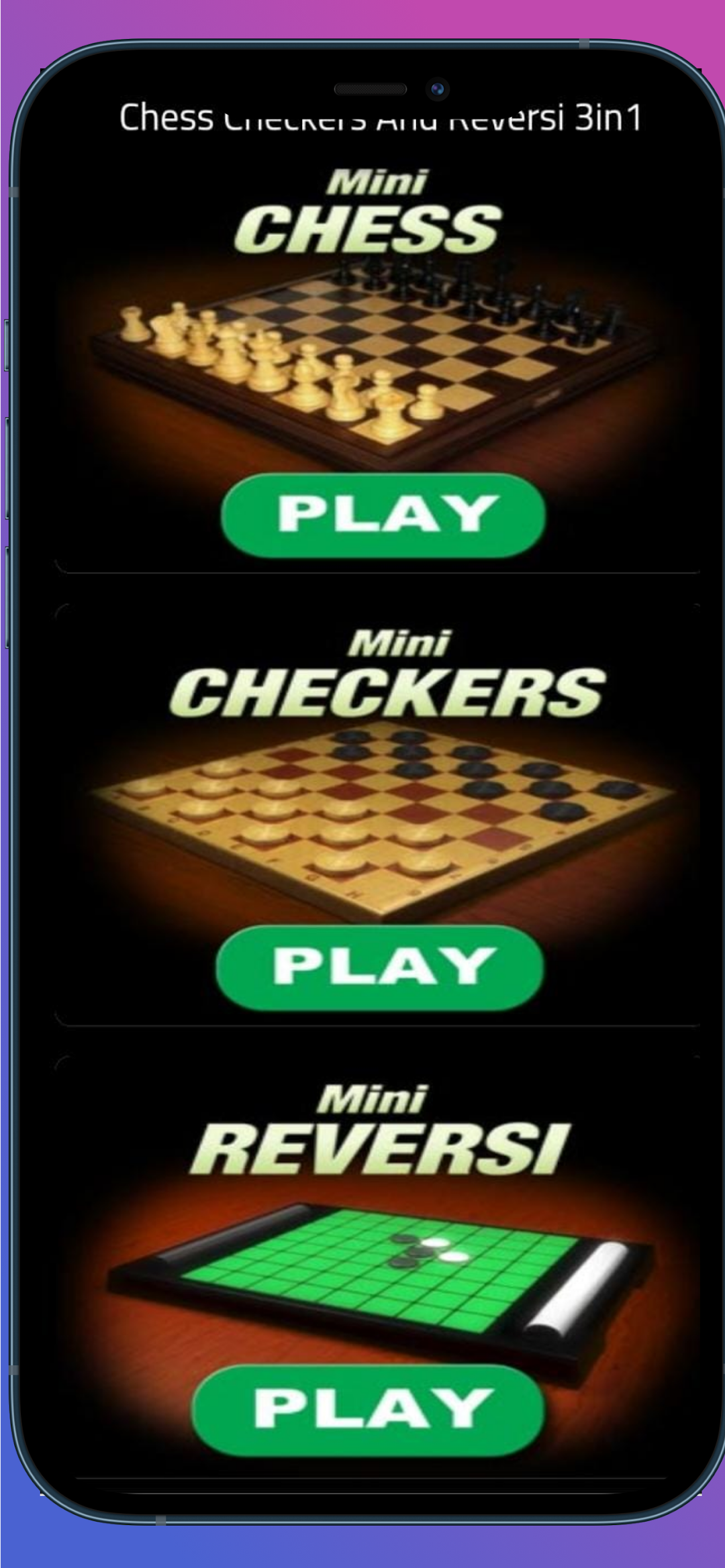
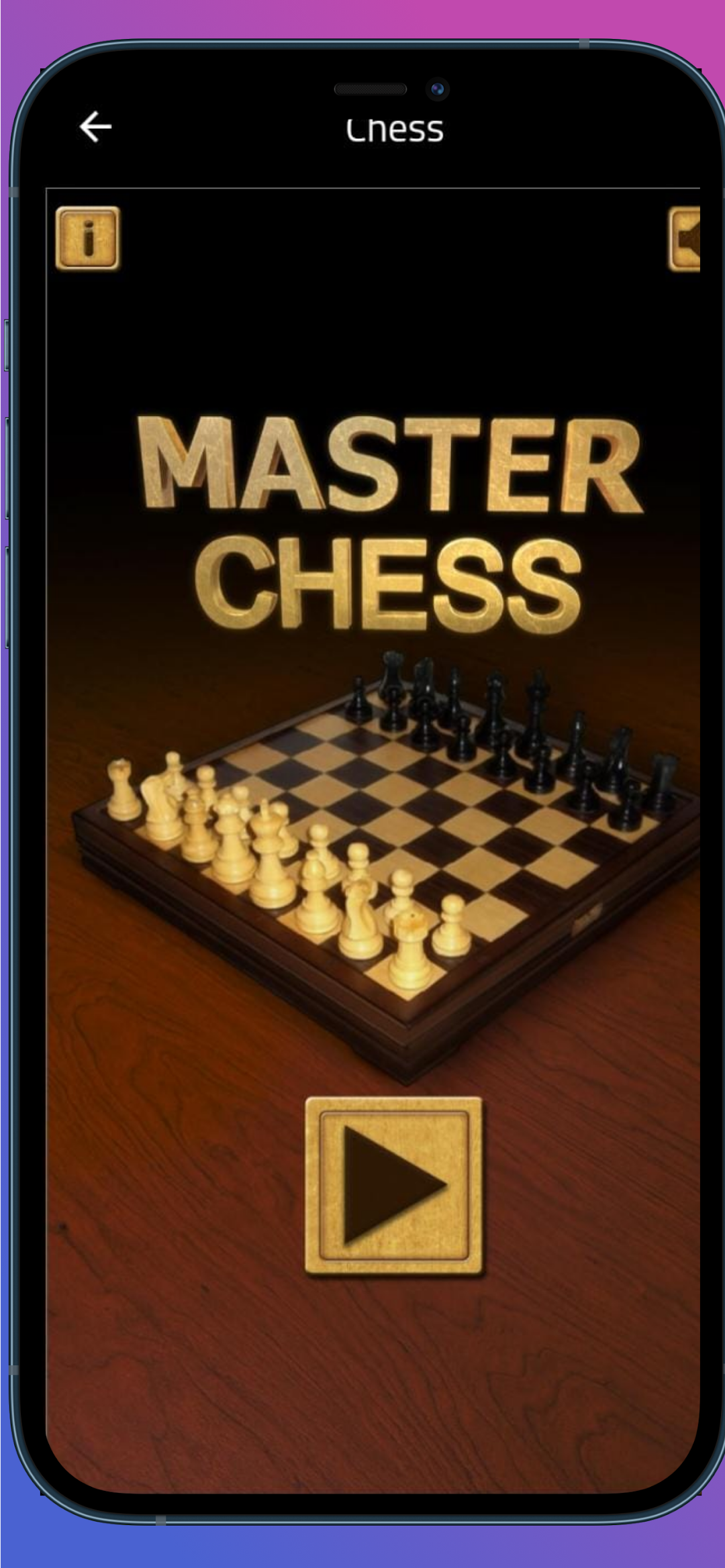
Chess Board 3in1 is a Board application developed by MORO_KHIFE, but with the best Android emulator-LDPlayer, you can download and play Chess Board 3in1 on your computer.
Running Chess Board 3in1 on your computer allows you to browse clearly on a large screen, and controlling the application with a mouse and keyboard is much faster than using touchscreen, all while never having to worry about device battery issues.
With multi-instance and synchronization features, you can even run multiple applications and accounts on your PC.
And file sharing makes sharing images, videos, and files incredibly easy.
Download Chess Board 3in1 and run it on your PC. Enjoy the large screen and high-definition quality on your PC!
Chess rulesWhen a piece makes a move that ends on an opponent’s piece that piece is captured and removed from the board.
The pawns cannot capture a piece that is right in front of it. The can only capture a piece that is diagonally in front of them. This diagonal move by a pawn can only be made when capturing a piece.
The game begins with the white player going first. Each player can make one move per turn. Players take turns making moves with the goal of capturing the opposing King in mind.
When a move is made that can result in the opposing King being captured on the next move, “check” is announced. When check is announced, the opposing player must take the King out of danger by either moving the King or moving another piece to block it or capture the piece that is threatening the King.
When a move is made that a king cannot escape “checkmate” is announced. A king cannot make a move that would put itself into check. If no moves can be made without putting a king in check, the game is a draw.
If a pawn makes it all the way across the board it can be promoted to any piece.
When there are no other pieces between a king and his rook, the King can move two squares towards the rook and the rook is moved to the other side of the King. This is known as castling. The castling move can only be made if it is the King’s first move and the involved rooks first move also. The King cannot be in check or move through check to make this move.
When a pawn moves two squares on its first move an opposing pawn can capture it if it would have been able to capture the pawn had it only moved one square. The opposing piece would move as a normal attack and remove the pawn. This move has to be executed immediately after a pawns double jump move
Checkers rules
It is only legal to move pieces on the dark squares of the checkers board. A piece may move only diagonally into an unoccupied square and capturing an opponent’s piece is mandatory in most official rules. The player without pieces remaining, or who cannot move, loses the game.
Reversi and Othello game rules
In the modern game versions you are only allowed to make a move if you are able to trap one or more of your opponent’s discs.
If there’s no move you can make to trap discs, the move passes back to the other player.
If neither player can make a move to trap the opponent’s discs, the game is over (Stall).
You can only trap disks in straight or diagonal lines.