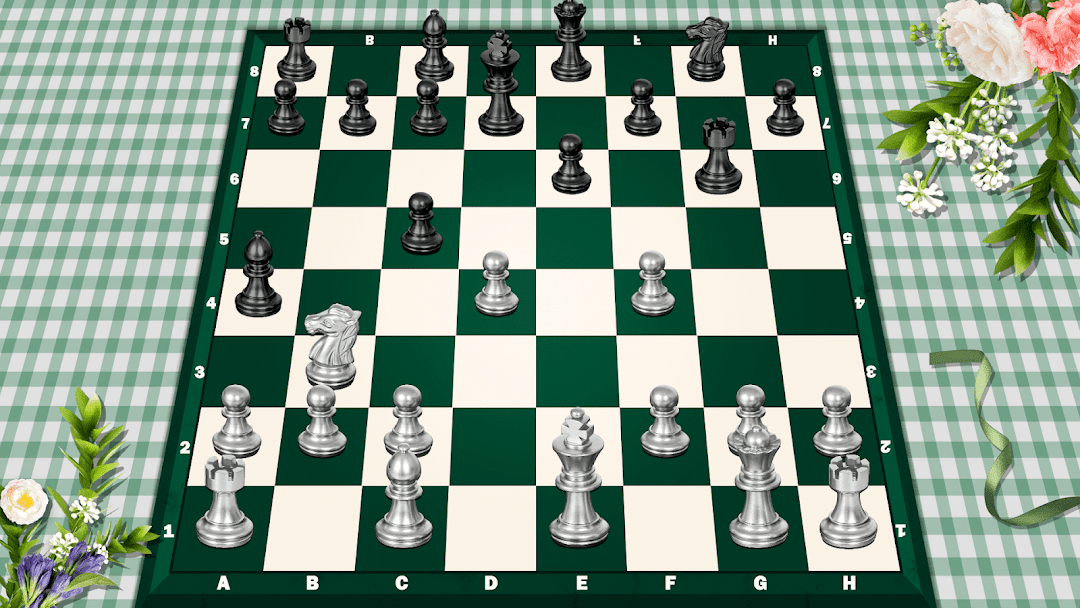
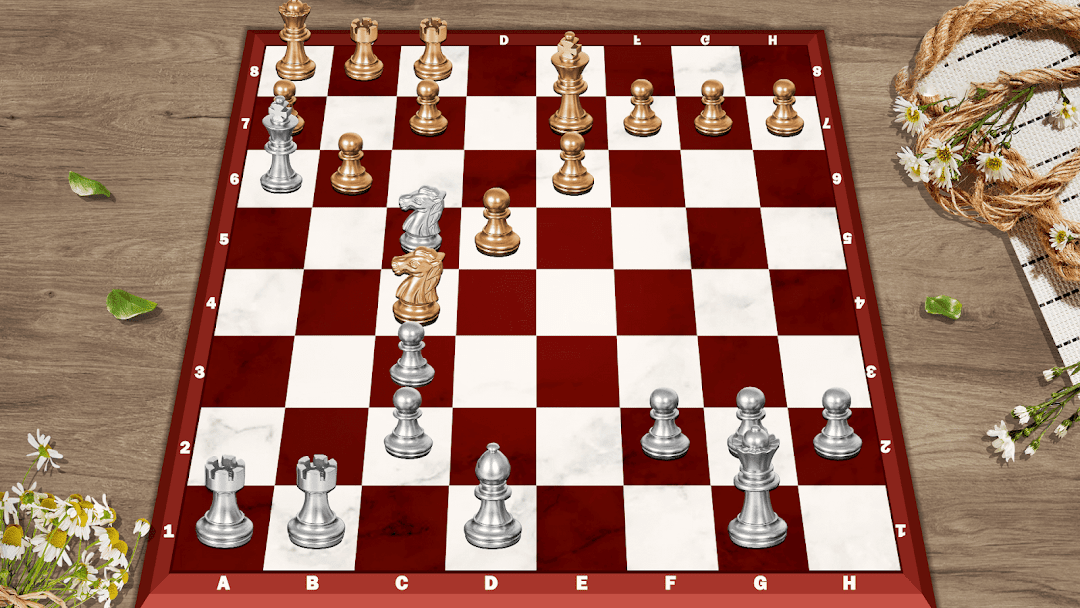
Chess - Classic Chess Offline is a Board application developed by People Lovin Games, but with the best Android emulator-LDPlayer, you can download and play Chess - Classic Chess Offline on your computer.
Running Chess - Classic Chess Offline on your computer allows you to browse clearly on a large screen, and controlling the application with a mouse and keyboard is much faster than using touchscreen, all while never having to worry about device battery issues.
With multi-instance and synchronization features, you can even run multiple applications and accounts on your PC.
And file sharing makes sharing images, videos, and files incredibly easy.
Download Chess - Classic Chess Offline and run it on your PC. Enjoy the large screen and high-definition quality on your PC!
The Chess app with powerful AI engine to develop your skills such as tactics, strategy and visual memory.In the vast board games world, chess is a timeless classic, and among chess games, this app stands out—powered by a top-tier AI engine and sleek 3d games design, it hones your tactics, strategy, and visual memory, perfect for beginners and aspiring masters alike.
Play anytime, anywhere: Enjoy 2 player chess with friends, compete chess online with random players, or use Chess Offline mode to play against the computer without Wi-Fi. It turns your device into a portable chess hub, blending the joy of board games with flexibility.
How to Play:Chess Basics for Beginners
New to chess? This app makes learning easy! Chess is a 2-player strategy board game on an 8x8 grid of 64 black-and-white squares. Players take turns moving 16 unique pieces each (1 king, 1 queen, 2 rooks, 2 knights, 2 bishops, 8 pawns). Here’s how each piece moves:
-King: Moves 1 square in any direction (key to protect—losing it means checkmate!).
-Queen: Moves any number of squares horizontally, vertically, or diagonally (most powerful piece).
-Rooks: Move any number of squares horizontally or vertically (great for controlling lines).
-Knights: Jump in an L-shape (2 squares in one direction + 1 square perpendicular—only piece that leaps over others).
-Bishops: Move any number of squares diagonally (stay on their starting color).
-Pawns: Move 1 square forward (2 squares on their first move); capture diagonally forward. Reach the opponent’s back rank? Promote it to a queen/rook/knight/bishop!
-Goal: Achieve checkmate—trap the opponent’s king so it can’t escape capture. The app’s hints to learn chess and tips will guide you as you practice!
Craving a bigger challenge? Want to be a Chess master fast? This app is your training partner, turning every game into skill-building progress.
Key Features
1. Powerful AI Engine
Trained on millions of pro games, it adapts to your level: gentle for beginners, advanced for pros. It pushes you to grow—your personal chess coach to boost chess force.
2. 10 Difficulty Levels
From easy levels to difficulty levels. Progress at your own pace—never feel overwhelmed or bored, perfect for this free casual setup.
3. Hints to Learn Chess
Don't know what to do next? It's okay, just follow the hint. Accept a hint, and you’ll learn the logic behind it, not just copy.
4. Undo Move
Fix mistakes or explore alternatives. Use it to review games—turn errors into lessons.
5. Diverse 3d Games Themes
Choose different 3d chess themes and refresh your experience in seconds—match your mood!
6. Seamless 2 Player Chess
Play with nearby friends on one device.
7. Works on Phone And Tablet
Optimized for both: Phones offer on-the-go convenience; tablets showcase detailed 3d games graphics for immersion.
8. Realistic graphics and exciting sound effects
Realistic visuals and exciting sounds boost focus—stay alert to critical moments.
9. Helpful Tips And Highlights
Get timely, tailored guidance as you play—insights that align with where you are in your chess journey. It points out key moments in the game, offers gentle nudges about impactful choices, and highlights details that help you build a stronger grasp of how to play well. Whether you’re just starting out or have some experience, these tips and highlights add value without taking over your decision-making.
10. Automatic Save
Never lose progress—saves game state, move history, and settings. Pick up where you left off after interruptions.
Most of all: It’s a free board game! Download the free chess game now!
Android users: Download now! Start your journey—play chess online, practice Chess Offline, or enjoy 2 player chess. We built this to sharpen your strategy, refine tactics, and boost chess force. With practice, you’ll grow into a top expert.
Thank you for choosing our Chess app. Let the games begin!