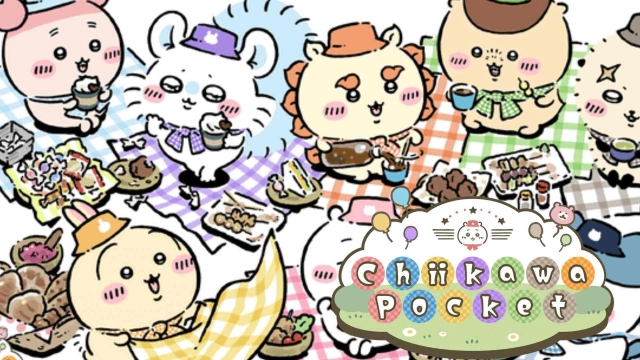
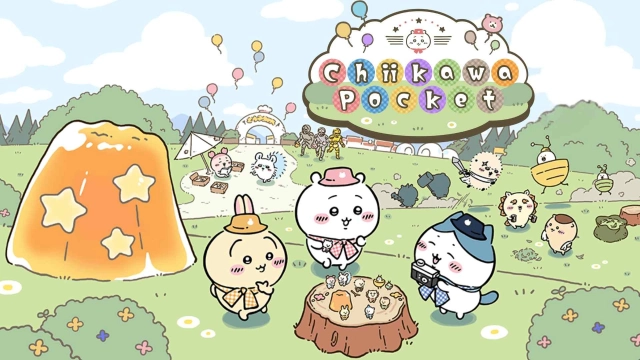
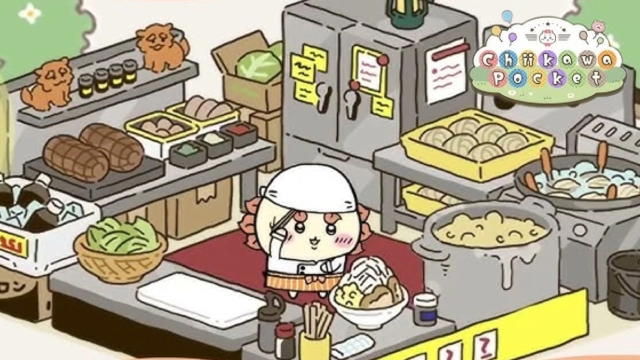
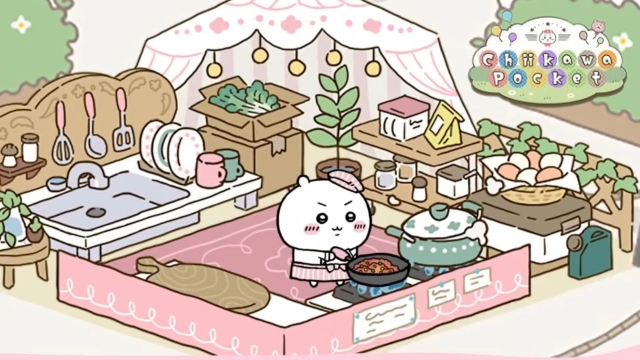
Chiikawa Pocket is a casual mobile game that brings you into the charming world of Chiikawa. The game allows you to focus on battle against quirky foes, gather resources and complete tasks for rewards. To enjoy the game to its fullest, now you can play Chiikawa Pocket on PC with LDPlayer by handling multiple tasks, using keys for navigation and enjoying better visual quality.
Handle more tasks at Once Effortlessly
The more you gather resources and join events, the more you can unlock new recipes, outfits, and fun interactions with Chiikawa and friends. But the problem is that collecting the ingredients for cooking and taking part in fun festivals like Om Nom Fest requires more time and effort. But with the LDPlayer Multi-Instance Sync feature, this is not a problem further because it allows you to open multiple instances at once. You can focus on gathering valuable resources like fruits, vegetables and other items for your recipes while tackling event challenges in another instance to speed up your progress effortlessly.
Mastering Movements in Chiikawa Pocket
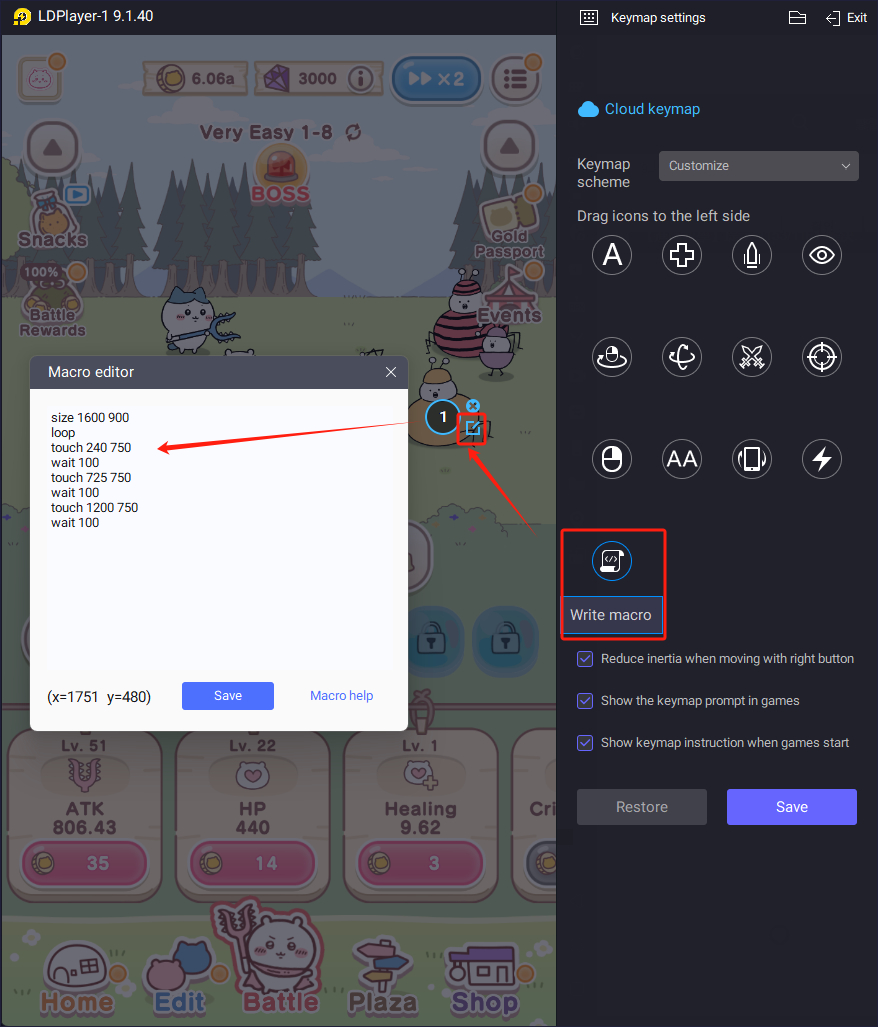
The journey of Chiikawa Pocket is full of constant movement, battling and defeating Abunaiyatsu and interactions like exploring, gathering ingredients and taking part in events like we said before.These tasks can be challenging on mobile, but LDPlayer Keyboard Mapping feature makes it easier letting you assign game actions to your keyboard and mouse. For example you can use keys for movement, attacks, and special actions while battling, key for the area where you tap to pull weeds, Key for selecting ingredients and cooking process and more engaging fun movements. With these supports you will be able to enjoy the game exactly without the limitations of mobile controls.
Make Chiikawa World Looks Better
Your journey is full of cute characters and vibrant visuals. LDPlayer High-Definition Graphics brings the world of Chiikawa to life using brighter colors and sharper textures. When it comes to interacting with Chiikawa and friends by enjoying exclusive outfits and their fun looks, the larger screen of LDPlayer lets you notice small details using sharp visuals you might miss on a mobile device. So, if you want to make your games look better and never miss out on anything important while enjoying Chiikawa’s world, you must explore this feature of High-Definition Graphics.
By using LDPlayer’s Multi-Instance Sync for handling different tasks at once, Keyboard mapping for faster navigations and High-Definition Graphics for sharp visuals now, you can see a new side of Chiikawa world that you have never seen before. It’s time to fully enjoy the game with Chiikawa and friends