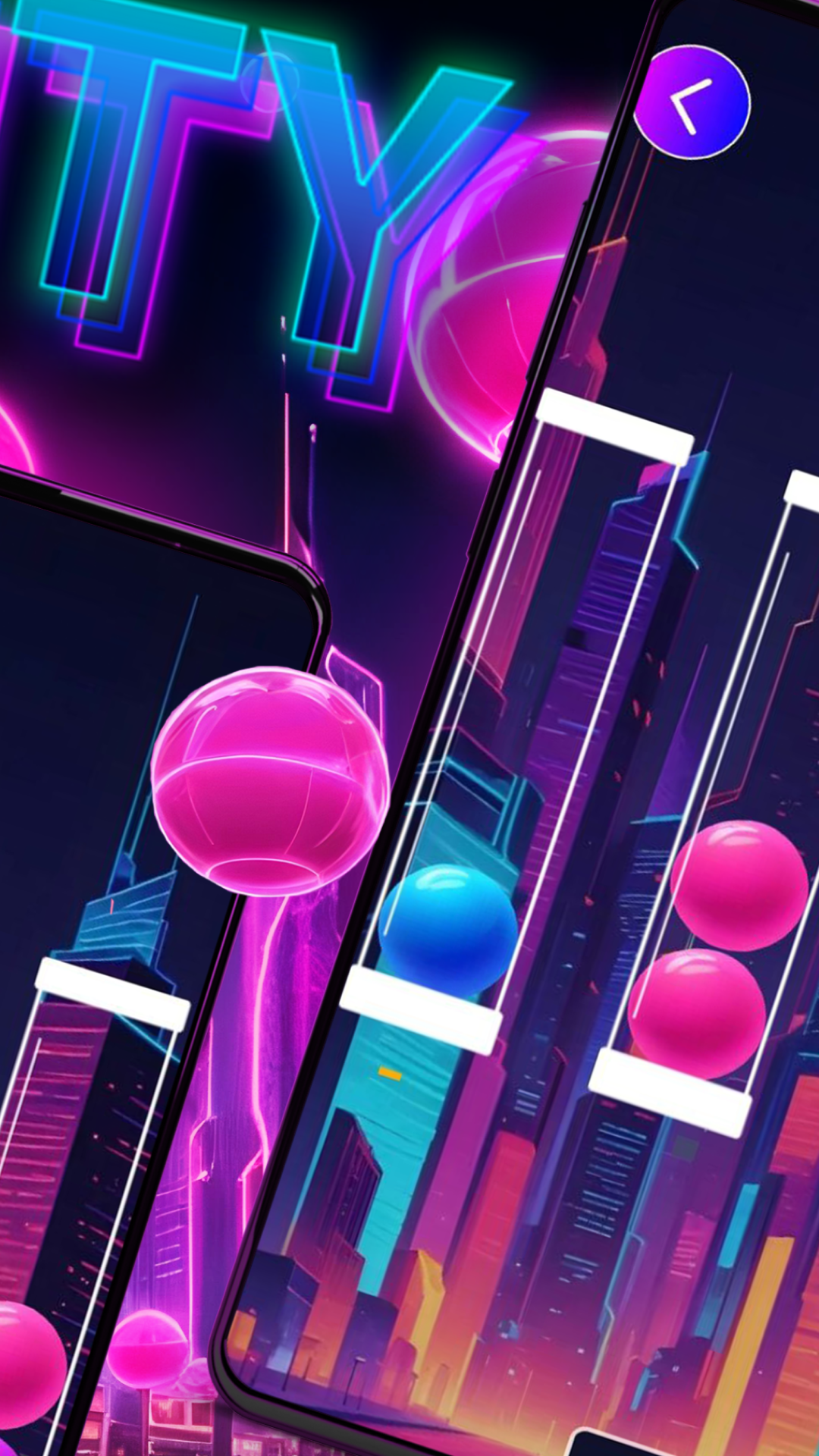
City PLan is a Puzzle application developed by L6iop87, but with the best Android emulator-LDPlayer, you can download and play City PLan on your computer.
Running City PLan on your computer allows you to browse clearly on a large screen, and controlling the application with a mouse and keyboard is much faster than using touchscreen, all while never having to worry about device battery issues.
With multi-instance and synchronization features, you can even run multiple applications and accounts on your PC.
And file sharing makes sharing images, videos, and files incredibly easy.
Download City PLan and run it on your PC. Enjoy the large screen and high-definition quality on your PC!
In the City Plan puzzle game, you need to move balls of the same color into different flasks. Each level starts with all the balls randomly mixed by color and placed in different flasks. Your task is to move the balls so that each flask contains balls of the same color. The balls are purple, pink, and blue. You have some flexibility in solving the problem because you can move the balls freely to different flasks, regardless of the color of the balls there.With City Plan, you can solve interesting problems and have fun while improving your logical thinking skills