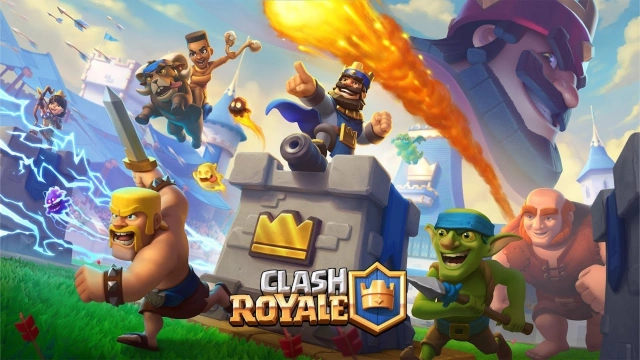
Clash Royale is a real-time multiplayer strategy game from Supercell that combines card collection, tower defense, fast PvP battles, and tactical deck building. Build an 8-card deck, manage Elixir, deploy troops, spells, and buildings, and destroy your opponent’s towers in quick, competitive matches.
With LDPlayer, you can play Clash Royale on PC with a larger screen, keyboard and mouse controls, stable performance, and useful emulator features built for competitive mobile gaming. Whether you are climbing the ladder, testing decks, playing C.H.A.O.S Season 2, or entering Merge Tactics, LDPlayer gives you a more comfortable way to play Clash Royale on Windows PC.
Latest Clash Royale Update: Honor & Exile Season
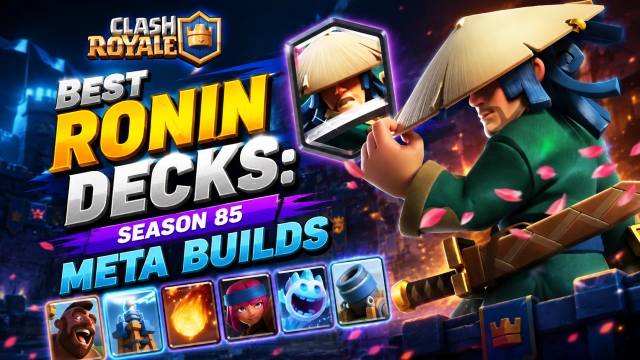
The latest Clash Royale season, Honor & Exile, introduces Ronin, a new Legendary swordsman who can reflect melee attacks and turn defense into a powerful counter-push. Players can unlock Ronin through The Road to Ronin event, the Upgraded Pass Royale reward track, and the Wandering Warrior Album Event.
C.H.A.O.S Season 2 is also live from July 6 to August 3, bringing new visuals, rotating card pools, fresh modifiers, faster and more unpredictable battles, and a S.U.P.E.R S.E.C.R.E.T Badge for players who enjoy hunting hidden challenges.
Merge Tactics Season 10 runs from July 13 to September 1, featuring Ronin as a new Ruler with the Double Edge ability. Returning troops such as Electro Giant and Electro Wizard, the Electric trait, refreshed modifiers, skins, Ruler Quests, and new Equipment make this season a strong reason to return to the Arena.
Clash Royale Game Features
Real-Time 1v1 and 2v2 Battles
Face players from around the world in fast matches where every card placement, Elixir trade, and tower defense decision matters.
Build and Upgrade Your Deck
Collect and upgrade cards from the Clash universe, including troops, spells, buildings, Evolutions, Heroes, Champions, and Tower Troops. Mix win conditions, support cards, spells, and defensive tools to create your own strategy.
Seasonal Events and Challenges
Take part in monthly seasons, limited-time modes, global tournaments, special challenges, Pass Royale rewards, and event-based progression.
C.H.A.O.S Mode and Special Modifiers
C.H.A.O.S Season 2 changes the normal battle rhythm with rotating card pools and unpredictable modifiers, making every match feel different.
Merge Tactics Mode
Experience Clash Royale in a tactical auto-battler style mode. Choose a Ruler, merge troops, activate traits, equip powerful items, and outplay opponents on a different kind of battlefield.
Clan, League, and Competitive Progression
Join a Clan, share cards, participate in Clan Wars, climb Trophy Road, push ranked leagues, and compete for rewards, badges, and leaderboard recognition.
Why Play Clash Royale on PC with LDPlayer?
Bigger Screen, Better Battlefield Awareness
A PC monitor gives you a clearer view of troop movement, spell timing, tower HP, and opponent pushes. This is especially useful in fast modes like C.H.A.O.S, ranked ladder, and tournament battles.
Keyboard and Mouse Controls
LDPlayer supports customizable keymapping, helping you drop cards, react to pushes, and manage quick placements with better comfort and precision.
Smooth Performance for Competitive Matches
Avoid battery drain, overheating, and mobile notifications during long sessions. LDPlayer helps keep Clash Royale stable when you are grinding trophies, testing decks, or playing events.
Multi-Instance and Sync
Run multiple game instances to manage different accounts, test deck ideas, or compare strategies without constantly switching devices.
Screen Recording for Replays and Content
Record battles, save clutch wins, review mistakes, and create gameplay clips directly from your PC.
How to Download and Play Clash Royale on PC
1. Download and install LDPlayer on your Windows PC.
2. Open LDPlayer and search for Clash Royale.
3. Install Clash Royale from the built-in app store.
4. Launch the game and log in with your Supercell ID.
5. Customize your controls and start battling on PC.
Dominate Clash Royale on PC with LDPlayer
Take your Clash Royale battles further with LDPlayer. Play on a larger screen, place cards with more precise keyboard and mouse controls, record your best replays, and enjoy stable performance during ranked matches, C.H.A.O.S Season 2, Merge Tactics, and limited-time events.
Whether you are testing new decks, unlocking Ronin, climbing Trophy Road, or joining Clan activities, LDPlayer gives you a smoother and more comfortable way to play Clash Royale on Windows PC. Download LDPlayer now and start battling in the Arena with better control, clearer vision, and uninterrupted performance.