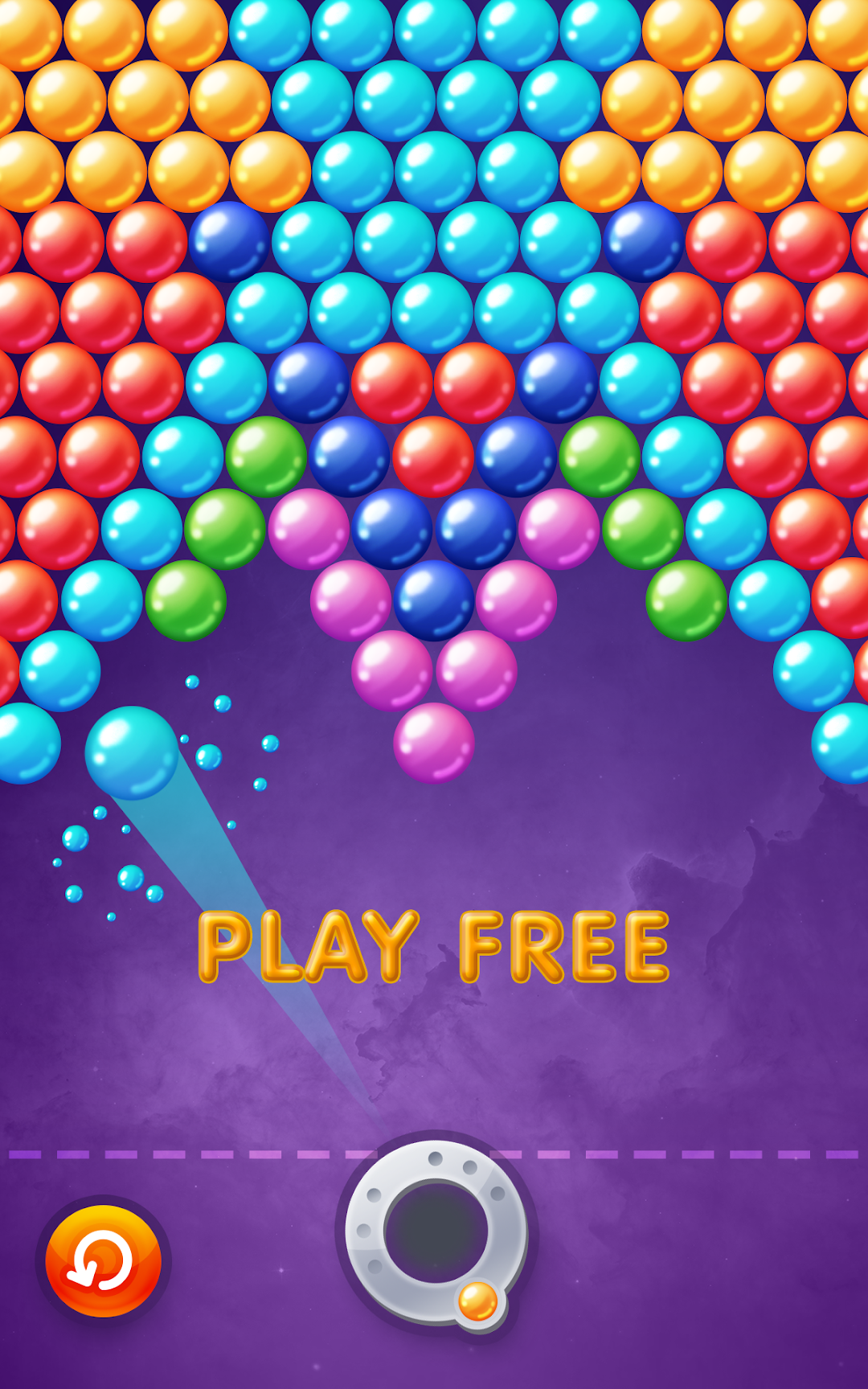
Classic Bubble Shooter is a Puzzle application developed by Bubble Shooter Play, but with the best Android emulator-LDPlayer, you can download and play Classic Bubble Shooter on your computer.
Running Classic Bubble Shooter on your computer allows you to browse clearly on a large screen, and controlling the application with a mouse and keyboard is much faster than using touchscreen, all while never having to worry about device battery issues.
With multi-instance and synchronization features, you can even run multiple applications and accounts on your PC.
And file sharing makes sharing images, videos, and files incredibly easy.
Download Classic Bubble Shooter and run it on your PC. Enjoy the large screen and high-definition quality on your PC!
Classic bubble shooter game is the best way to play bubbles and pass time.If you love a clean slick with no interference game than this classic bubbles shooter is the one for you!
We love to make great games!
● Play as much as you like!
● Play offline!
● One player classic game mode!
● Relax and play, time will pass by so fast!
If you never played bubble shooter before:
● The purpose of this game is to connect 3 or more bubbles of the same color.
● Make sure to aim carefully with you finger on the screen.
● Lift your finger to release a shoot!
● Win levels by clearing all bubbles of the screen.
Tips and tricks
● Try to aim angled shots by hitting the borders.
● Make big pops to gain more points and win faster!
● Work your way around bubbles try to hit the top.
Have a great time and let us know if you have any comments ♥
Rate us ★★★★★ if you like the game :)