

Clone Your Way Out is a Puzzle application developed by Gigantic G, but with the best Android emulator-LDPlayer, you can download and play Clone Your Way Out on your computer.
Running Clone Your Way Out on your computer allows you to browse clearly on a large screen, and controlling the application with a mouse and keyboard is much faster than using touchscreen, all while never having to worry about device battery issues.
With multi-instance and synchronization features, you can even run multiple applications and accounts on your PC.
And file sharing makes sharing images, videos, and files incredibly easy.
Download Clone Your Way Out and run it on your PC. Enjoy the large screen and high-definition quality on your PC!
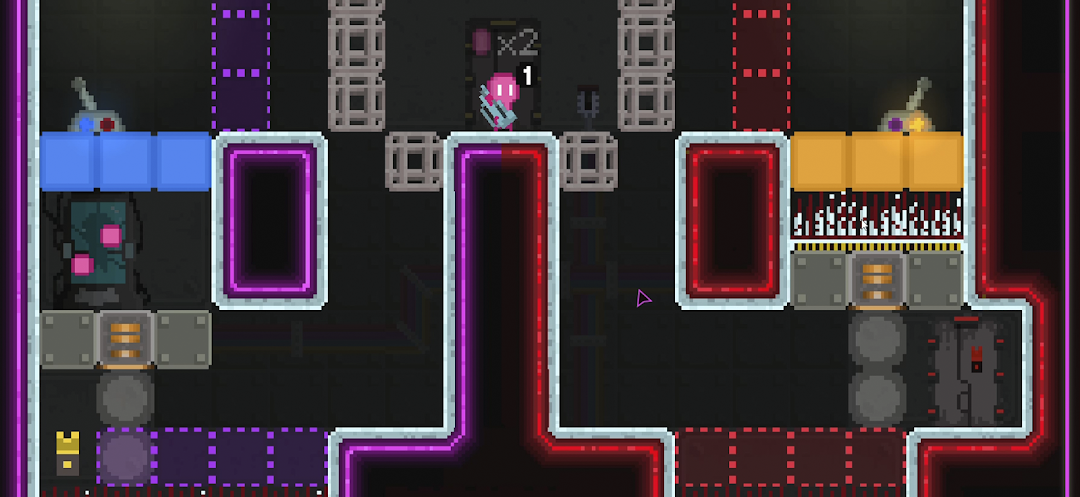
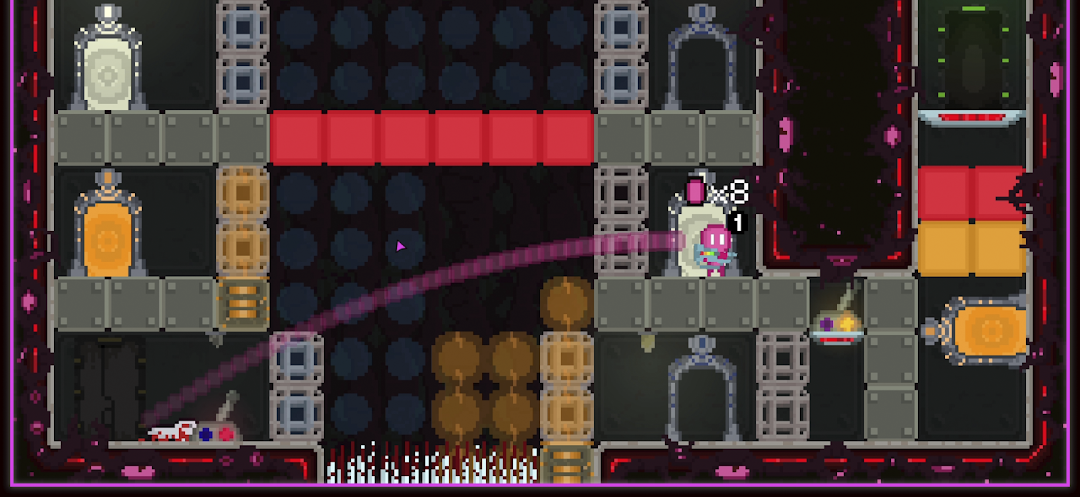
Embark on a retro sci-fi journey in "Clone Your Way Out," a charming puzzle side-scrolling game with a nostalgic pixel art style. Control a troupe of lovable pink clones on a daring escape from a mysterious lab facility. To navigate through the treacherous maze of challenges ahead, you'll need to master the art of cloning!In each level you'll encounter deadly puzzles that require cunning and sacrifice to overcome. Utilize the powerful Clone Gun to replicate your team, creating duplicates that can activate switches, go through iron bars, and unlock new pathways. But be warned: success often demands sacrifice, and many of your clones will meet untimely (and gory) ends in pursuit of freedom.
With its retro-inspired visuals and unique cloning mechanic, "Clone Your Way Out" offers a nostalgic yet refreshing gaming experience. Immerse yourself in a world filled with intricate puzzles, devious traps, and adorable little pink clones as you clone your way trough challenges and plot your daring escape!
Features:
• Retro pixel art style: Enjoy a visually charming experience reminiscent of classic arcade games.
• CRT goodness: Toggle the CRT filter in the game menu to push the retro experience even further!
• Unique clone-based gameplay: Use the Clone Gun to replicate yourself and solve mind-bending puzzles!
• Deadly obstacles: Navigate through a variety of traps and hazards that stand between you and the exit.
Are you ready to guide your clones to freedom? Prepare for a puzzle-packed adventure filled with danger, sacrifice, and plenty of retro charm in "Clone Your Way Out"!