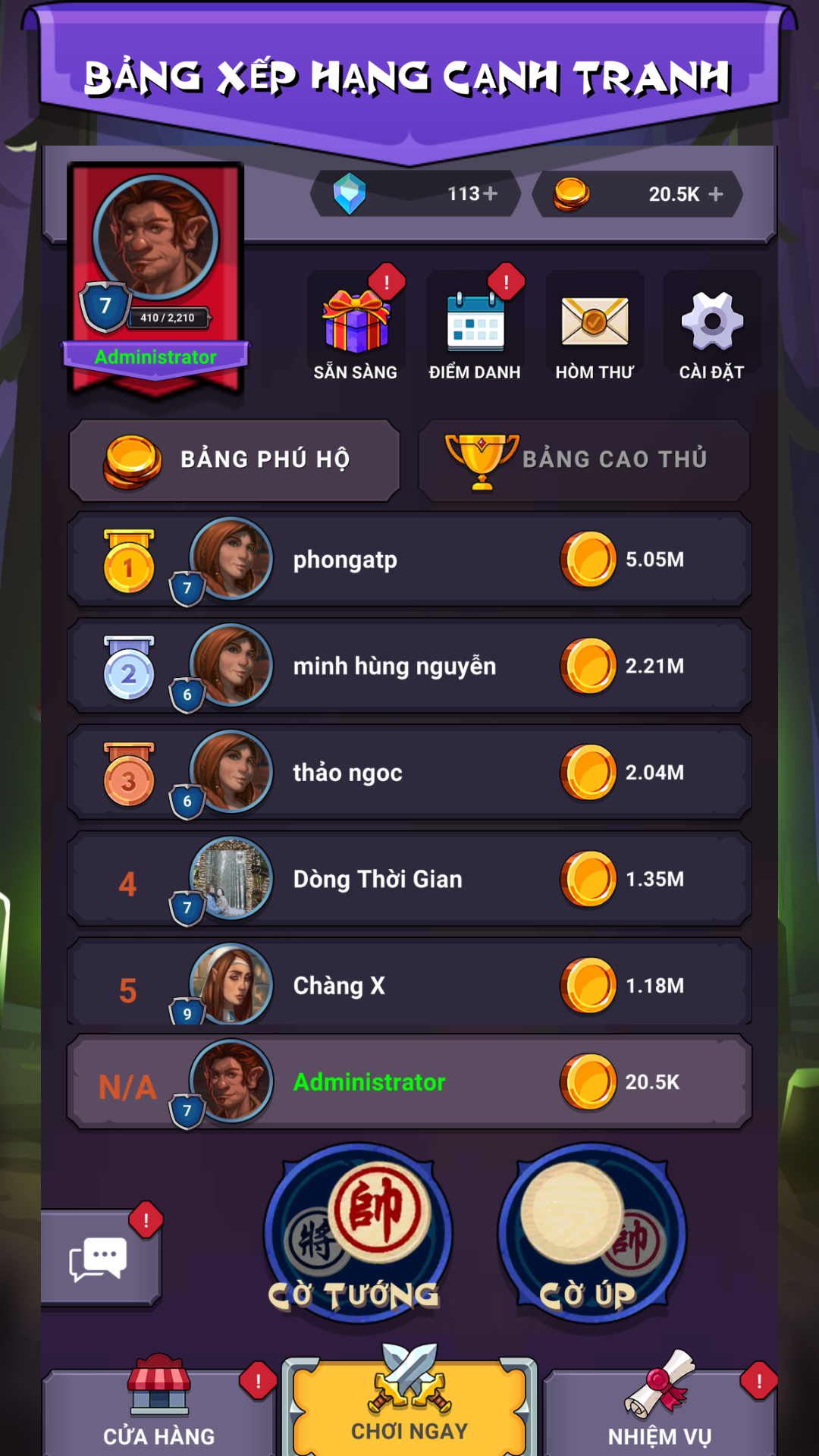


Co Tuong Co Up - Co Tram Tuong is a Board application developed by XmobiTea Family, but with the best Android emulator-LDPlayer, you can download and play Co Tuong Co Up - Co Tram Tuong on your computer.
Running Co Tuong Co Up - Co Tram Tuong on your computer allows you to browse clearly on a large screen, and controlling the application with a mouse and keyboard is much faster than using touchscreen, all while never having to worry about device battery issues.
With multi-instance and synchronization features, you can even run multiple applications and accounts on your PC.
And file sharing makes sharing images, videos, and files incredibly easy.
Download Co Tuong Co Up - Co Tram Tuong and run it on your PC. Enjoy the large screen and high-definition quality on your PC!
🎉Chinese Chess Online - Co Tram Tuong - Become the number one King with millions of players all over the world.1️⃣ Is a 100% online game, no bot, the opponent is a real player corresponding to the level.
2️⃣ There is a world messaging system that helps you communicate with other players quickly
3️⃣ Play free.
4️⃣ Extremely good connection - Good quality.
5️⃣ Create a private room to play with friends.
6️⃣ The system to open the gift chest and the spin lucky wheel brings many great rewards.
7️⃣ Music in the game relaxes you.
8️⃣ The achievement system, daily quests are extremely rich.
9️⃣ Fast support and response.
⭐️⭐️⭐️⭐️⭐️
INTRODUCE
Including 2 games of Chinese Chess are Xiangqi mode (Co Tuong) and Jeiqi mode (Co Up), this is a chess application characterized by Vietnamese culture, where talented men and talented players converge on the opening, middle and final battle.
FEATURE
🔶 Play free online chess.
🔶 Beautiful graphics bring a comfortable feeling.
🔶 There is an Elo point player ranking system, smart matching, helping players easily find an opponent with their own level.
🔶 Friendly friend mechanism, linking facebook friends, allowing players to invite their friends to join in simple chess.
SUPPORT & COMMENTS
👉 Homepage: https://xmobitea.com
👉 Fanpage: https://www.facebook.com/TramTuongVN
NOTE
♦ Chinese Chess Online - Tram Tuong is an online Xiangqi and Jeiqi game, therefore requires an internet connection to use.
♦ This game is only for adult players.