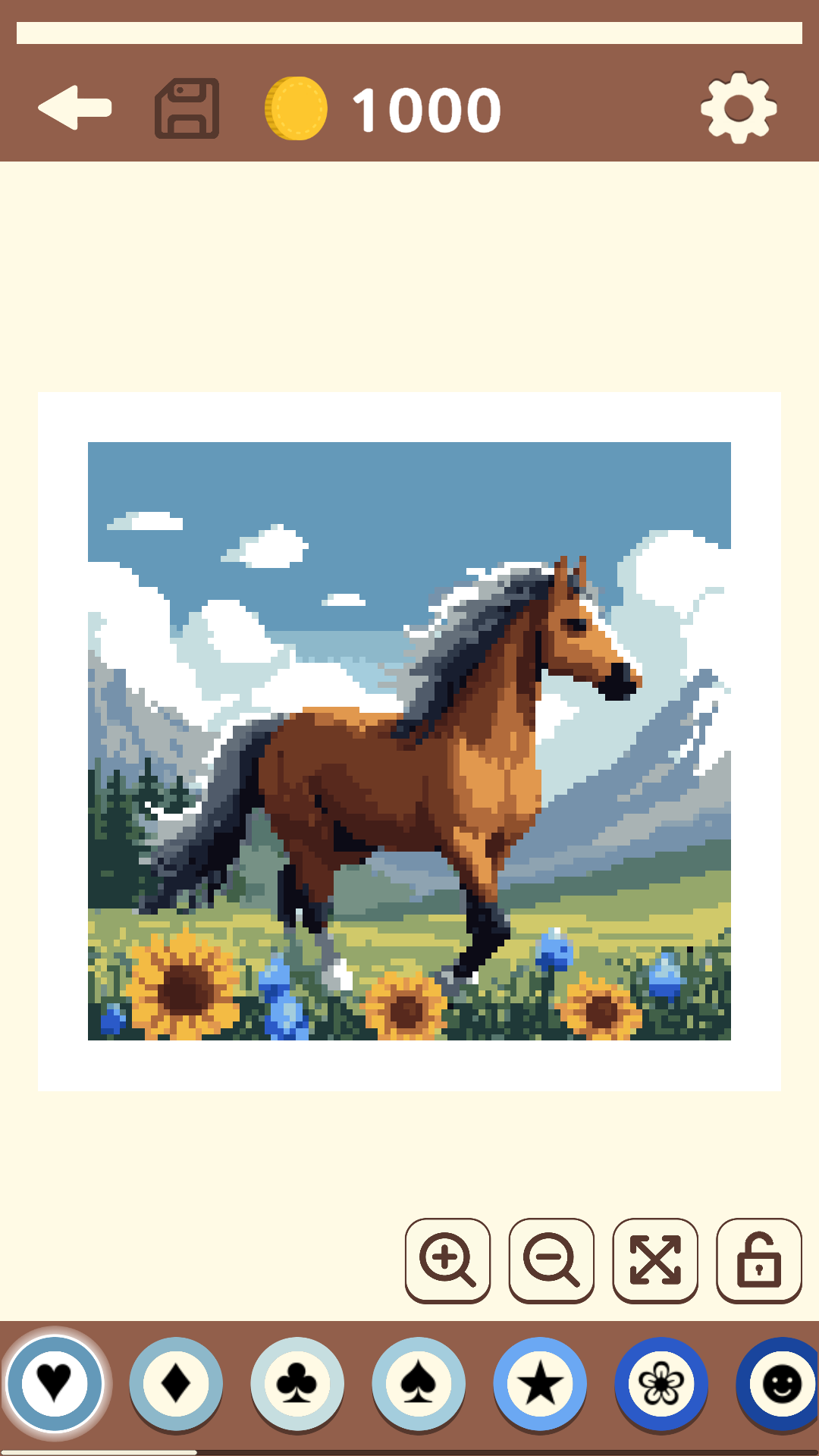
Coloring: Mosaic by Symbols is a Puzzle application developed by Dreampetus, but with the best Android emulator-LDPlayer, you can download and play Coloring: Mosaic by Symbols on your computer.
Running Coloring: Mosaic by Symbols on your computer allows you to browse clearly on a large screen, and controlling the application with a mouse and keyboard is much faster than using touchscreen, all while never having to worry about device battery issues.
With multi-instance and synchronization features, you can even run multiple applications and accounts on your PC.
And file sharing makes sharing images, videos, and files incredibly easy.
Download Coloring: Mosaic by Symbols and run it on your PC. Enjoy the large screen and high-definition quality on your PC!
Coloring: Mosaic by symbols is a game for relaxation where you become a virtual artist. Your task is to buy and paint paintings and then sell them to earn money and become a real art master. The goal of the game is to paint over as many pictures as possible.Game Features:
- The ability to buy mosaic sets and sell finished paintings.
- Beautiful paintings on various topics: landscapes, animals, travel, fantasies and fairy tales.
- Colorings by symbol - each color have a specific symbol. For example: Heart, Star, Flower, Smile.
- Earning gold while coloring - during the creative process you can pick up coins that fall out.
Economy:
- At the beginning of the game you are given 1000 gold. For this money you can buy sets of paintings.
- During the painting process, coins will fall out. Collect them and you can buy new paintings.
- After completely painting over the painting, you will be able to sell it for a higher price than you bought it for.
- It is not necessary to sell the painting. You can keep it in your collection.
- If you run out of money, then most likely there are paintings that have not yet been painted over.
Coloring:
- Enlarge the picture until the symbols appear.
- Choose colors from the palette according to the symbols and paint over the picture.
- You can paint without lifting your finger from the screen, even if the pixels are not nearby.
- If you click on an icon in the picture that does not match the selected color icon, coloring will not occur. Instead, you will move the painting.