THUMB-WAR is a Action game developed by Planetary Games LLC, and LDPlayer is the best platform for playing THUMB-WAR on PC, offering powerful features to immerse you in the game.
When playing THUMB-WAR on computer, you can adjust frame rate settings for smooth gameplay and stunning visuals.
LDPlayer also provides pre-configured keyboard mapping for convenient control of the entire game. Continuous optimization of keyboard mapping enhances key sensitivity and skill accuracy. Additionally, LDPlayer offers special buttons like shoot, hide mouse, and continuous key press for an enhanced gaming experience.
If you prefer using a gamepad, the automatic gamepad detection allows you to customize controls with just a few clicks, enabling you to freely maneuver your hero. Start downloading and playing THUMB-WAR on your computer now!
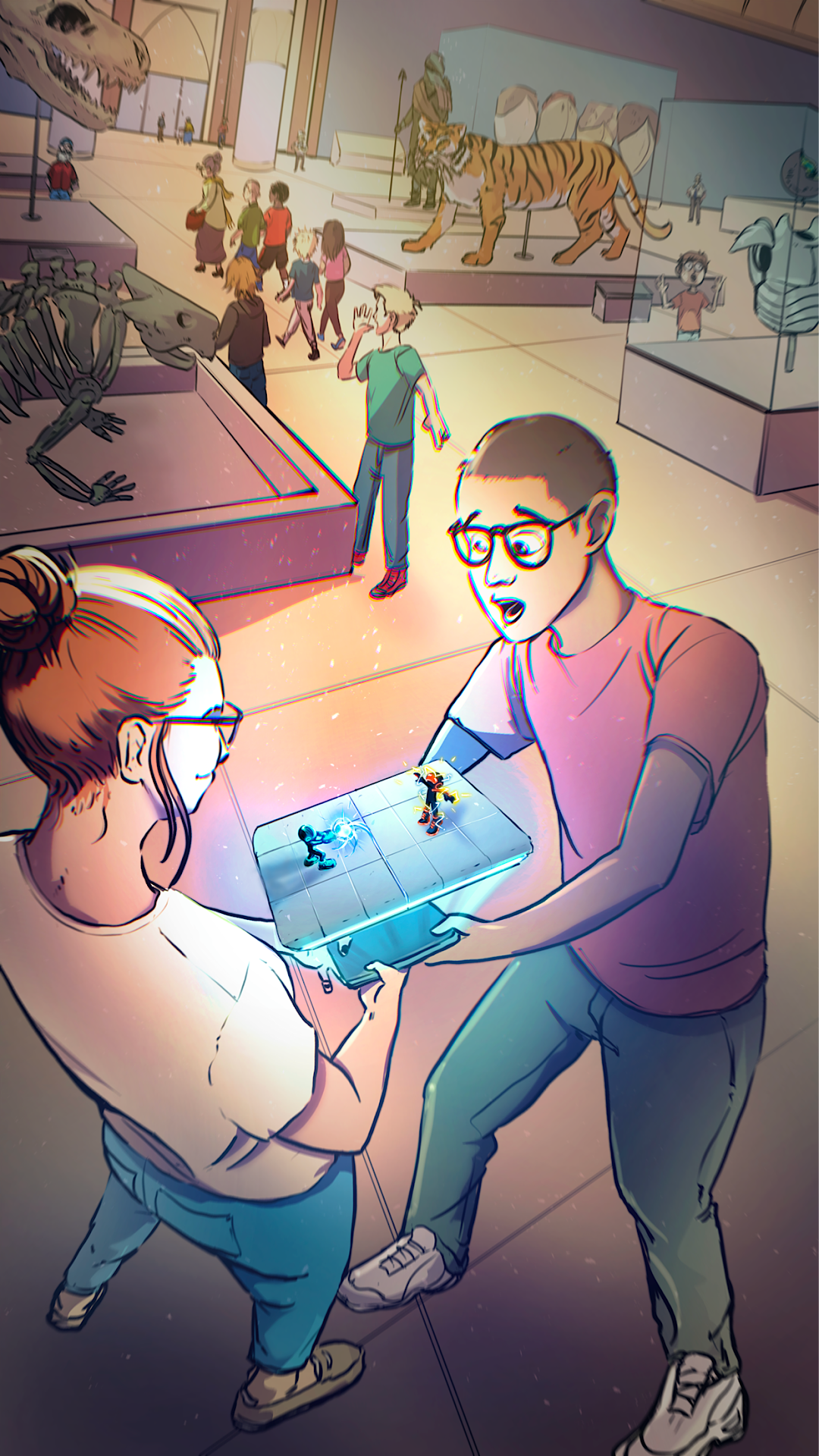
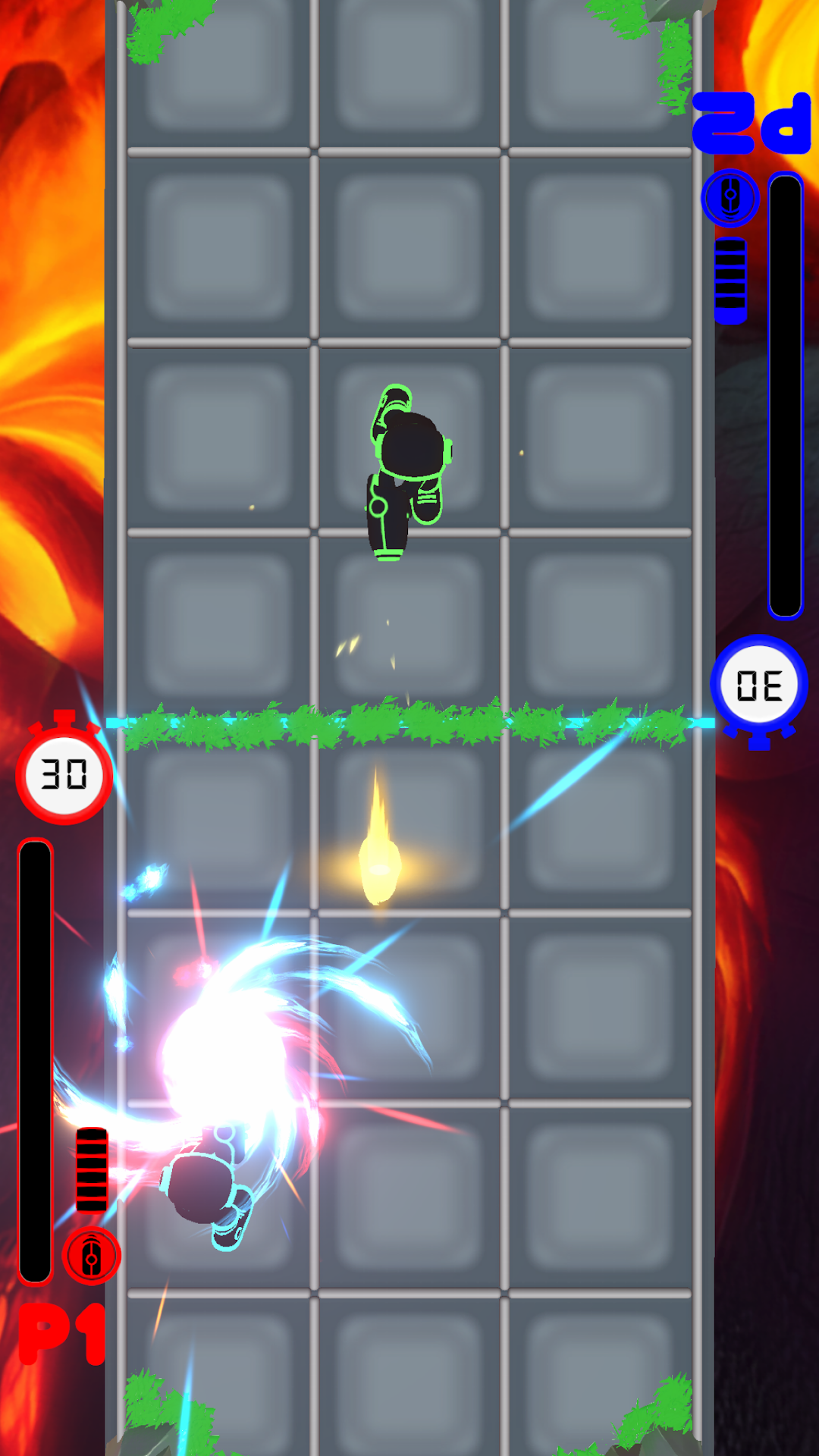
Welcome to THUMB-WAR, the ultimate head-to-head mobile gaming experience! Battle your friends in fast-paced, 1v1 action on a dynamic grid-based arena, all on the same device. Master swipe controls, unleash powerful charged shots, and reflect enemy attacks with precise shield timing. Whether you’re aiming for quick victories or outsmarting opponents with tactical maneuvers, every match brings intense competitive fun!PLAY AGAINST FRIENDS OR AI
Challenge your friends locally on the same device or test your skills against the AI to earn prizes. With easy-to-learn controls and deep gameplay, THUMB-WAR offers endless replayability for gamers of all skill levels.
LIMITED-TIME OFFER
Double the fun with our exclusive Boom Box promotion! For a limited time, buy one Boom Box and get another for free—packed with exciting customization items like skins, environments, music, and celebration dances. Make your THUMB-WAR experience unique and stand out on the battlefield!
Download now and experience the thrill of THUMB-WAR, where quick reflexes and strategic thinking are the keys to victory!
LIMITED TIME
Get ready to double the fun with our limited-time offer on Boom Boxes! After the launch, buy one Boom Box and get another absolutely free. Each Boom Box contains exciting customization items, allowing players to personalize their THUMB-WAR experience with unique skins, environments, music, and celebration dances. Don't miss this chance to unlock endless possibilities and make your mark on the battlefield!