Thinkrolls 2: Puzzles for Kids is a Educational application developed by Avokiddo, but with the best Android emulator-LDPlayer, you can download and play Thinkrolls 2: Puzzles for Kids on your computer.
Running Thinkrolls 2: Puzzles for Kids on your computer allows you to browse clearly on a large screen, and controlling the application with a mouse and keyboard is much faster than using touchscreen, all while never having to worry about device battery issues.
With multi-instance and synchronization features, you can even run multiple applications and accounts on your PC.
And file sharing makes sharing images, videos, and files incredibly easy.
Download Thinkrolls 2: Puzzles for Kids and run it on your PC. Enjoy the large screen and high-definition quality on your PC!
★ Google Play Award Winner 2016 - Best Families App ★Thinkrolls 2 is an enlightening logic puzzler for kids 3-9 years old. Take pride in your children's achievements, as they sharpen their minds and solve increasingly challenging puzzles, all while having fun! Thinkrolls 2 is molding the next generation of scientific geniuses and will have the whole family enthralled!
USA Today - "Thinkrolls 2 delivers exciting puzzle play while kids control an effervescent group of sentient rolling balls"
Editor's Choice by Children's Technology Review (A+), TeachersWithApps, TechWithKids, BestAppsForKids
148apps - "A Masterful Sequel"
TechWithKids - "Riotous fun that shouldn't be missed!"
GeeksWithJuniors - "A great sequel to one of our favorite puzzle platformer games for kids!"
Children must use all their wits to navigate 32 spunky characters through 270 levels of increasingly complex mazes (135 for ages 3-5 and 135 for ages 5-9). Whether fans of the original, highly addictive rolling ball platformer clamoring for more, or new to the world of these irresistible balls with the pocketfuls of personality, Thinkrolls 2 will prove a thought provoking challenge second to none!
This clever game of logic keeps kids on their toes as they use properties of matter and basic physics to make their Thinkrolls not only roll, but float, glide and teleport through a series of themed chapters. Each gradually introduces a new scientific concept in an accessible, easy to understand way. As kids explore and master, through trial and error, how to navigate the twists, turns and many pitfalls, they gain confidence in their deductive reasoning and ability to problem solve.
Completing the puzzles requires juggling multiple possibilities, but by thoughtfully combining elements and planning moves well in advance, players keep their Thinkrolls happily rolling along.
CHAPTER DESCRIPTIONS
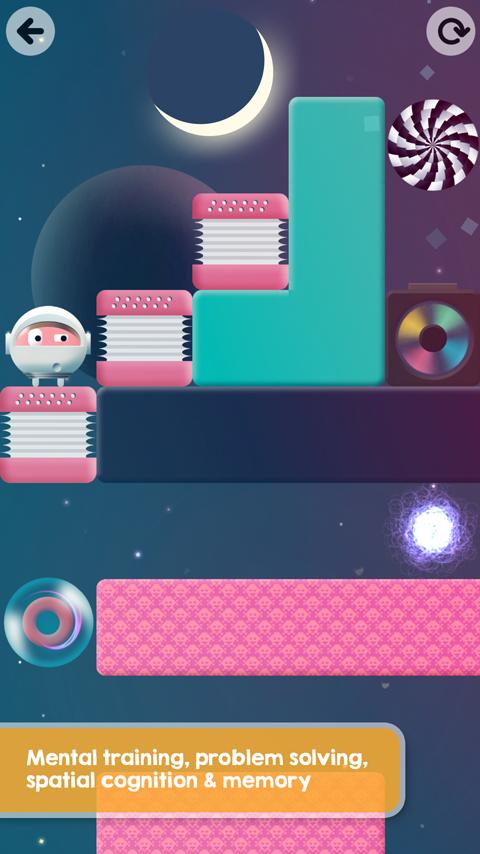
Accordion - hone fine motor skills as kids use expansion and compression to open pathways, build bridges and create stairways
Water & Barrel - test theories on what will sink or float to help Thinkrolls avoid water hazards and safely get where they need to go
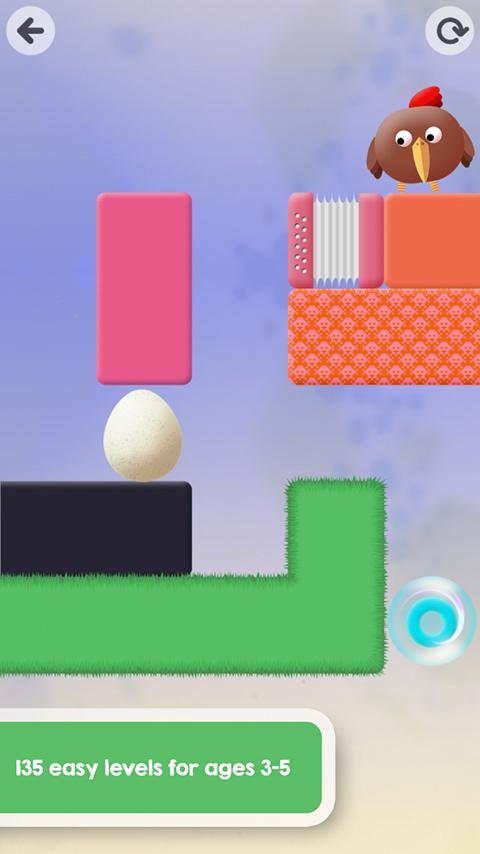
Egg - experiment with force, acceleration and gravity to walk on eggshells or gently bounce and roll over an intact egg
Fan - give your ball a gravity-defying boost with some aerodynamic lift from a fan
Wormhole - take an out of this world sci-fi trip by selecting the right coordinates as balls magically teleport through maze walls
Battery - save your Thinkroll from a nasty electrical shock by carefully waiting for the circuit to switch off before coming in contact with a battery
Light bulb - enhance visual memory by quickly processing variables and remembering projected moves before the light goes out
Bonus - combination of all elements and physics concepts in even more complex puzzles
MAIN FEATURES
• 270 challenging levels with mind-sharpening puzzles
• 135 easy levels for ages 3-5, 135 hard levels for ages 5-9
• Experiment with gravity, buoyancy, levitation, electricity, density, acceleration
• Enhance logic, spatial cognition, problem solving, memory, observation and more
• Track progress for up to 6 player profiles
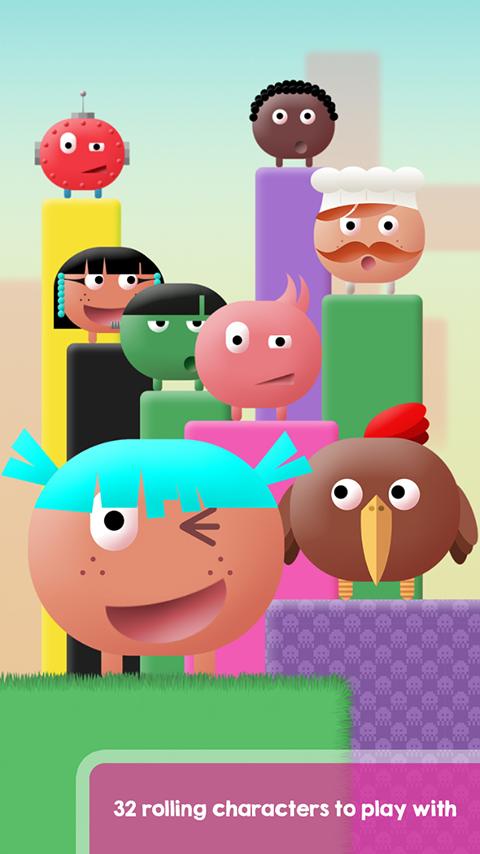
• 32 hilarious super smart characters to play with
• Supreme design - Original soundtrack
• Language neutral game-play
• COPPA compliant, no ads, no in-app billing
Localized in:
English US & GB, Español, Español (Latinoamérica), Português (Brasil), Français, Italiano, Deutsch, Svenska, Nederlands, ไทย, 한국어, 中國(繁體), 中文(简, 体), 日本語, हिंदी, русский, Melayu
Video and more info: avokiddo.com
PRIVACY POLICY
We respect your privacy! We do not collect, store, or share any personal information or location data. Our apps do not contain 3rd party ads and are safe for young children. As a MOMs with Apps member, we follow the “Know what’s inside” best practices for kids’ apps. View our privacy policy: http://avokiddo.com/privacy-policy