Ball Sort Puzzle - Color Sort is a Puzzle application developed by BigMan Team, but with the best Android emulator-LDPlayer, you can download and play Ball Sort Puzzle - Color Sort on your computer.
Running Ball Sort Puzzle - Color Sort on your computer allows you to browse clearly on a large screen, and controlling the application with a mouse and keyboard is much faster than using touchscreen, all while never having to worry about device battery issues.
With multi-instance and synchronization features, you can even run multiple applications and accounts on your PC.
And file sharing makes sharing images, videos, and files incredibly easy.
Download Ball Sort Puzzle - Color Sort and run it on your PC. Enjoy the large screen and high-definition quality on your PC!
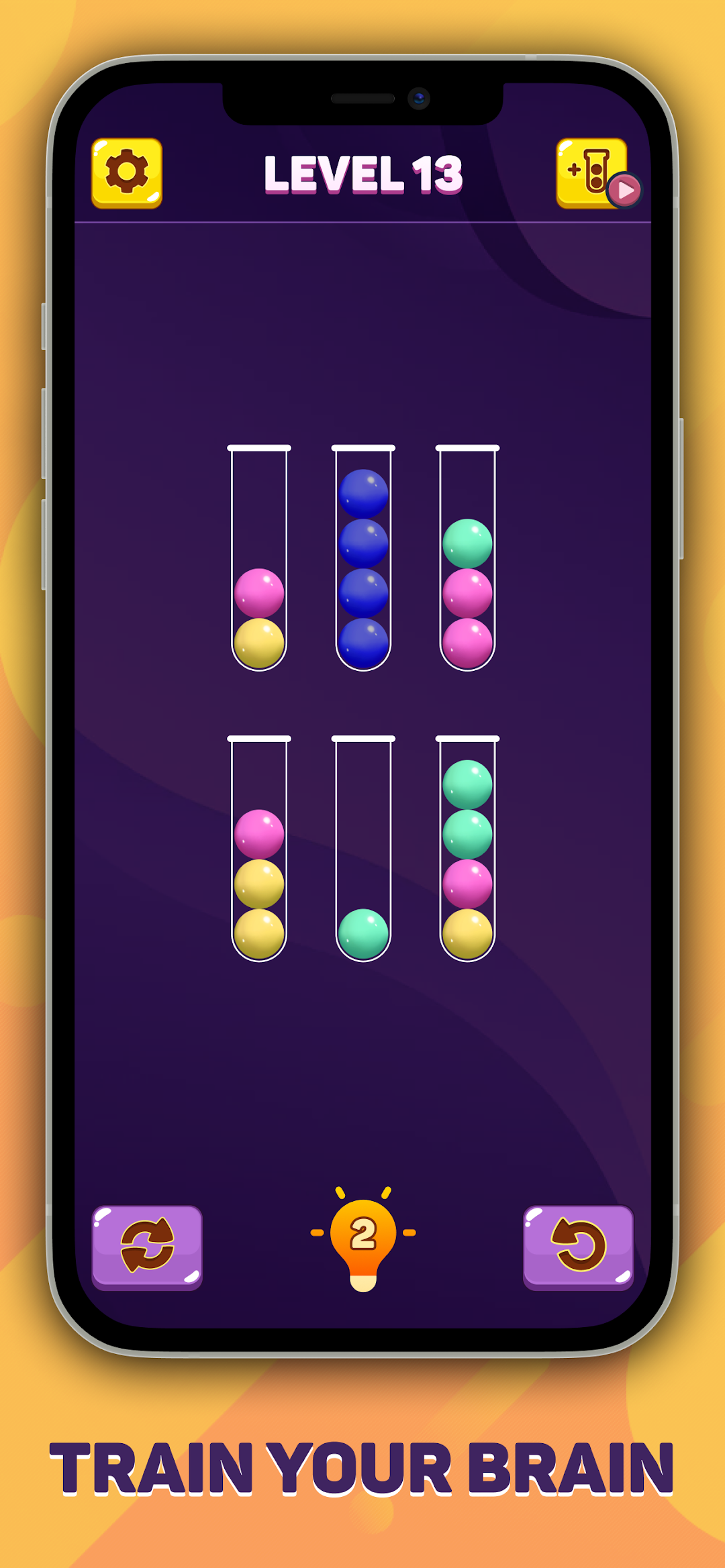
Ball Sort Puzzle - Color Sort is a fun and addictive puzzle game! It is a fun and relaxing game that entertains and stimulates your brain! Try to sort the colored balls in the tubes until all balls with the same color stay in the same tube. Great game to pass time & it makes you think.HOW TO PLAY:
• Tap any tube to move the ball lying on top of any tube into another tube
• The rule is that you can only move a ball on top of another ball if both of them have the same color and the tube you want to move into has enough space. Otherwise the ball is rejected.
• You can always restart the level at any time or retrace your steps one by one using the back button.
• Stack all the balls with the same color into a single tube.
• If you get really stuck you can add a tube to make it easier.
FEATURES:
• Free & easy to play.
• One finger control.
• No time limits!
• No level limits!
• Offline games, play offline without Wifi.
• Easy and addictive gameplay!
What are you waiting for? Let’s download and play the game now, enjoy it and share to your friends and family.
Thank you for playing game.