

Star Z: Zombie Echoes is a Role Playing game developed by , and LDPlayer is the best platform for playing Star Z: Zombie Echoes on Windows PC, offering powerful features for an immersive experience.
When playing Star Z: Zombie Echoes on PC, as a new player looking to start with a fresh account, the multi-instance and sync features are extremely useful for rerolls. You can use them to run multiple instances and begin the synchronization process. Bind your account until you draw the desired heroes.
In addition, operation recorder is great for games that require you to level up and complete tasks! Run the sync and record your actions, then repeat the main instance's actions in real-time. By doing so, you can run 2 or more accounts simultaneously. You can always get the heroes you want before others by faster rerolls and more efficient summoning! Start downloading and playing Star Z: Zombie Echoes on your computer now!
🌟BOOM! A Free 1200-Draw Box Awaits You After Download!
Get ready for an epic adventure and endless fun!
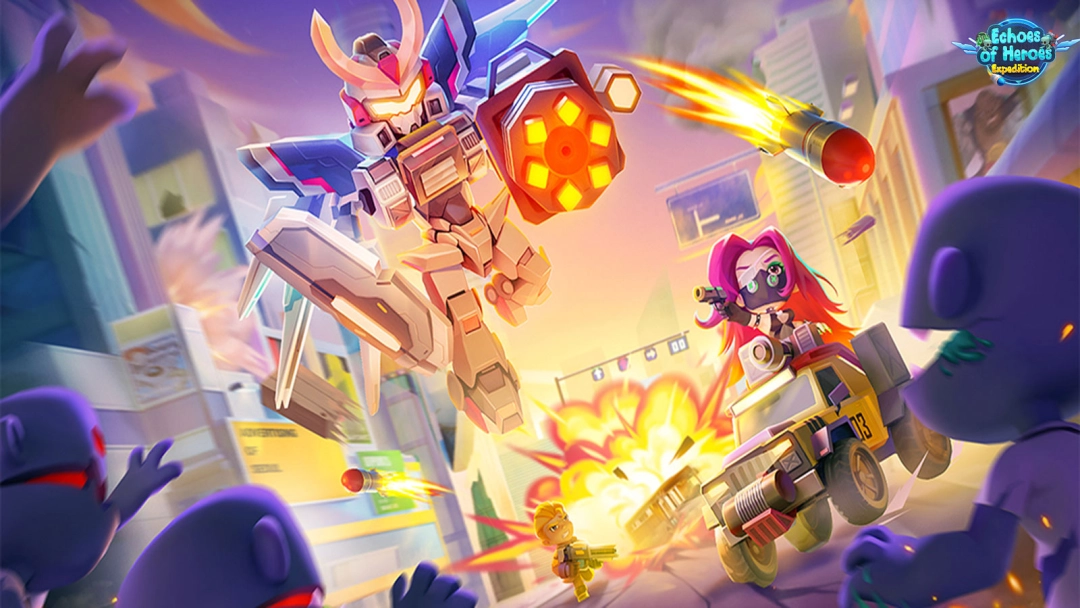
A Deadly Plague… or an Alien Invasion?
A mysterious virus has swept across the globe, causing chaos and destruction.
As one of the few elite survivors, you must rise as a commander to save humanity.
But soon, you uncover the shocking truth: it’s an alien conspiracy to conquer Earth...
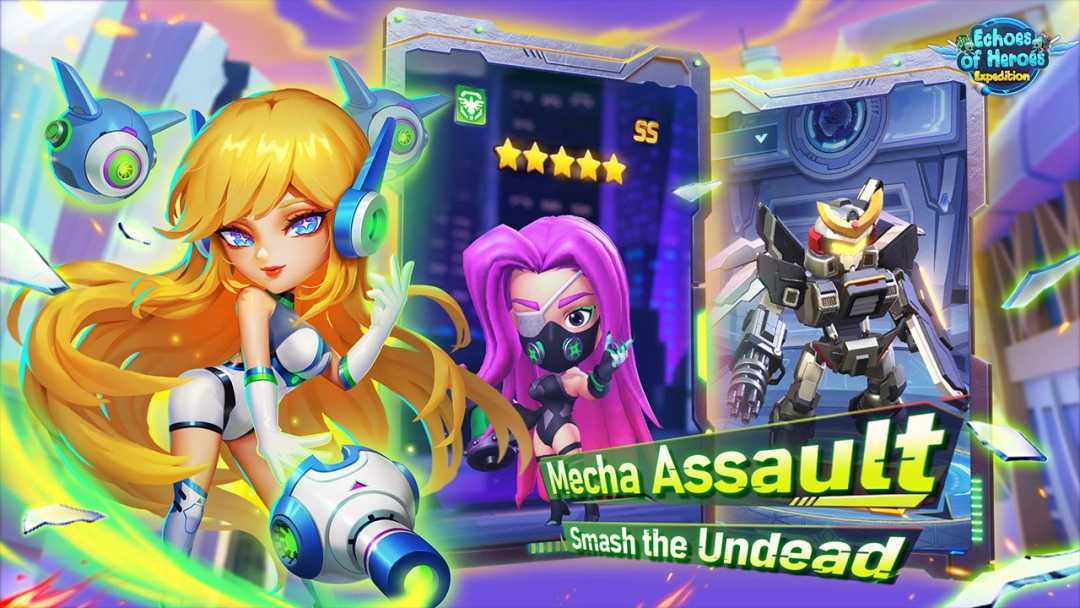
Gear up now! Recruit powerful heroes, rally allies, and drive the invaders back into space!
Epic battles are just beginning!
🔥RELAXING IDLE RPG FOR ALL AGES
Perfect for busy players on the go — collect idle rewards anytime, anywhere!
🚗UNIQUE & AWESOME VEHICLES
Unleash a fleet of futuristic machines to crush the alien threat!
Unlock and customize them with exclusive skins.
Equip powerful skills to dominate in boss fights!
⚙️EFFORTLESS UPGRADES
Summon heroes from 5 mighty factions and build your ultimate squad!
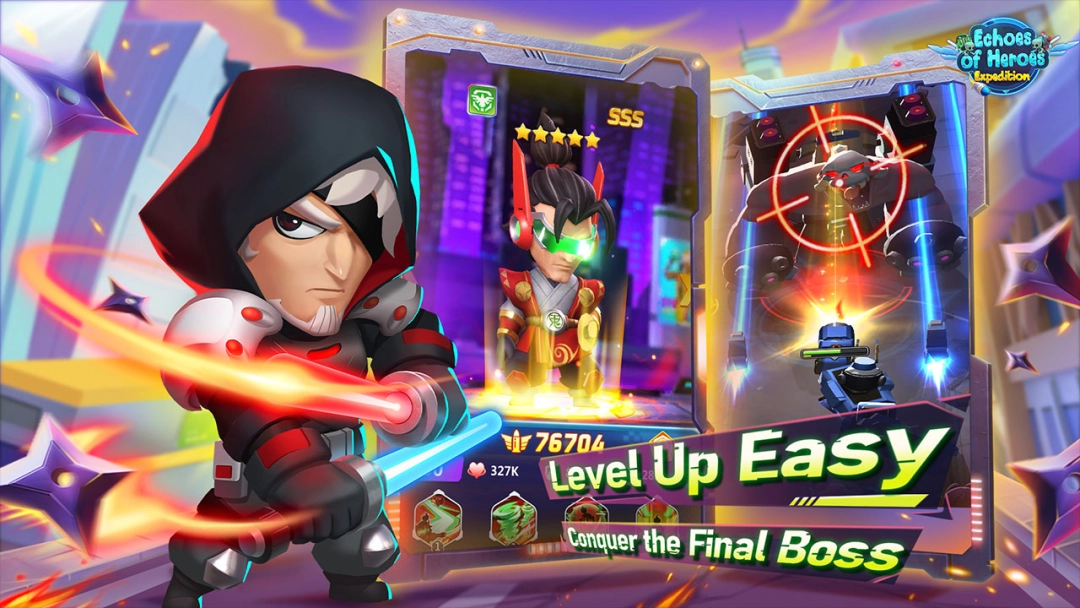
Enjoy zero-cost resets and level-sharing via Resonance for smooth progression.
🎯FUN & VARIED GAME MODES
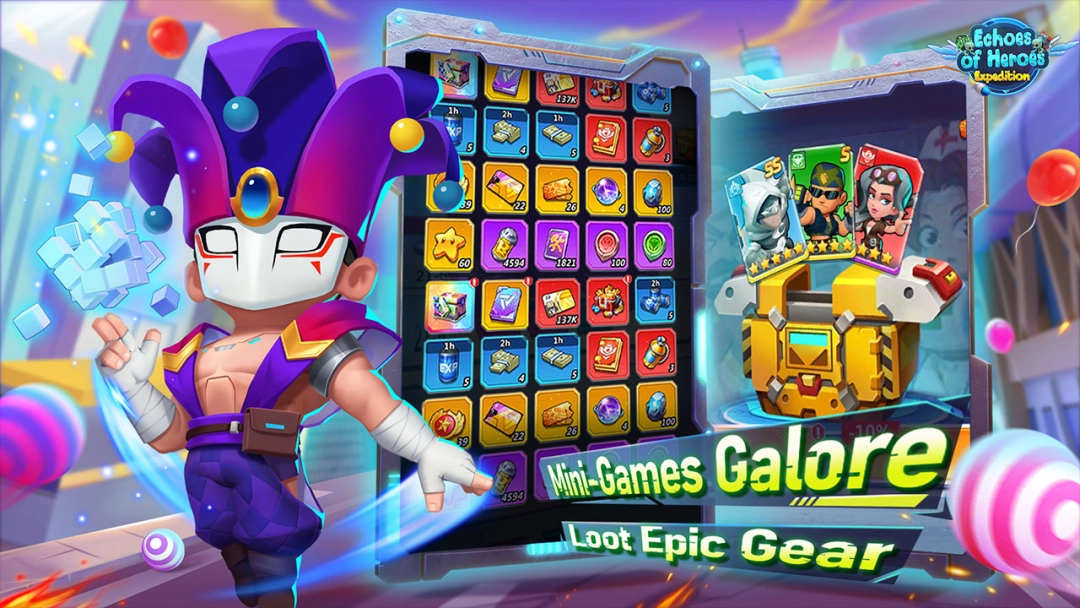
Sniper mode, 1v1 Gunfights, Memory games and more!
Master diverse strategies in PvE modes: Endless Trials, Rogue-like Expeditions, Hero Stories, and more!
🌍GLOBAL ARENA SHOWDOWN
Face off against players worldwide in intense 1v1 battles and 3v3 Star Arena!
Climb the leaderboard and earn your place in the Cross-Server Hall of Fame!
🛡️BUILD & LEAD YOUR GUILD
Team up with friends to defeat alien bosses and seize territory!
Coordinate your forces and dominate the Guild War with tactical precision.