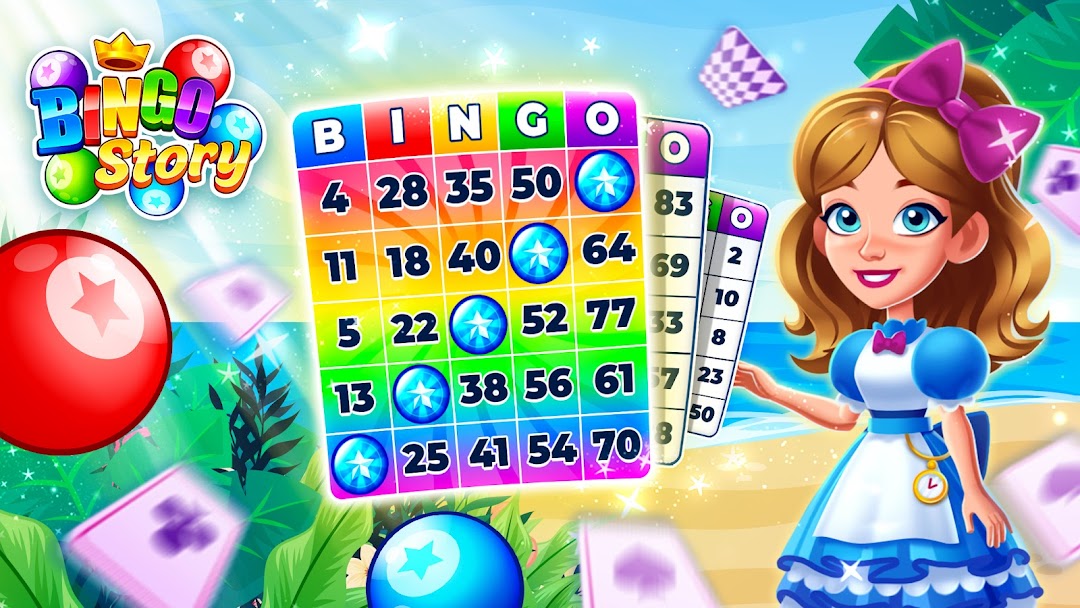
Bingo Story – Bingo Games is a Board application developed by Clipwire Games Inc, but with the best Android emulator-LDPlayer, you can download and play Bingo Story – Bingo Games on your computer.
Running Bingo Story – Bingo Games on your computer allows you to browse clearly on a large screen, and controlling the application with a mouse and keyboard is much faster than using touchscreen, all while never having to worry about device battery issues.
With multi-instance and synchronization features, you can even run multiple applications and accounts on your PC.
And file sharing makes sharing images, videos, and files incredibly easy.
Download Bingo Story – Bingo Games and run it on your PC. Enjoy the large screen and high-definition quality on your PC!
Play Bingo in a faraway land where YOU are the hero! ✨Compete against other real bingo players and experience a free online bingo game as you never have before. Win and trade collection items to complete fantasy decor in ever-changing themed rooms!
Villains have broken into the Sacred Library, where all the storybooks are kept. Fairy Godmother really needs your help! Without you, Bingo Storia will never be the same! 😨 Can you help her restore the books?
You will do much more than daubing numbers… Join us for a fun game suited for everyone! Blitz the competition and bash your family and friends in a friendly competition. Get ready to daub away in various rotating events you’ll LOVE!
What can you expect in Bingo Story, you ask?
→ BOOSTED GAMES
Boost your game with daily rewards for all players.
→ DAILY REWARDS
Spin the Golden Wheel every day for a chance to win the jackpot. Electrify your bingo play with powerups. You’ll climb the leaderboard in no time!
→ MULTIPLE CARD GAMES
One bingo card is a thing of the past—play 1, 2, 3 or even 4 card games. You pick your own adventure, here!
→ CRAFT BEAUTIFUL DECOR
Get as many bingos as possible to win capsules full of special items. You’ll need them to craft fantasy decor in seasonal events.
→ FRIENDLY CLUBS
Combine forces and join a club. Club members can trade collection pieces and more. There will always be a friendly face to help you complete community goals along the way!
→ MINI-GAMES
Play epic mini-games! Bingo Story is more than just Bingo—play mini-games to win tokens, powerups, club balls, and more!
Social butterflies, rejoice!
Playing Bingo is so much more fun with buddies. Make sure to check out our global chat room, it's the hot spot for collection item trading! Plus, follow us on social media for daily, EXCLUSIVE rewards.
Facebook: Bingo Story Community
https://www.facebook.com/bingostorycommunity
Twitter: @BingoStoryGame
Need help? Try our FAQ at: Bingo Story FAQ - Clipwire Games
ADDITIONAL INFORMATION:
Bingo Story offers optional in-app purchases for additional content and in-game currency. Success within this free Bingo game does not imply future success with real money gambling. Our mobile game does not offer real money gambling or any opportunities to win real money or prizes. Success within, and winning in Bingo Story does not imply future success with real money gambling or casino games.