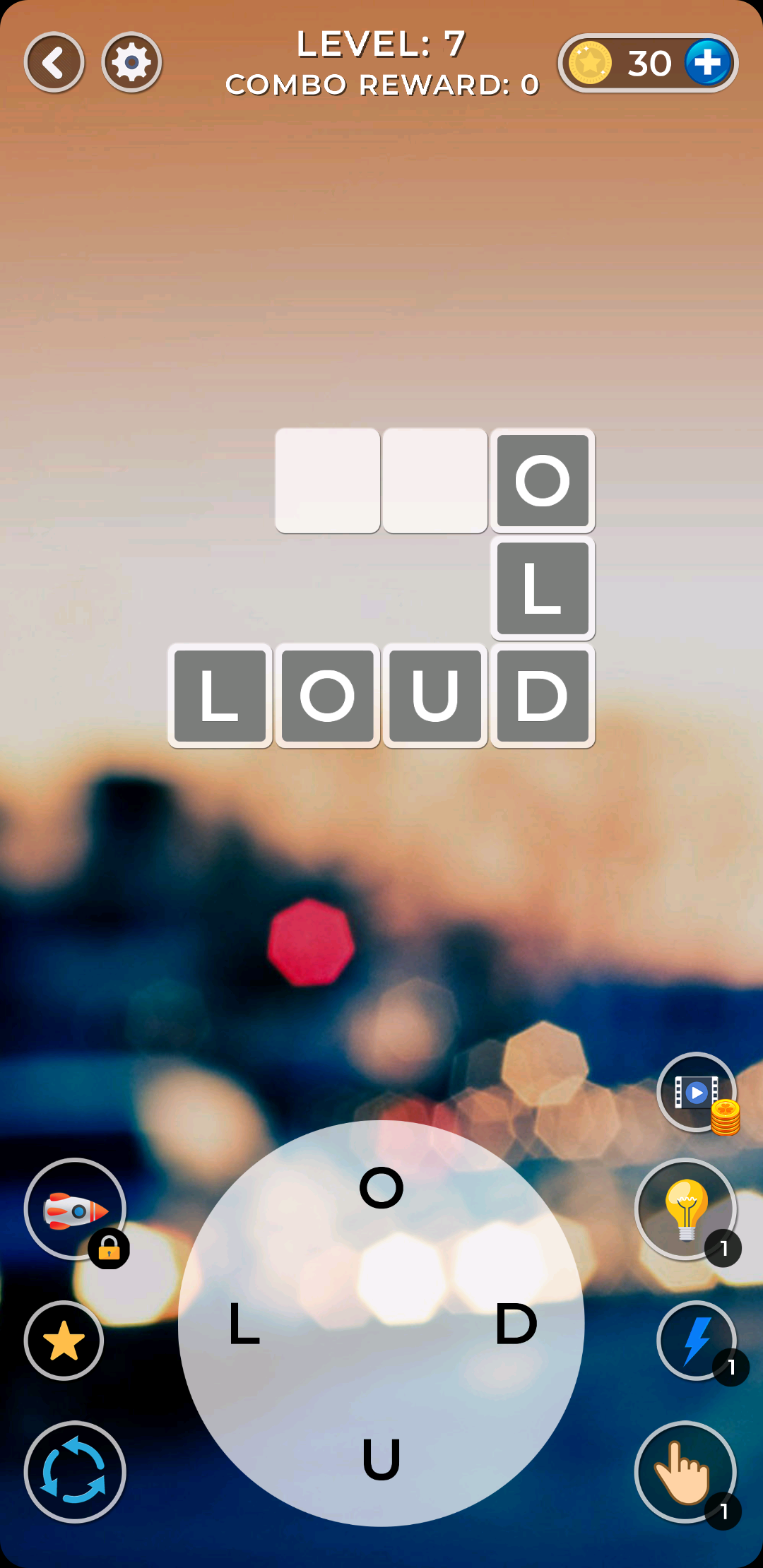
Connect Word is a Word application developed by Jihed dev, but with the best Android emulator-LDPlayer, you can download and play Connect Word on your computer.
Running Connect Word on your computer allows you to browse clearly on a large screen, and controlling the application with a mouse and keyboard is much faster than using touchscreen, all while never having to worry about device battery issues.
With multi-instance and synchronization features, you can even run multiple applications and accounts on your PC.
And file sharing makes sharing images, videos, and files incredibly easy.
Download Connect Word and run it on your PC. Enjoy the large screen and high-definition quality on your PC!
What makes Word Connect so special?• Authoritative Dictionaries! The game is powered by Oxford Dictionaries.
• Addictive gameplay! Simply swipe the letters to build words!
• Tons of words! 1120 levels in total await!
• Different Modes! You can choose from normal mode, crossword mode and the daily challenge! Come and solve different puzzles!
• Daily Bonuses! Log in every day to play exciting daily puzzles to collect big bonuses!
• Vintage Style! Our wooden block graphics will bring back nostalgic childhood memories!
• Hidden Bonus! Extra words are waiting to be discovered! Find extra words to collect bigger bonuses!
• Play Together! Ask your family members and friends for help to solve the puzzles and send coins to each other on Facebook!
• No time limits! You can use your time wisely to find new words at your own pace!
• Level List! Want to check previous levels? Go back to the Level List and play again!
• Offline Mode! No wifi? Don’t worry, you can play Word Connect anytime, anywhere even without a network connection!
• Multiple Choices! Supported on both phone and tablet.
Word Connect is an app designed to train your brain and learn new words all while having a great time. Share the fun with your family & friends and enjoy Word Connect together!