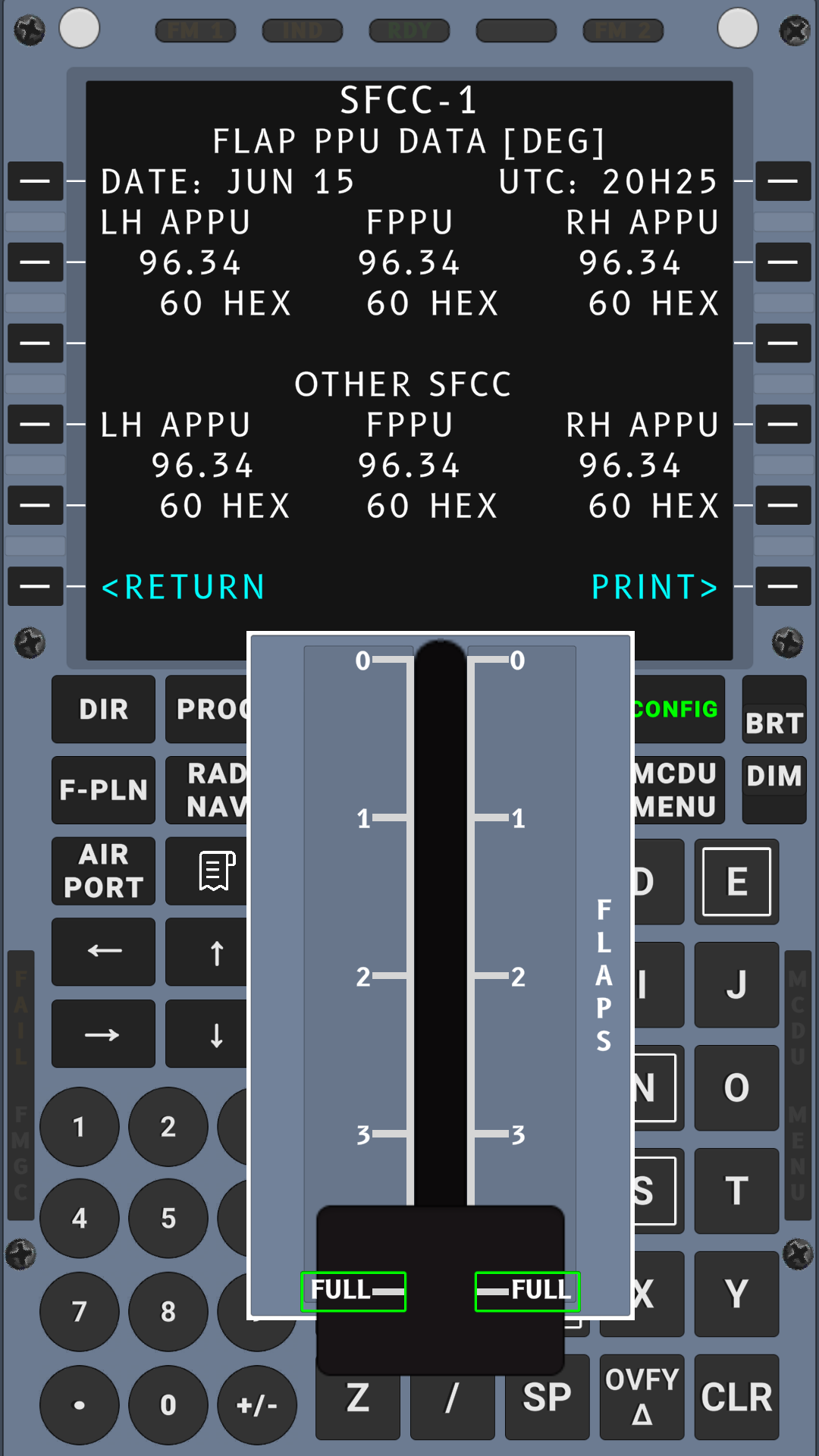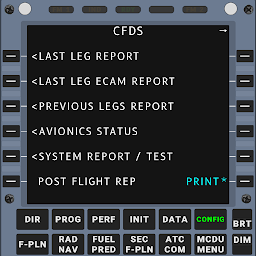


A320 CFDS Maintenance Trainer is a Educational application developed by ERMSims, but with the best Android emulator-LDPlayer, you can download and play A320 CFDS Maintenance Trainer on your computer.
Running A320 CFDS Maintenance Trainer on your computer allows you to browse clearly on a large screen, and controlling the application with a mouse and keyboard is much faster than using touchscreen, all while never having to worry about device battery issues.
With multi-instance and synchronization features, you can even run multiple applications and accounts on your PC.
And file sharing makes sharing images, videos, and files incredibly easy.
Download A320 CFDS Maintenance Trainer and run it on your PC. Enjoy the large screen and high-definition quality on your PC!
Introducing the New A320 CFDS Simulator Trainer AppEmpowering aviation maintenance personnel with a cutting-edge tool to master the Centralized Fault Display System (CFDS) of the A320 - without setting foot in an aircraft.
Here’s how our app equips you for excellence:
🎓 Skill Enhancement:
- Familiarize yourself with the CFDS operation through realistic simulation.
- Practice inputting data, setting faults, navigating menus, and performing BITE Tests.
- Develop a deep understanding of CFDS functions to boost your troubleshooting efficiency and precision on the job.
🛠 Versatile Training Tool:
- Customizable simulation scenarios to practice handling a wide range of potential issues.
- Perfect for both self-learning and as part of a structured training program.
- Evaluate proficiency and identify areas where additional training is needed.
🌍 On-the-Go Learning:
- Mobile accessibility allows training at any location and time.
- Convenient, flexible, and tailored to fit the schedules of busy maintenance professionals.
⚙ Stay Current:
- Regular updates ensure training on the latest faults and menus.
- Be confident that you are learning with the most up-to-date and accurate content.
🎧 Immersive Experience:
- Free play simulator with sounds that mimic the Flight Warning Computer (FWC).
- Experience different CFDS modes, accurate BITE and ECAM messages, and authentic BITE test menus.
- While we strive for a 1-on-1 representation of the menus, there might be minor differences due to limitations. However, rest assured that faults are actively being worked on and you can expect frequent updates in the coming weeks.
✅ Actively Evolving & Expanding:
- The App is not just a product; it’s an evolving entity. With your purchase, you're not only investing in your professional development but also fueling the expansion and development of this indispensable tool. Your support enables us to continuously innovate and keep the app abreast with the latest in aviation maintenance technology.
🤝 Join Hands for Expansion:
- Are you passionate about aviation maintenance and have insights on additional menus? We'd love for you to join us in this incredible journey of progression. Your expertise and suggestions are invaluable. If you are interested in contributing or have ideas for additional menus, please don’t hesitate to reach out to us at support@ermsims.com.
🔜 Exciting Updates on the Horizon:
We're thrilled to announce that our upcoming updates will empower you even further! Soon, you’ll have the ability to dive deeper into individual pages with comprehensive descriptions and ATA (Air Transport Association) references for finer details. These enhancements are part of our commitment to providing you with an exhaustive and enriched learning experience.
Thank You!
The ERM Sims Team 🚀