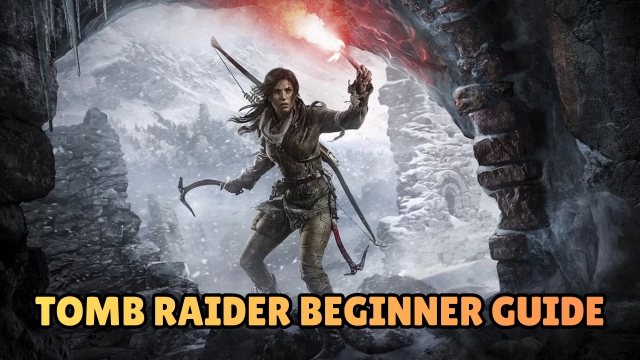
Tomb Raider™ is the definitive origin story of Lara Croft, reimagined for Android as a premium, AAA action-adventure experience. Originally developed by Crystal Dynamics and expertly adapted for mobile by Feral Interactive, this game invites players to witness Lara’s transformation from a frightened young woman into a hardened survivor. Stranded on the mysterious island of Yamatai, Lara must scavenge, fight, and solve ancient riddles to escape a deadly cult. Offering the complete, uncut console experience, Tomb Raider™ on mobile delivers high-fidelity graphics, intense third-person combat, and deep exploration without compromise.
Core Gameplay & Features
-
The Complete Adventure: Experience the full, uncut game including the gritty main campaign and all 12 DLC packs, featuring extra skills, weapon upgrades, outfits, and a bonus Challenge Tomb.
-
Survival & Crafting: Scavenge for resources to upgrade weapons and gear. Evolve Lara’s skills from basic survival instincts to lethal combat proficiency.
-
Intense Combat & Stealth: Engage in visceral firefights or use stealth to take down the murderous inhabitants of Yamatai. Master the bow, climbing axe, and firearms to survive against overwhelming odds.
-
Exploration & Puzzles: Traverse treacherous environments, uncover lost relics to decipher the island’s history, and solve intricate environmental puzzles within hidden tombs.
-
Optimized for Mobile: Features customizable controls, including touch interface, gamepad support, and optimization presets to balance performance and visuals on various devices.
Play Tomb Raider™ on PC with LDPlayer for Best Experience
-
Immersive Big Screen: Witness the stunning landscapes of Yamatai and the detailed character models in Full HD resolution, capturing the cinematic scope of Lara’s adventure.
-
Precision Controls: Utilize keyboard and mouse integration for superior aiming accuracy during firefights and precise platforming sequences, mimicking the original PC gaming experience.
-
Stable Performance: Eliminate the risk of thermal throttling or battery drain. LDPlayer ensures smooth frame rates and high graphical fidelity even during the most demanding action set-pieces.
-
Gamepad Support: Connect your controller directly to LDPlayer for a seamless console-like feel, perfect for navigating complex terrain and combat encounters.
-
Custom Keymapping: Tailor your control scheme to your preference, ensuring every jump, dodge, and shot is executed exactly when you need it.
Uncover the legend—experience the gritty realism of Tomb Raider™ on PC with the power and precision of LDPlayer.