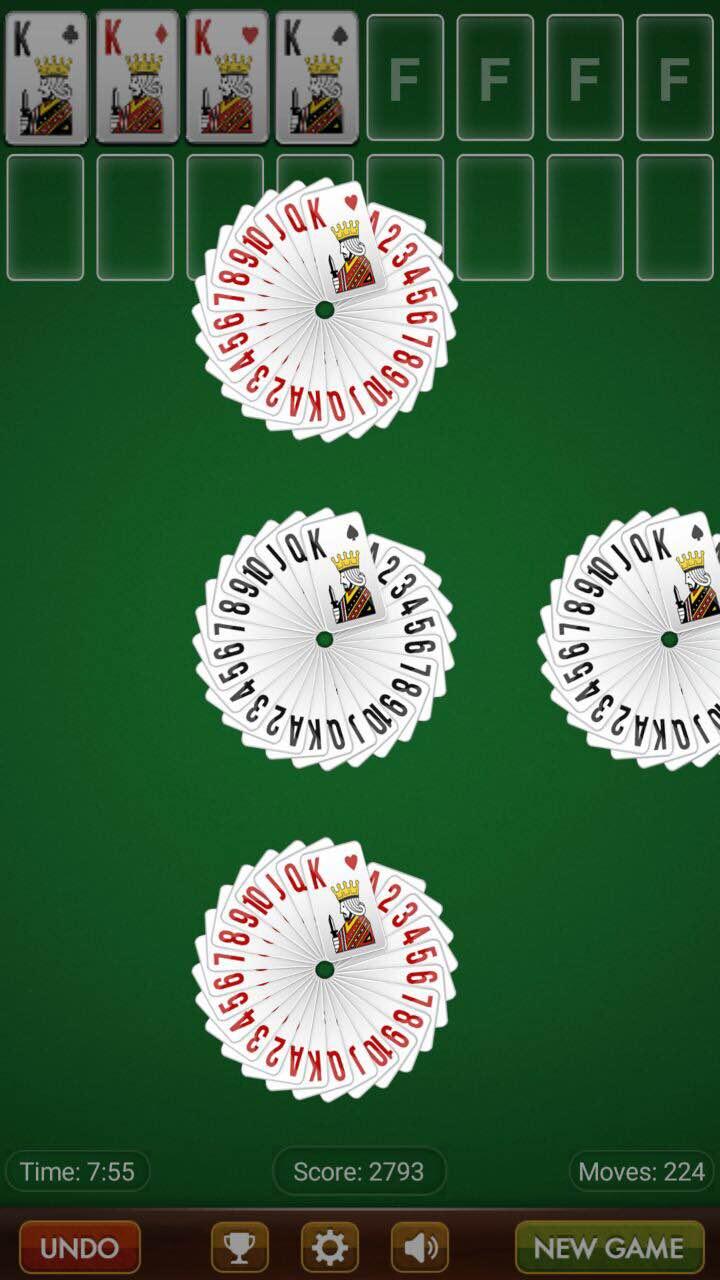
FreeCell Solitaire is a Card application developed by Fun Tap Apps, but with the best Android emulator-LDPlayer, you can download and play FreeCell Solitaire on your computer.
Running FreeCell Solitaire on your computer allows you to browse clearly on a large screen, and controlling the application with a mouse and keyboard is much faster than using touchscreen, all while never having to worry about device battery issues.
With multi-instance and synchronization features, you can even run multiple applications and accounts on your PC.
And file sharing makes sharing images, videos, and files incredibly easy.
Download FreeCell Solitaire and run it on your PC. Enjoy the large screen and high-definition quality on your PC!
Enjoy our FreeCell Solitaire App on your Android device. You can download our App for free and start playing it immediately.FreeCell Solitaire was one of the most popular card games for Windows. You can keep your brain stimulated by using your skills and patience to win at this casual card game.
FreeCell uses the standard 52 card deck. It is similar to Klondike Solitaire where you have to move cards from the Tableau to the Foundation cells by suit, in ascending order. If you can find the right strategy, most games can be solved!