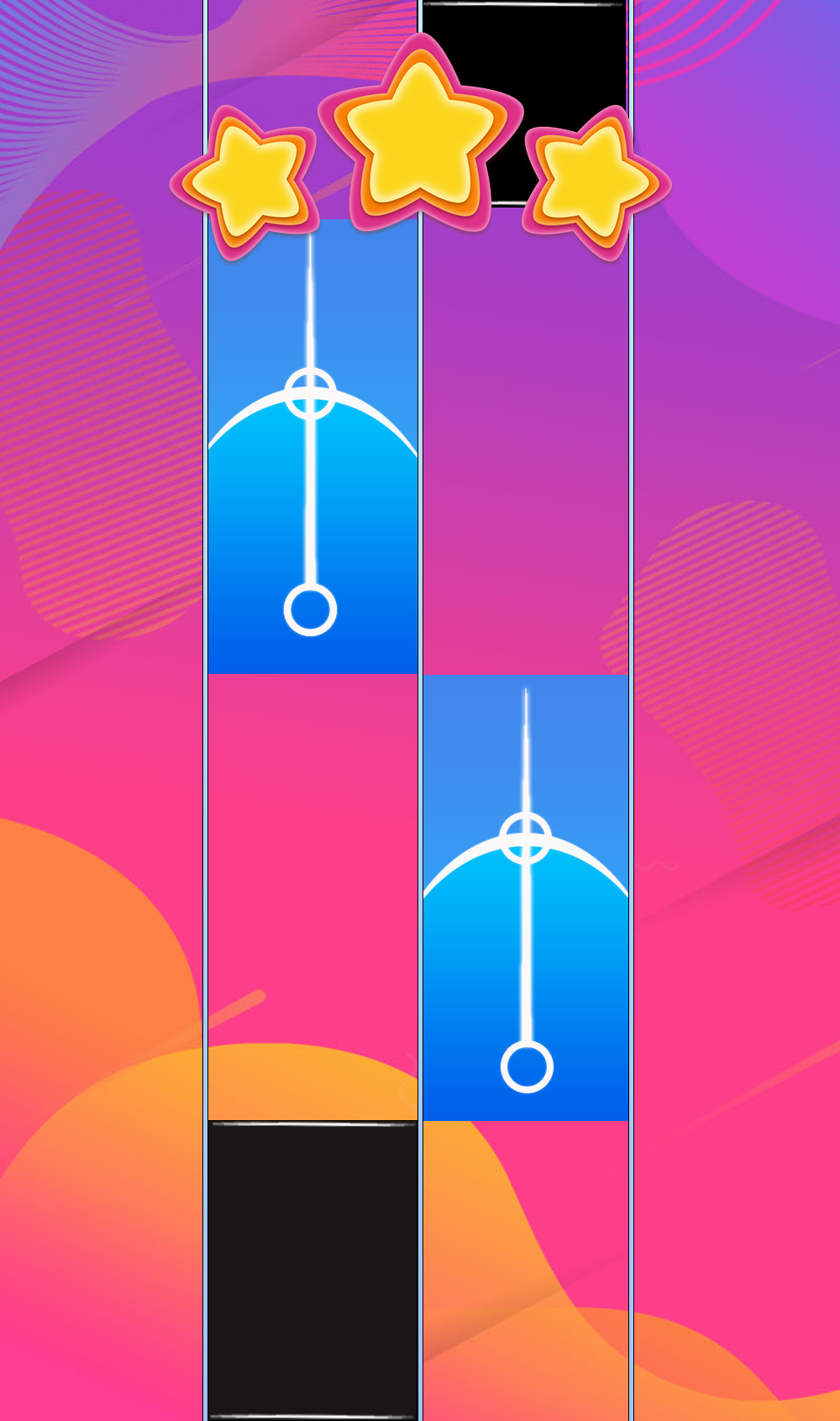
Rush E Piano Tiles is a Music application developed by Quinzadev, but with the best Android emulator-LDPlayer, you can download and play Rush E Piano Tiles on your computer.
Running Rush E Piano Tiles on your computer allows you to browse clearly on a large screen, and controlling the application with a mouse and keyboard is much faster than using touchscreen, all while never having to worry about device battery issues.
With multi-instance and synchronization features, you can even run multiple applications and accounts on your PC.
And file sharing makes sharing images, videos, and files incredibly easy.
Download Rush E Piano Tiles and run it on your PC. Enjoy the large screen and high-definition quality on your PC!
This classic piano game, no experience needed and just feel the beautiful rhythm of the music. You can find different types of songs here. Enjoy the exciting and stress-free piano sound at any time.What's more, playing our game can improve your piano skills and finger speed!
Try now! Once you start, you will love it!
HOW TO PLAY
- Catch the Black color tiles continuously to follow the music.
- Don't miss tiles to complete each song.
- Collect stars and diamonds to unlock more new songs.
GAME FEATURES
- No need WiFi.
- Many piano songs.
- High quality piano music sound.
- New songs are added constantly.
- Easy to play, suitable for all ages.
️REJECTION️
This application does not include copyrighted material.
Piano melodies are composed with individual piano notes, for entertainment purposes only.
if we violate copyright, please contact us and we will remove it immediately, please contact us: ruzi.ratnasari140897@gmail.com