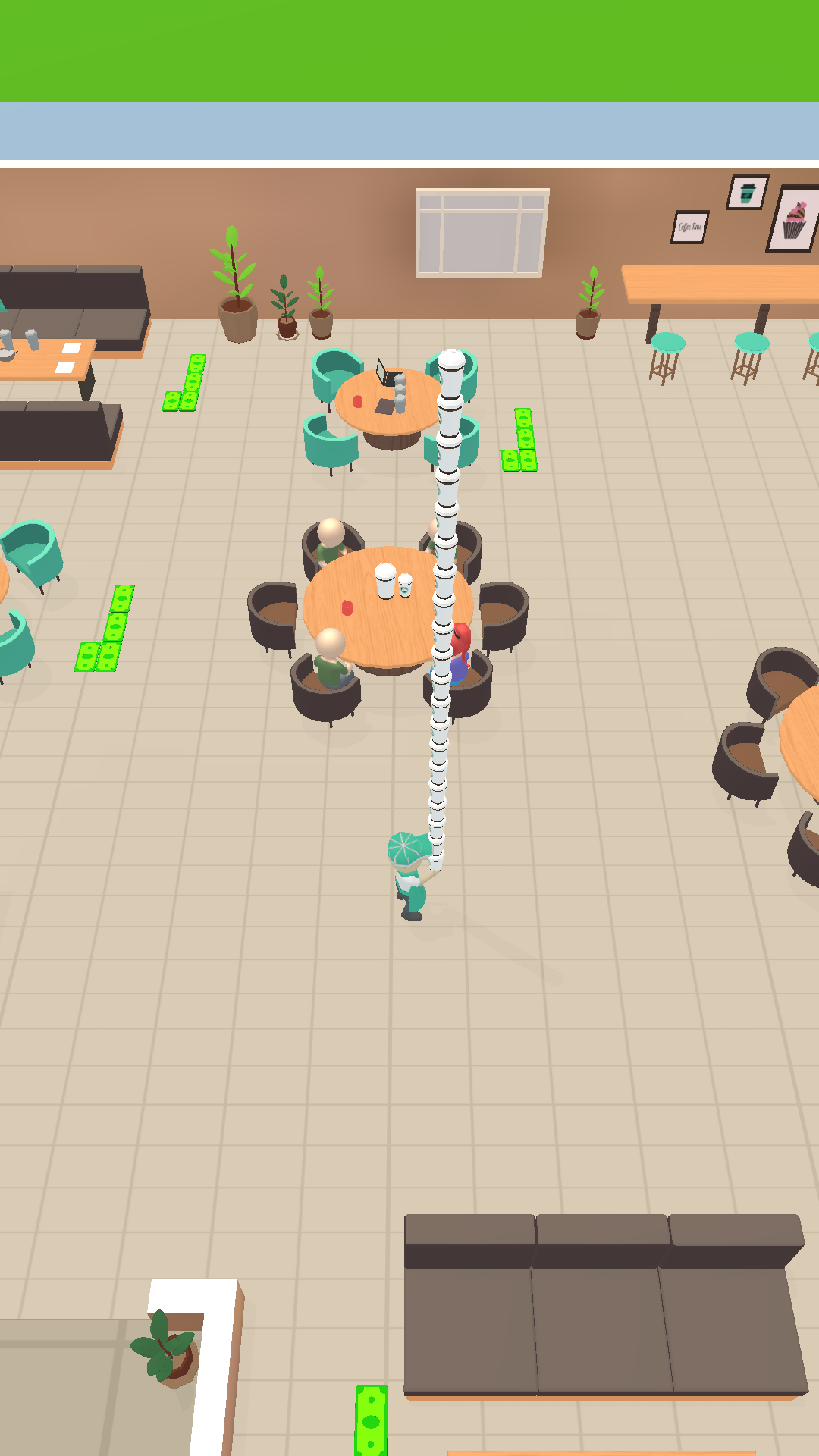
Coffee Idle is a Simulation application developed by Happy Dino Games, but with the best Android emulator-LDPlayer, you can download and play Coffee Idle on your computer.
Running Coffee Idle on your computer allows you to browse clearly on a large screen, and controlling the application with a mouse and keyboard is much faster than using touchscreen, all while never having to worry about device battery issues.
With multi-instance and synchronization features, you can even run multiple applications and accounts on your PC.
And file sharing makes sharing images, videos, and files incredibly easy.
Download Coffee Idle and run it on your PC. Enjoy the large screen and high-definition quality on your PC!
Ignite your passion for coffee and embark on an exhilarating journey to owning a thriving coffee empire with Coffee Idle! Immerse yourself in the captivating world of coffee with this trendy and immersive coffee shop simulation game. Transform a modest cafe into a hip and luxurious coffee hotspot that will leave a lasting impression on coffee aficionados.In Coffee Idle, you will embark on the path to coffee greatness by:
🔥 Serving a Delectable Selection of Handcrafted Beverages: Curate a menu of artisanal coffees, expertly brewed to perfection. From aromatic espressos to velvety lattes, indulge your customers' taste buds with an exquisite selection of caffeine-infused creations.
🍩 Crafting Mouthwatering Donuts: Complement your coffee creations with a range of delightful donuts. Push your culinary skills to the limit as you whip up donuts with tantalizing flavors, irresistible fillings, and visually stunning toppings. Watch as your customers' eyes light up with joy when they take their first bite.
👥 Hiring a Talented Team: No successful coffee empire is complete without a dedicated and skilled team. Recruit baristas, bakers, and friendly staff members who will help you manage your bustling cafe and drive-thru seamlessly. Train them to deliver exceptional customer service and watch as the positive reviews pour in.
💰 Upgrading for Efficiency and Profit: Enhance your coffee shop's efficiency and boost profits by upgrading your counters, seating areas, dispensers, and machines. Invest in state-of-the-art equipment and create the optimal environment for your customers to enjoy their coffee experience.
🌍 Expanding Your Business: Unlock exciting new locations and conquer thrilling challenges as you expand your coffee empire. From cozy cafes nestled in the heart of the city to vibrant coffee shops on bustling streets, explore and conquer different environments to attract a diverse range of customers.
🙌 Immersive 3D Visuals and Relaxing Gameplay: Immerse yourself in stunning 3D visuals that bring your coffee empire to life. Let the soothing gameplay experience captivate your senses as you enjoy your coffee break. Coffee Idle delivers an idle arcade adventure where you can effortlessly control your character using a joystick.
☕️ Continuous Earnings, Anytime, Anywhere: Even when you're offline, your coffee shop will continue to thrive, ensuring continuous earnings. Coffee Idle embraces accessibility and enjoyment, catering to players of all ages.
Don't miss out on the game that captures the essence of relaxation and fulfillment! Fuel your coffee passion, download Coffee Idle now, and embark on the ultimate coffee break. Become the coffee entrepreneur you've always dreamed of!