月光のソードブレイカー ユリヒメ編 is a Adventure application developed by あいあんそぉど, but with the best Android emulator-LDPlayer, you can download and play 月光のソードブレイカー ユリヒメ編 on your computer.
Running 月光のソードブレイカー ユリヒメ編 on your computer allows you to browse clearly on a large screen, and controlling the application with a mouse and keyboard is much faster than using touchscreen, all while never having to worry about device battery issues.
With multi-instance and synchronization features, you can even run multiple applications and accounts on your PC.
And file sharing makes sharing images, videos, and files incredibly easy.
Download 月光のソードブレイカー ユリヒメ編 and run it on your PC. Enjoy the large screen and high-definition quality on your PC!
■StoryThe time is modern.
Teikoku Heavy Industries, the largest company in mechanical products,
Monopolizes the market share of automatic mechanical dolls "Automata",
Demand was spreading not only to industry but also to ordinary households.
Yuto Kawashima is a high school student who attends Seiko Gakuen.
Unfortunately, he gets caught up in a runaway automaton incident, but just in the nick of time.
His life is saved by the third generation automaton, Kikouin Nova.
At the hideout that was taken to "Nova",
"Yute" will be entrusted with an important mission.
--- Conquer 5 school idols in order to defeat "Mugen Tsukuyomi".
"Yuto" is his partner "Nova",
He wanted to work on the heroine's strategy with Kageyama, the operational staff.
This time the target is
Sometimes the protagonist's older sister, sometimes the teacher at Seiko Academy, sometimes the bartender,
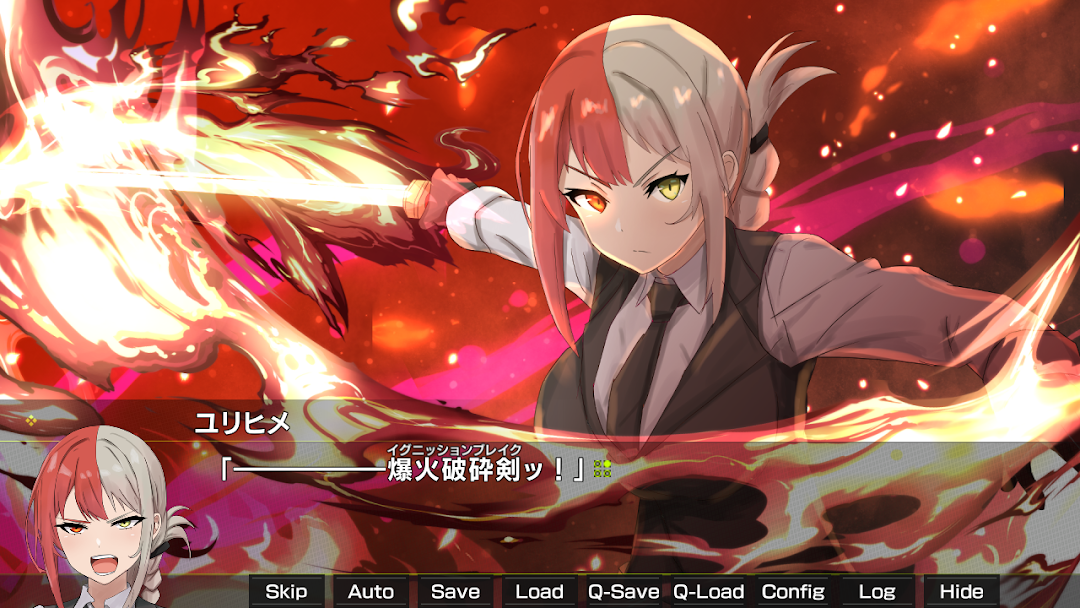
And the reality is... Yurihime Kawashima, the master of Sword Breaker Benihomura.
Why did she come to be entrusted with the role of Sword Breaker, since she has many different faces?
This is an episode about a brother and sister that no one knows about, which leads to the secret of the birth of the main character, Yuto Kawashima.
■Features
・Unique and cute characters
・A heart-pounding story filled with laughter and tears
・School battle love comedy where you fight with swords
・Visual novel that can be enjoyed casually without any choices
・Play time 4-5 hours
・Supports mouse operation only