Foursquare City Guide is a application developed by Foursquare, but with the best Android emulator-LDPlayer, you can download and play Foursquare City Guide on your computer.
Running Foursquare City Guide on your computer allows you to browse clearly on a large screen, and controlling the application with a mouse and keyboard is much faster than using touchscreen, all while never having to worry about device battery issues.
With multi-instance and synchronization features, you can even run multiple applications and accounts on your PC.
And file sharing makes sharing images, videos, and files incredibly easy.
Download Foursquare City Guide and run it on your PC. Enjoy the large screen and high-definition quality on your PC!
Foursquare City Guide will lead you to the perfect spot -- anywhere in the world. Get helpful, positive tips from our trusted global community and keep track of where you've been and where you want to go, all in one place.Looking to check in or become Mayor of your local coffee shop? Download our sister app, Foursquare Swarm.
With Foursquare City Guide you can:
-Join a community of people just like you who love to explore and seek out hidden gems.
-Read short tips written by real people all over the world. (No negative rants or businesses paying for positive reviews.)
-Make lists for any occasion! Keep a running to-do of neighborhood hot spots, or places you want to try while traveling.
-Add tastes, rate places, and lifelog where you’ve been to get hyper-personalized recommendations.
-Follow friends, brands, and influencers and uncover the best experience possible with millions of tips about off-the-menu items, speakeasy entrances, wifi passwords, and much more.
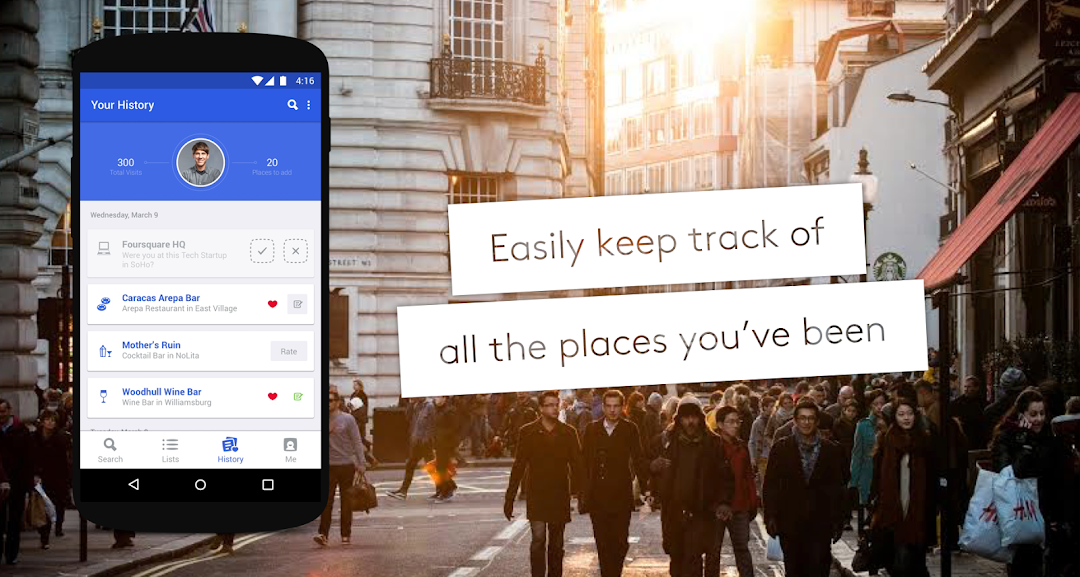
-Keep a history of the places you’ve been. Never forget a memory, photo, or the name of that incredible pizza place you went to while visiting Rome.
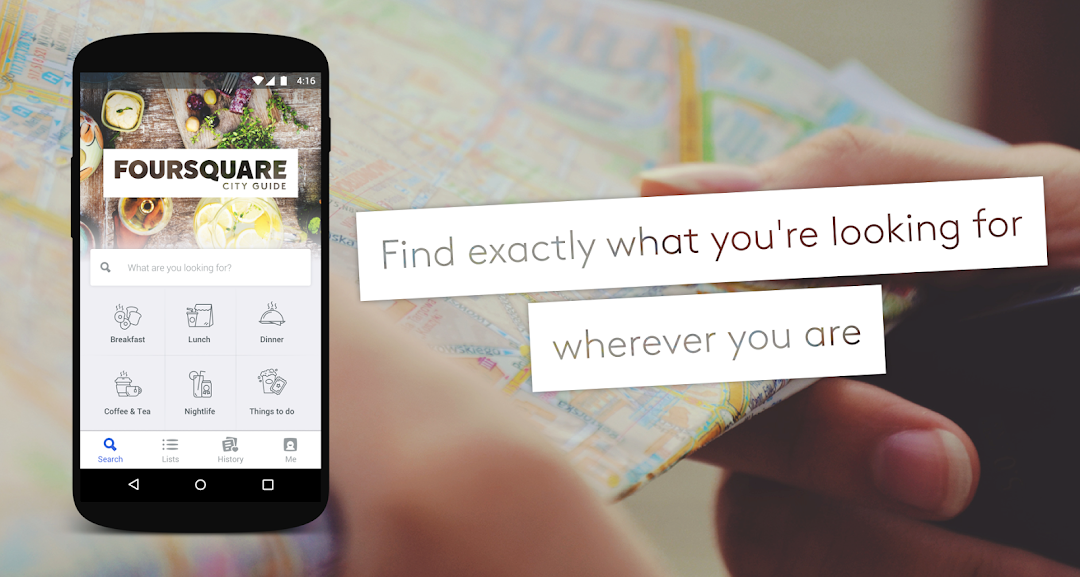
-Find exactly what you’re looking for. Faster.
A note on battery:
We've spent years developing the location technology that powers Foursquare City Guide, making it extremely power efficient. But, as with all apps of this type, please note that continued use of GPS running in the background can dramatically decrease battery life.
By using Foursquare you agree to the Terms of Service (http://foursquare.com/legal/terms), Privacy Policy (http://foursquare.com/legal/privacy) and Cookie Policy (http://foursquare.com/legal/cookiepolicy).