Ludo is a Board application developed by Jss games, but with the best Android emulator-LDPlayer, you can download and play Ludo on your computer.
Running Ludo on your computer allows you to browse clearly on a large screen, and controlling the application with a mouse and keyboard is much faster than using touchscreen, all while never having to worry about device battery issues.
With multi-instance and synchronization features, you can even run multiple applications and accounts on your PC.
And file sharing makes sharing images, videos, and files incredibly easy.
Download Ludo and run it on your PC. Enjoy the large screen and high-definition quality on your PC!
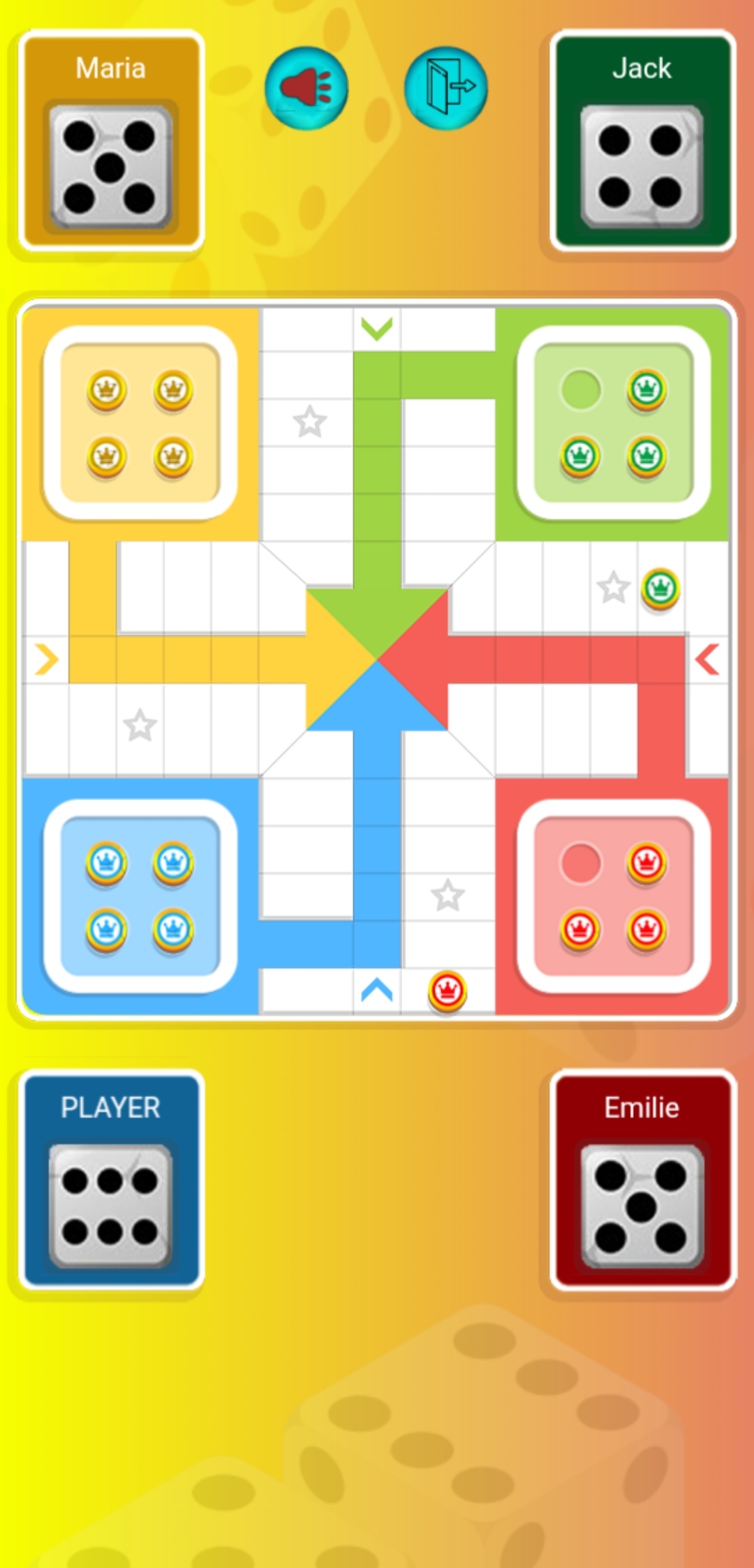
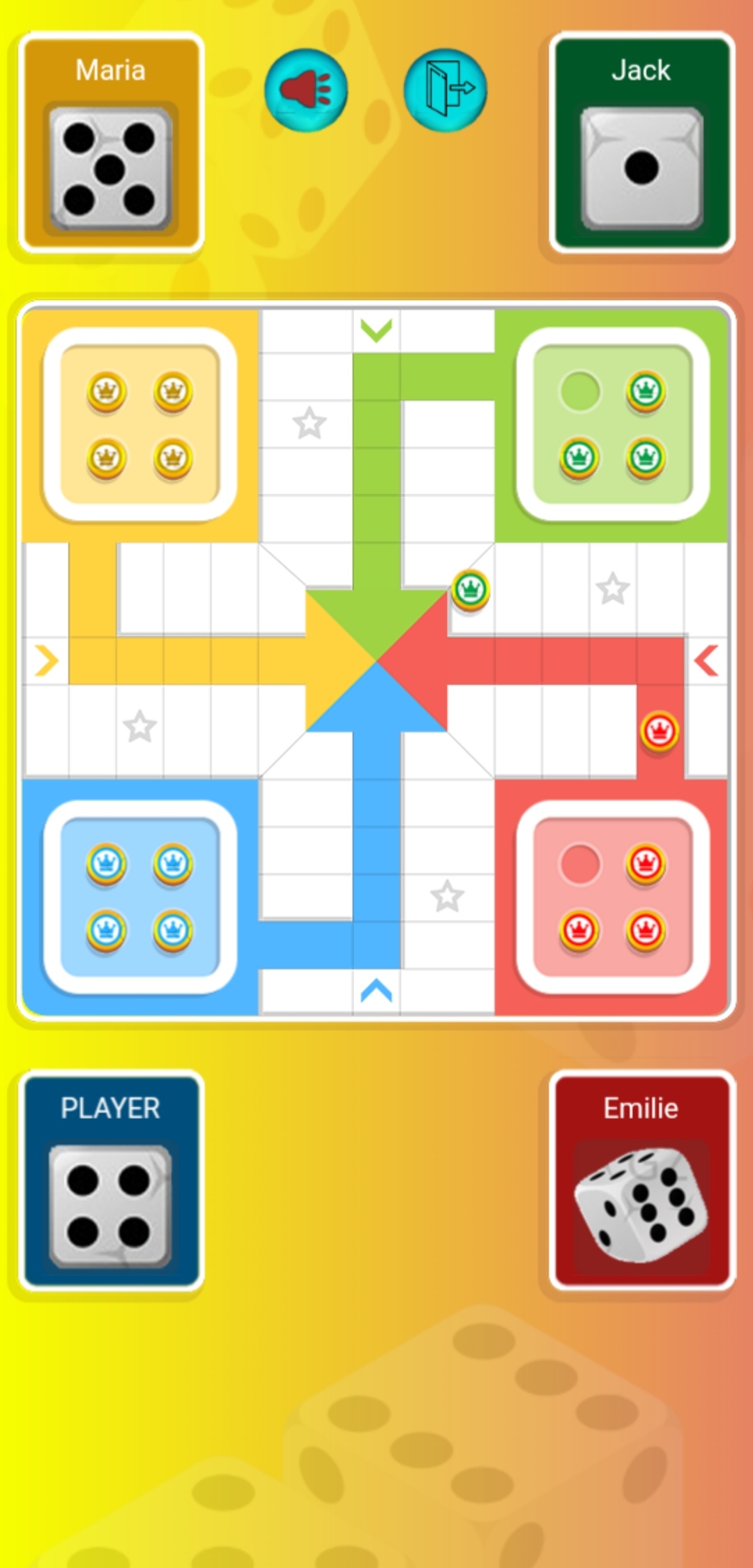
Step into the classic world of Ludo, the timeless board game that has been a source of joy and friendly competition for generations. Ludo brings the beloved board game to your device, offering a digital rendition that captures the essence of the traditional gameplay.In Ludo, roll the dice, strategically move your tokens, and race to reach the center of the board. Play against friends or challenging auto mode, recreating the social fun of Ludo in a convenient digital format. The game's user-friendly interface and straightforward mechanics make it accessible for players of all ages, whether you're a seasoned Ludo enthusiast or a newcomer to the game.
Customize your gaming experience with different themes and settings, adding a personal touch to each match. Ludo is not just a game; it's a social experience that brings people together, fostering friendly rivalries and shared moments of laughter.
Unlock achievements, track your progress, and aim to become the Ludo champion in this digital adaptation of a classic. With its nostalgic charm and modern convenience, Ludo on your device ensures that the joy of rolling the dice and moving your tokens is always within reach. Download now and relive the magic of Ludo anytime, anywhere!