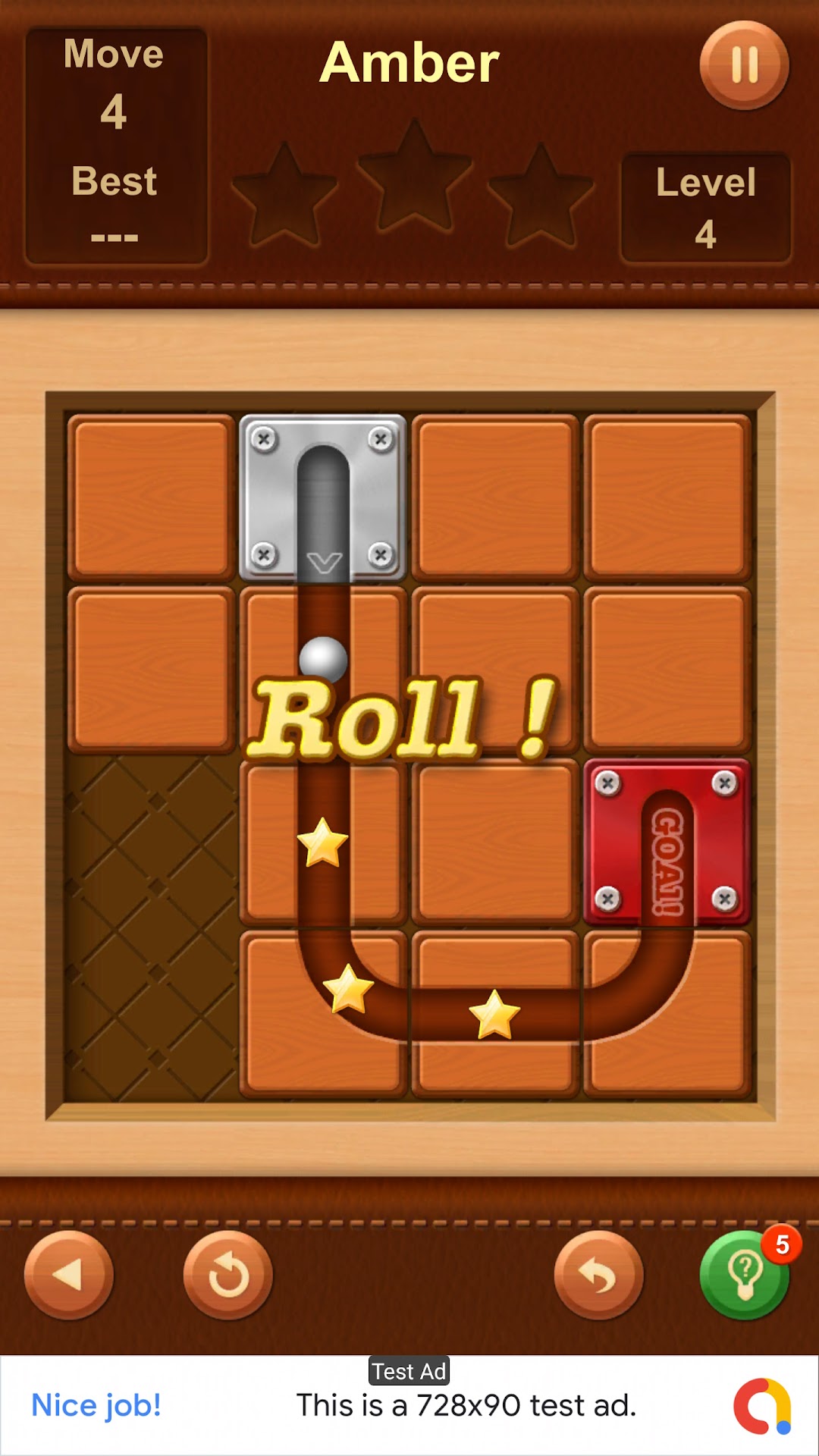
Roll the Ball is a Puzzle application developed by Loong Inc, but with the best Android emulator-LDPlayer, you can download and play Roll the Ball on your computer.
Running Roll the Ball on your computer allows you to browse clearly on a large screen, and controlling the application with a mouse and keyboard is much faster than using touchscreen, all while never having to worry about device battery issues.
With multi-instance and synchronization features, you can even run multiple applications and accounts on your PC.
And file sharing makes sharing images, videos, and files incredibly easy.
Download Roll the Ball and run it on your PC. Enjoy the large screen and high-definition quality on your PC!
Roll the Ball is an engaging and addictive puzzle game that challenges your brain. Solve intricate rolling ball puzzles by maneuvering various tiles.Key Features:
Maze Puzzle: Navigate complex mazes to find the correct path for the ball.
Sliding Puzzle: Suitable for all ages, slide or drag tiles to create a path for the ball.
Hint System: Use free hints to reveal the correct path.
3 Stars: Strive to earn maximum stars on each level.
Offline Play: Enjoy the game without needing an internet connection.
Challenge Mode: Test your skills by seeing how far you can roll the ball.