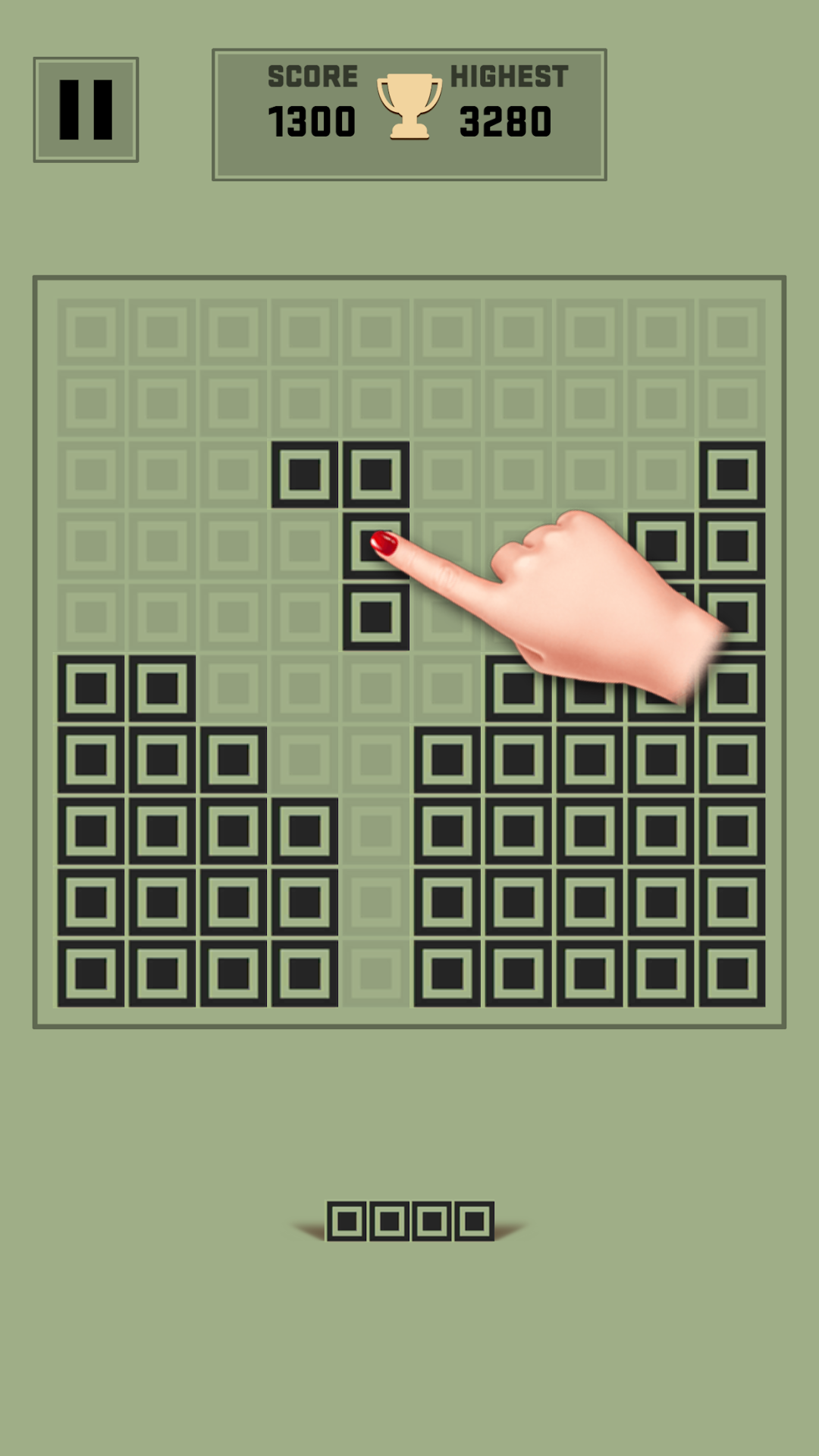
Block Puzzle Classic is a Puzzle application developed by Zengames Studio, but with the best Android emulator-LDPlayer, you can download and play Block Puzzle Classic on your computer.
Running Block Puzzle Classic on your computer allows you to browse clearly on a large screen, and controlling the application with a mouse and keyboard is much faster than using touchscreen, all while never having to worry about device battery issues.
With multi-instance and synchronization features, you can even run multiple applications and accounts on your PC.
And file sharing makes sharing images, videos, and files incredibly easy.
Download Block Puzzle Classic and run it on your PC. Enjoy the large screen and high-definition quality on your PC!
"Block Puzzle" is a fun and classic block game!And our Block Puzzle is not just that. It is more Simple and addictive! Once you start, you will not stop playing. Just have a try, you will love it!
HOW TO PLAY BLOCK PUZZLE CLASSIC?
1. Simply drag the blocks to move them.
2. Fill blocks in a vertical or horizontal line to clear them.
3. Try to crush more wood blocks and get more points.
4. No time limits.
WHY CHOOSE THIS BLOCK PUZZLE?
★ Exquisite Game Interface!
★ Easy to play, and classic brick game for all ages!
★ It is all FREE and No Wifi Need!
★ Block Puzzle Classic
★ Easy to play and fun to master gameplay.
Enjoy this Block Puzzle Game! The More Play and The More Exciting!!!
Block Puzzle Classic are free and fun.
Download classic block puzzle and play with them for hours