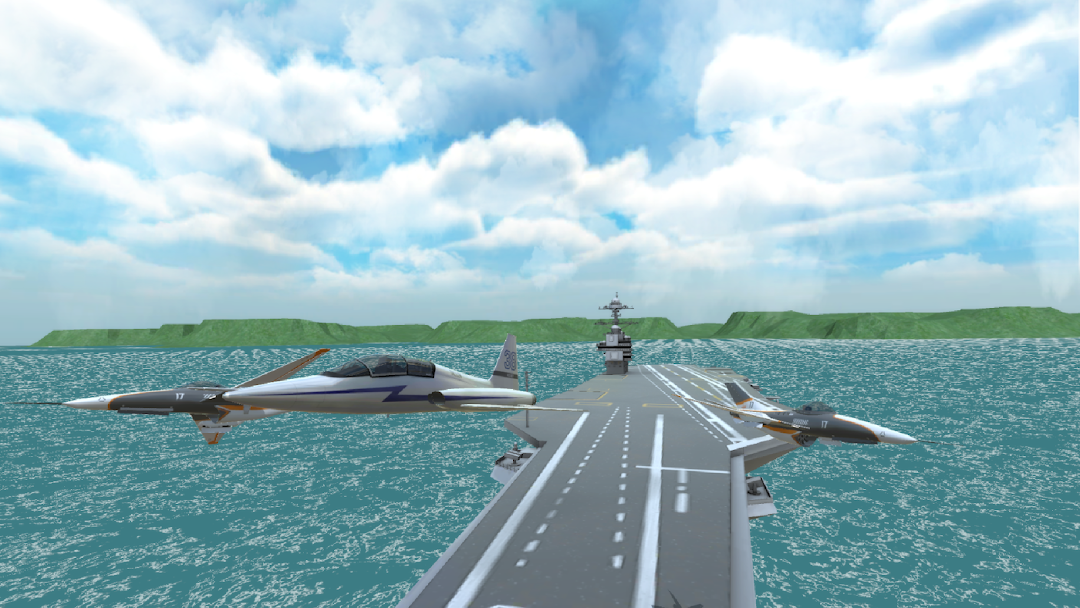
Airplane Flight Simulator is a Simulation application developed by MCKGames, but with the best Android emulator-LDPlayer, you can download and play Airplane Flight Simulator on your computer.
Running Airplane Flight Simulator on your computer allows you to browse clearly on a large screen, and controlling the application with a mouse and keyboard is much faster than using touchscreen, all while never having to worry about device battery issues.
With multi-instance and synchronization features, you can even run multiple applications and accounts on your PC.
And file sharing makes sharing images, videos, and files incredibly easy.
Download Airplane Flight Simulator and run it on your PC. Enjoy the large screen and high-definition quality on your PC!
Airplane Flight Simulator Fly different planes in a massive Open world or try out a variety of exciting missions.Become a master pilot.
Name your plane, modify it as you wish and take your place in the sky.
Features:
- Detailed Aircraft models with fully modeled interiors
- All Aircraft are animated
- A lot of modify for each Aircraft
- Realistic Aircraft and airdrop system
- Different control options (buttons, tilt, sliders or
lever)
- Manual and autopilot options
- Realistic physics
- Big open world
- Realistic engine,air sounds
- Passenger system with Social and Realistic responses
- Great locations and graphics
- Different camera angles (inside camera, outside camera and 360 degree camera)