KAYA: THE CLIMBER’S APP is a Sports game developed by KAYA Climbing. LDPlayer is the best platform for playing KAYA: THE CLIMBER’S APP on Windows PC, offering powerful features to enhance your immersive experience in KAYA: THE CLIMBER’S APP.
When playing KAYA: THE CLIMBER’S APP on your computer, the larger screen and more powerful graphics performance enable you to enjoy clearer and smoother game visuals, enhancing the visual experience of the game.
The operation of peripherals such as gamepads is emulated to better mimic the feel of real sports, providing more precise control and richer operation options.
Furthermore, if you wish to execute a series of continuous key combinations, the one-click macro feature will be the functionality you've been dreaming of, allowing you to effortlessly stay one step ahead with one-touch operation. Start downloading and playing KAYA: THE CLIMBER’S APP on your computer now!
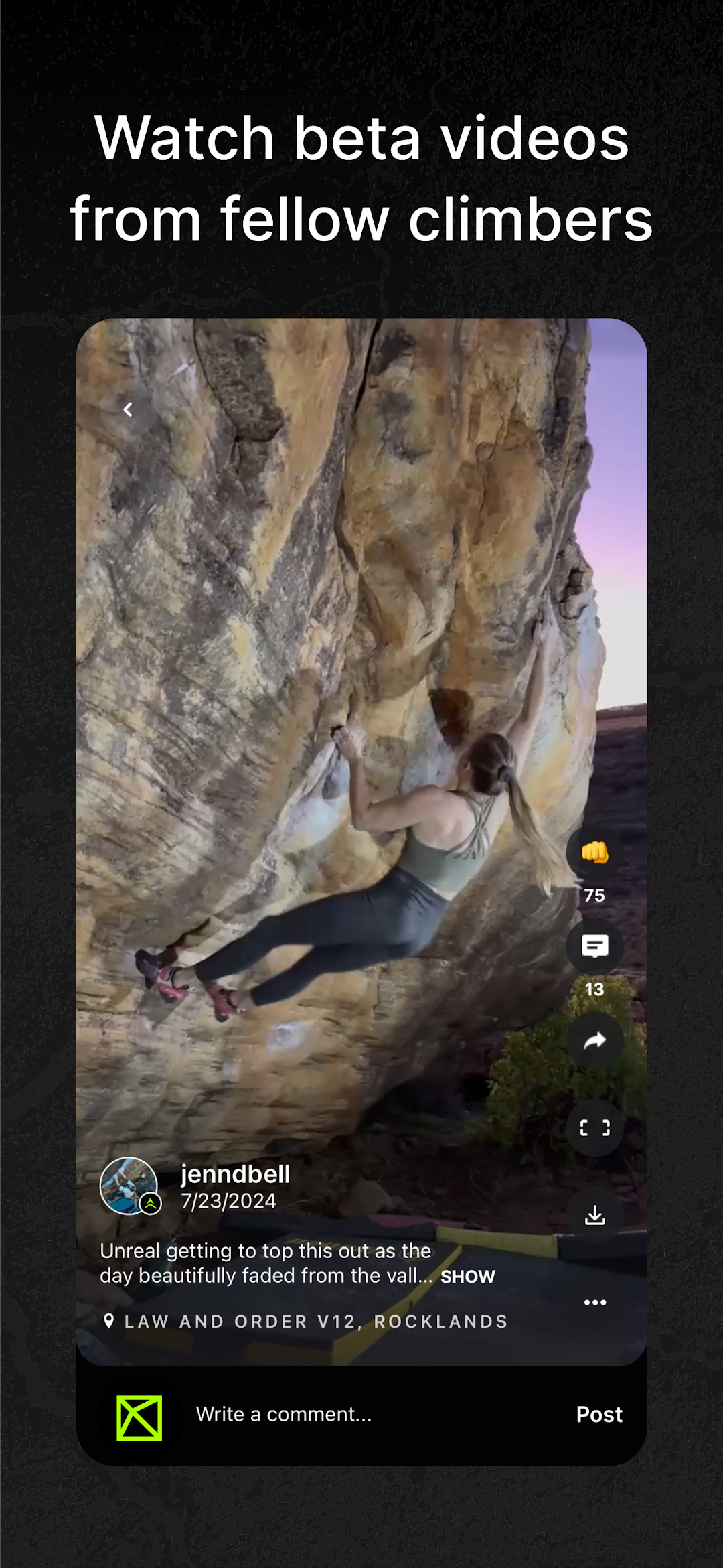
KAYA is your ultimate climbing guide—built by climbers, for climbers. Use KAYA to discover new climbs, watch beta videos, log your sends, and track your progress over time. Whether you're projecting your hardest grade or exploring a new area, KAYA helps you climb smarter with GPS maps, offline topos, and real-time updates from trusted guidebook authors. Connect with friends, share your beta, and celebrate every send with the most psyched community in climbing.-Guide-
All the data, beta, and resources in one place. KAYA PRO makes outdoor climbing more accessible and convenient than ever before with verified GPS coordinates, interactive topos, and detailed climb descriptions. Official KAYA Guides are available for classic areas like Bishop, Joe’s Valley, and more — all available offline for when the service gets rough.
- Track Progress -
With thousands of gyms and climbing areas in our database, KAYA offers a superior logging experience. Videos, ascents, comments, and star ratings are all available within each climb page. If you’ve kept a logbook with another app or website in the past, you can easily upload it into KAYA through your profile page.
- Connect -
KAYA is community-focused. You’ll be notified when your buddy breaks into a new grade so you can leave ‘em a fist-bump and a comment. In-app messenger allows you to connect with other climbers, and, if your gym is on KAYA, receive new set notifications when the routesetting team finishes slinging the freshies.
- Compete -
KAYA challenges are one of the best ways to stay motivated and interact competitively with the climbing community. Go up against the world’s best or compete with your friends at your local competition.
It doesn’t stop there. We are always making changes and improvements to KAYA. Keep your updates turned on so you won’t miss a thing.
KAYA Pro Subscription: includes detailed climb info, GPS, offline mode, and training tools.
$59.99 / year
$9.99 / month
Subscription Restore & Renewal Info:
Yearly and monthly subscriptions are billed via Apple's subscription service. Subscriptions are linked to your Apple ID & KAYA user, so if you switch devices your KAYA user will still be subscribed to Pro -- no manual "restore" is required.
Terms of Use
https://kayaclimb.com/terms-of-service
Apple's Subscriptions Terms of Use
https://www.apple.com/legal/internet-services/itunes/dev/stdeula/
Privacy Policy
https://kayaclimb.com/privacypolicy