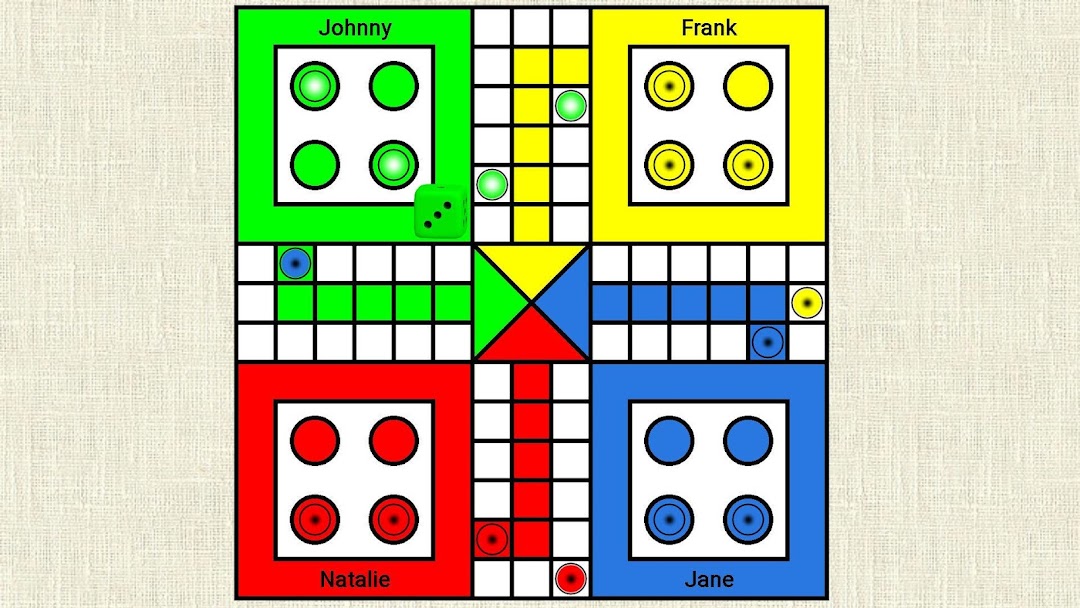
Ludo Game is a Board application developed by Royale Games, but with the best Android emulator-LDPlayer, you can download and play Ludo Game on your computer.
Running Ludo Game on your computer allows you to browse clearly on a large screen, and controlling the application with a mouse and keyboard is much faster than using touchscreen, all while never having to worry about device battery issues.
With multi-instance and synchronization features, you can even run multiple applications and accounts on your PC.
And file sharing makes sharing images, videos, and files incredibly easy.
Download Ludo Game and run it on your PC. Enjoy the large screen and high-definition quality on your PC!
Ludo GameLudo is a classic board game for everyone. Our game supports up to four players. Two players are minimum to play.
Features
You can play in locally over Bluetooth, Wi-Fi Direct or globally in Online game or just against the computer.
Easy to play
Select the players, write your name and you can start playing. Each player have one of the 4 colors (red, green, yellow, blue) and 4 pieces. Throw the dice and move the piece by clicking on it. In the settings, you can edit the rules for the game. If you are ready - your clash can begin. This is the dice game - depend on Luck!
Our Ludo Game is challenging and enjoyable. You can download this game for free. Ludo game was recreated with many different modifications over the time. You can also known this game as Pachisi - this is very similar to a Spanish board game or as Parchisi, Parchís, etc.
Take all your pieces to the finish house as first! Play every day and be a king of our Ludo game. Dive back into your childhood. Enjoy this Ludo royal game of kings!
Have fun! :)