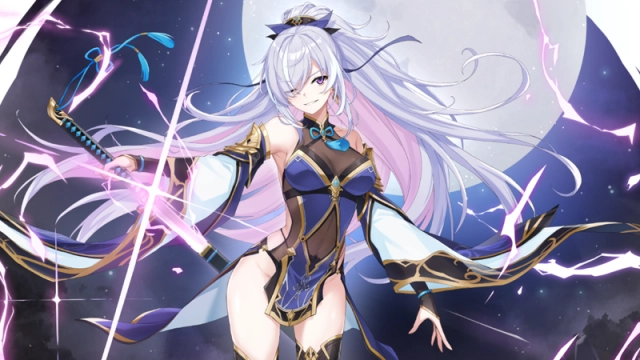
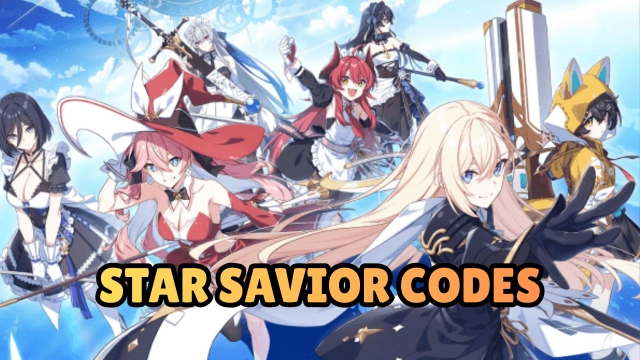
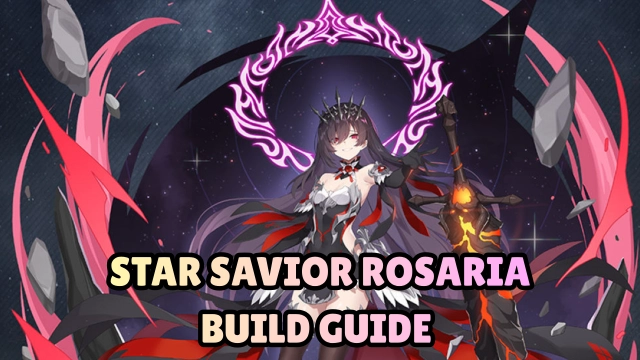
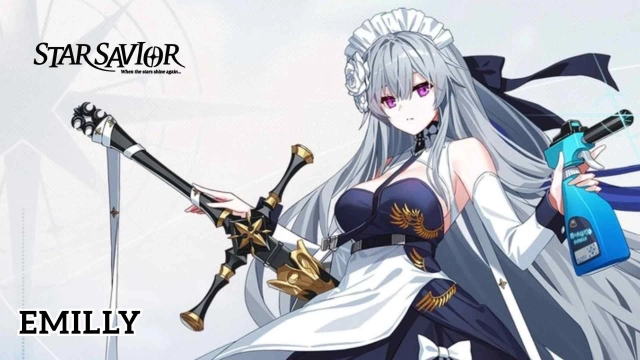
Star Savior is a sci-fi character-growth RPG developed by STUDIOBSIDE, the team behind CounterSide. In the radiant megacity of NOA, where cosmic storms carve paths across the sky, a new generation of heroes awakens. The game invites players to become the Captain who leads the gifted “Saviors” endowed with fragments of starlight. Together, they embark on the legendary Journey to inherit the title of the Star Savior and defend the world of Lavistar from the looming threat of the Voidborn.
Core Gameplay & Features
-
Build and customize a roster of Saviors, each carrying unique star-abilities, roles, and visually stunning ultimate skills.
-
Explore the Journey system, unlocking personal story arcs, bonds, trials, and character-specific missions that reveal their past and growth.
-
Engage in strategic 3D turn-based combat, combining team synergy, positioning, timing-based skills, and high-quality anime-style effects.
-
Manage training schedules, balancing rest and intensive drills to optimize stats, traits, and long-term progression.
-
Immerse yourself in a handcrafted sci-fi world, from NOA’s neon-lit skyline to the vast cosmic frontier shaped by Voidborn assaults.
Player Impressions
The character bonds feel genuine—each upgrade carries the weight of shared battles.
Combat clicks smoothly; timing a burst skill at the perfect moment feels incredibly rewarding.
The world slowly unfolds with emotion and mystery, balancing quiet character scenes with large-scale cosmic tension.
Play Star Savior on PC with LDPlayer for Best Experience
Experience Star Savior on LDPlayer with enhanced clarity and smoother control designed for tactical combat.
Key LDPlayer Features:
-
Ultra Screen – Enjoy a wider view of characters, battlefields, and cutscenes on a full-size PC display.
-
Custom Controls – Create precise keyboard/mouse keymaps for skills, combos, and quick tactical switches.
-
High FPS – Maintain smooth, stable frame rates that enhance skill timing and visual fidelity.
-
Battery-free Play – Play long sessions of training or story progression without heat or battery wear.
-
Multi-instance Sync – Manage multiple accounts or reroll processes with synchronized multi-instance operations.
Take command of your Saviors on a larger, more powerful setup—your cosmic journey begins with LDPlayer.