Word Puzzle is a Puzzle application developed by Super Sensitive, but with the best Android emulator-LDPlayer, you can download and play Word Puzzle on your computer.
Running Word Puzzle on your computer allows you to browse clearly on a large screen, and controlling the application with a mouse and keyboard is much faster than using touchscreen, all while never having to worry about device battery issues.
With multi-instance and synchronization features, you can even run multiple applications and accounts on your PC.
And file sharing makes sharing images, videos, and files incredibly easy.
Download Word Puzzle and run it on your PC. Enjoy the large screen and high-definition quality on your PC!
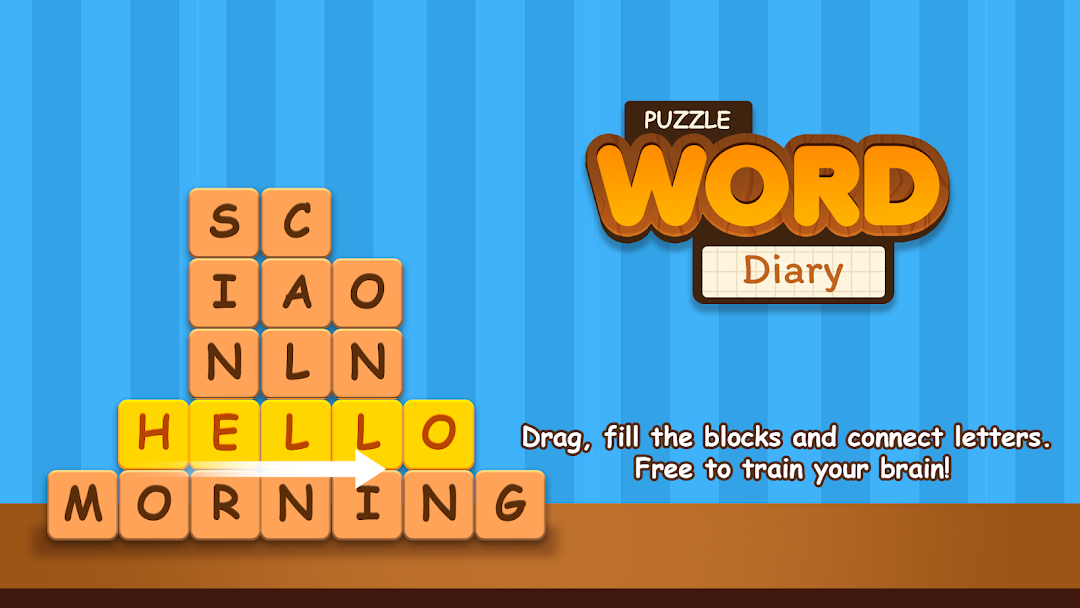
If you're looking for new games for mind sharpening and brain training, then the game is the one for you!A brand new and addictive Tetris-style word search game.
How To Play:
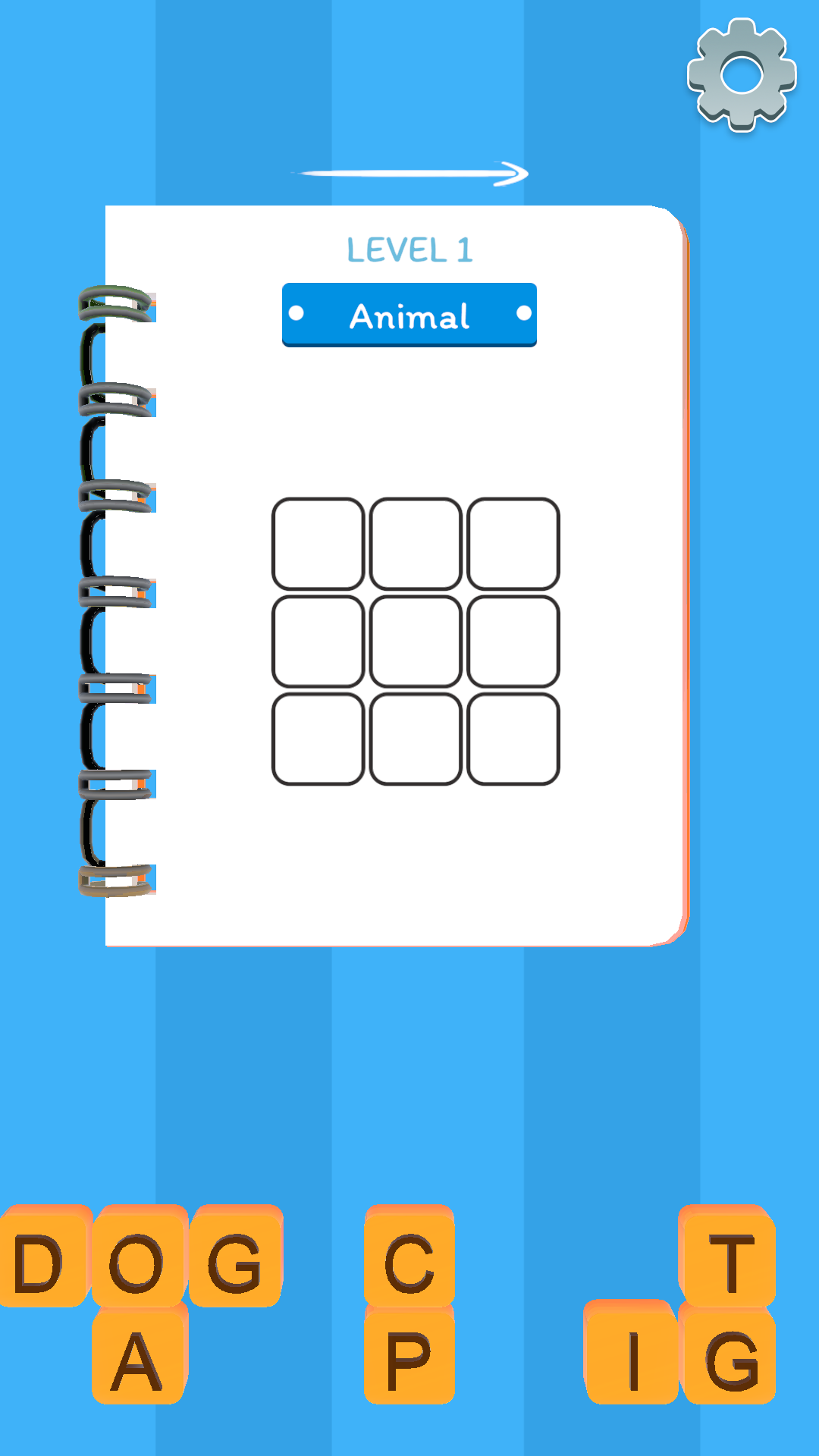
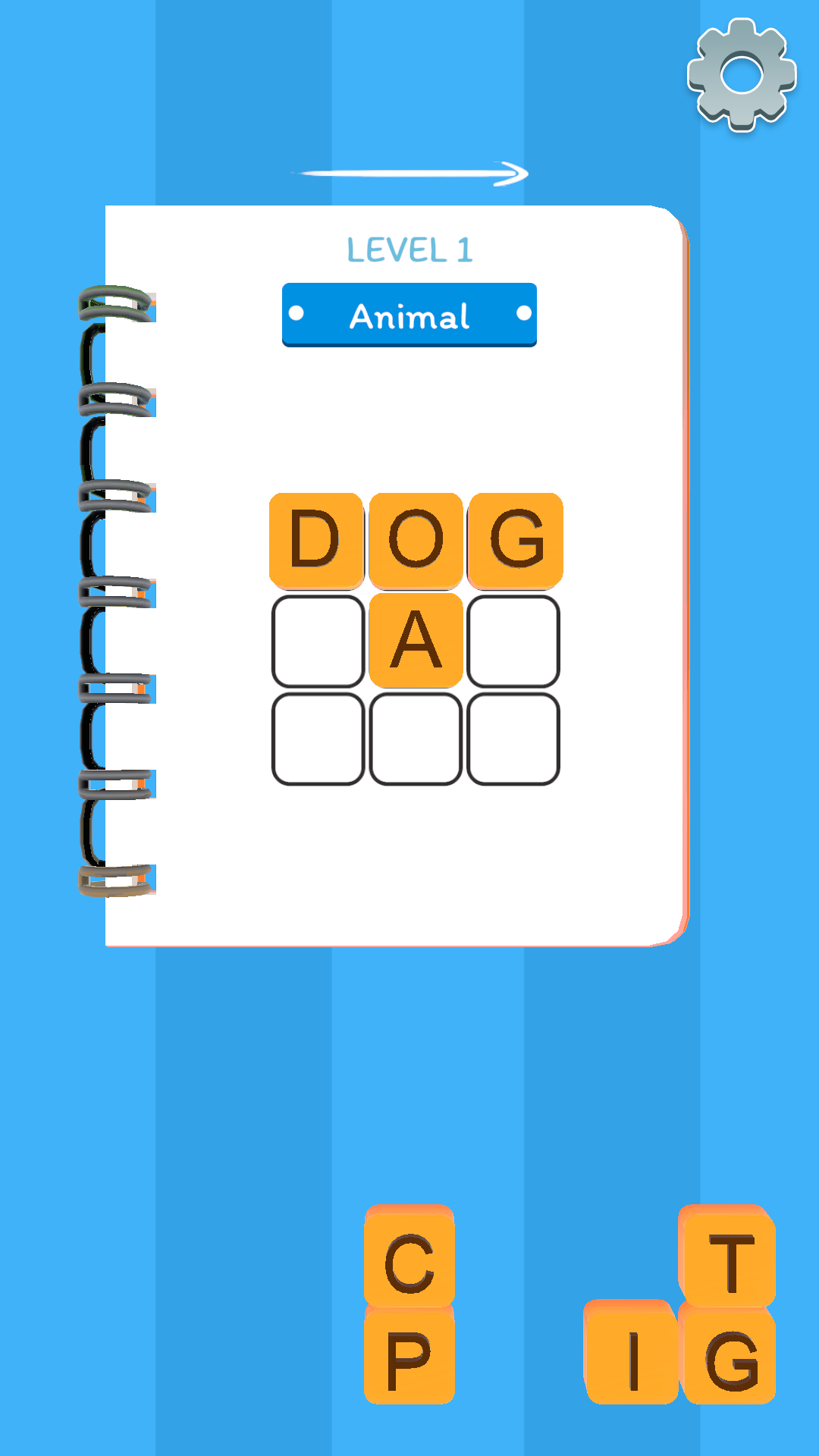
- Find all words by swiping your finger across the screen to put the wordblocks all together.
- The category clue will help you find the hidden words.
The aim is to simply find all the hidden words. The words on each level are sometimes related to each other and there will be levels with random category so your mind will be challenged to be better. With this game you can easily improve your vocabulary, concentration and spelling skills!
Features:
- Fluent game play and pleasant interfaces.
- No wifi needed.
- No time limit.
- Both for kids and adults.
- Support both phones and tablets.
Complete the levels with themed puzzles. Advance from being a Word Newbie to a Super Word Master!
Download the free game and Play NOW!
Have fun and train your brain!