

Yulgang:ยุทธภพสนุก is a Role Playing game developed by Star Entertainment HK, and LDPlayer is the best platform for playing Yulgang:ยุทธภพสนุก on Windows PC, offering powerful features for an immersive experience.
When playing Yulgang:ยุทธภพสนุก on PC, as a new player looking to start with a fresh account, the multi-instance and sync features are extremely useful for rerolls. You can use them to run multiple instances and begin the synchronization process. Bind your account until you draw the desired heroes.
In addition, operation recorder is great for games that require you to level up and complete tasks! Run the sync and record your actions, then repeat the main instance's actions in real-time. By doing so, you can run 2 or more accounts simultaneously. You can always get the heroes you want before others by faster rerolls and more efficient summoning! Start downloading and playing Yulgang:ยุทธภพสนุก on your computer now!
Yulgang ลิขสิทธิ์แท้! สงกรานต์นี้ แพ็กความสุขและของขวัญในคลิกเดียว!
【ต้นฉบับแท้ของยุทธภพ! IP ระดับตำนานจากมังงะเกาหลีลิขสิทธิ์แท้!】
แผนที่คลาสสิก อาชีพหลักทั้ง 5 สาย และระบบเสริมแกร่งอุปกรณ์แบบดั้งเดิม ทุกอย่างยังคงเป็นรสชาติเดิมที่คุ้นเคย
พร้อมอัปเดตใหม่ต้อนรับสงกรานต์ ฉากปาร์ตี้ DJ สาดน้ำสงกรานต์ใหม่ล่าสุด กราฟิกที่อัปเกรดขึ้น ประสบการณ์การเติบโตที่ลื่นไหลยิ่งกว่าเดิม และของรางวัลจัดเต็มกว่าเดิม กลับมาพบกันอีกครั้ง เพื่อจุดไฟปาร์ตี้ให้ลุกโชน!
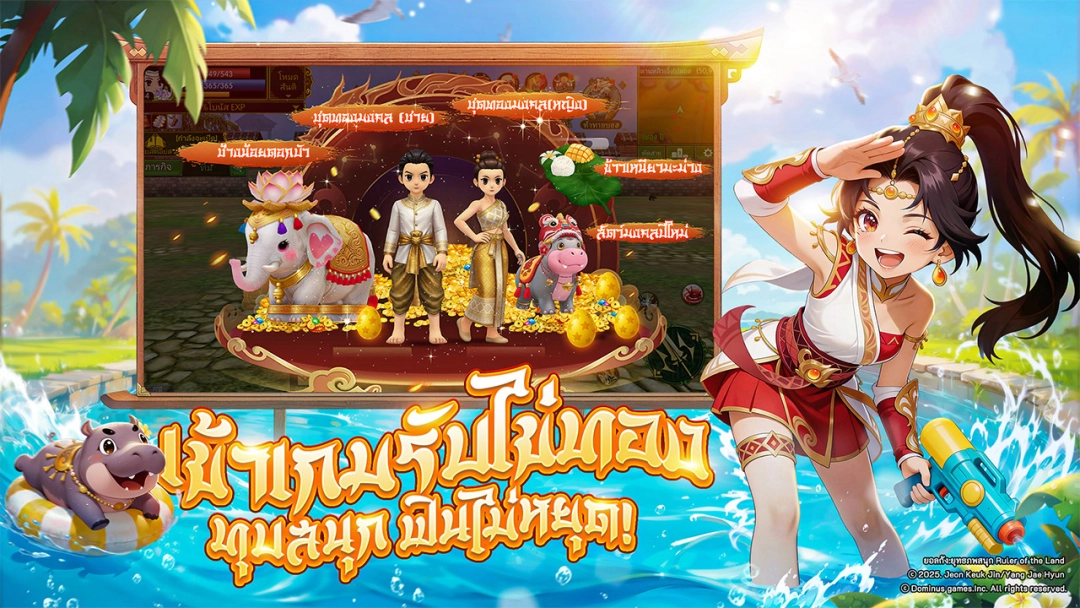
【เพลิดเพลินกับสงกรานต์ด้วยแฟชั่นลิมิเต็ด! ทุบไข่ทองไม่หยุด! รับของรางวัลไม่อั้น!】
แฟชั่นอาชีพลิมิเต็ด 10 เซ็ตสุดพิเศษ ฉายาสงกรานต์หายาก สัตว์วิเศษไทยแบบจำกัด ฟังก์ชันเก็บของอัตโนมัติ—แจกฟรีตั้งแต่เกมเปิด! กำจัดมอนสเตอร์เพื่อรับชิ้นส่วนไอเทม นำไปแลกของรางวัลซัมเมอร์มากมาย! ไข่ทองแห่งยุทธภพแจกไม่หยุด! เปิดปาร์ตี้สาดน้ำสงกรานต์สุดมันส์!
【เริ่มเกมก็จบสาย เล่นฟินๆ! ล็อกอินปุ๊บก็ตัวจบ จอมยุทธ์ทุกคนอุปกรณ์ +15!】
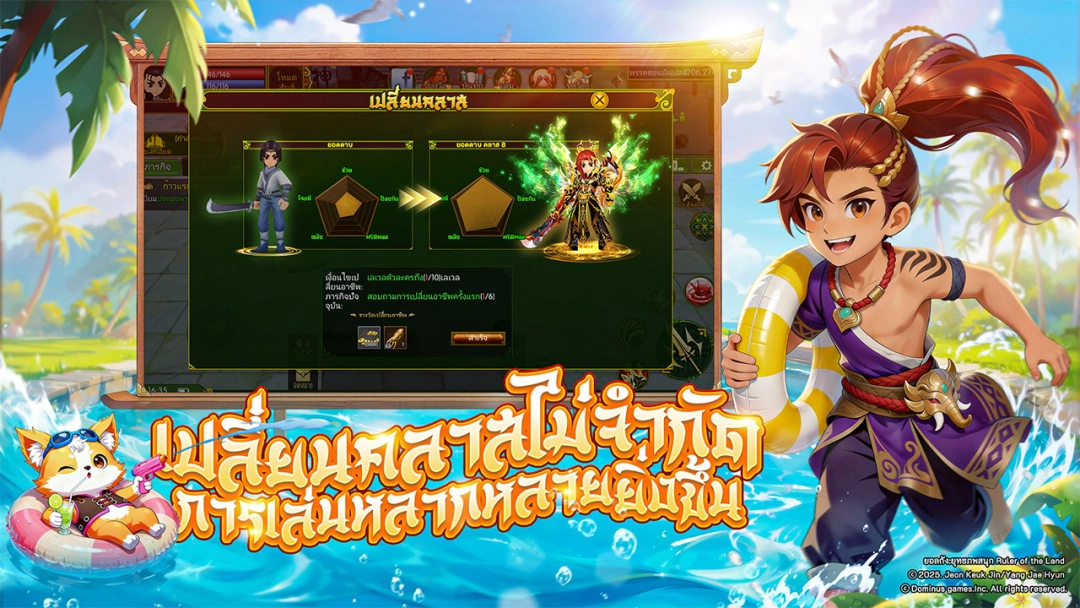
เริ่มเกมอัปเลเวลตรงสู่เลเวล 30 เปลี่ยนอาชีพทันที เรียนวิชาตัวเบาได้เลย มือใหม่ไม่ต้องฟาร์มหนัก! อัตราอัพเกรดอุปกรณ์สำเร็จสูงขึ้น แจกเครื่องรางกันแตกไม่อั้น ช่วยให้คุณคว้าอาวุธเทพแห่งยุทธภพได้อย่างรวดเร็ว!
【จับมือกันหวนคืนสู่ตำนาน YULGANG! พบกันอีกครั้งกับความรักความแค้นที่มันส์กว่าเดิม!】
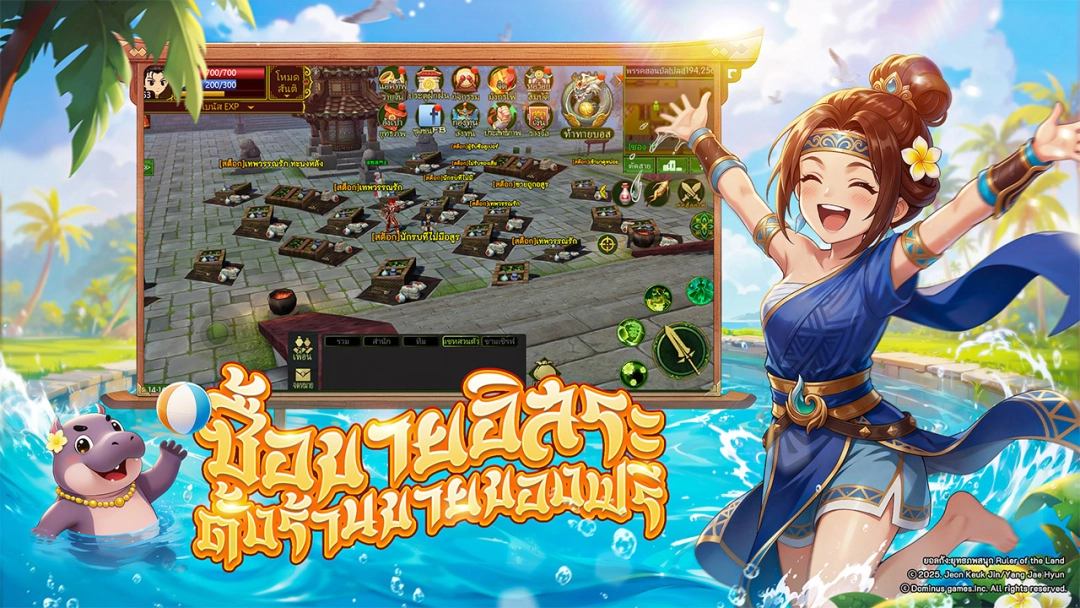
ศึกธรรมะปะทะอธรรมใกล้ปะทุ สงครามสำนักจะลุกโชนขึ้นอีกครั้ง! คราวนี้…จะเป็นจอมยุทธ์ผู้กุมธงใหญ่เพียงหนึ่งเดียวของสำนัก รวมกลุ่มเพื่อนซี้ตั้งทีมล่าร่วมแรงร่วมใจ คู่รักในตำนานอย่างหวานชื่นโรแมนติก หรือพ่อค้าผู้มั่งคั่ง ใช้ชีวิตอิสระสายชิล… เส้นทางยุทธภพแห่งตำนาน กำลังจะเริ่มต้นขึ้นอีกครั้ง!