Home/

Games/

Role Playing/

Miêu Đế Tam Quốc

Miêu Đế Tam Quốc
4.0100+

Miêu Đế Tam Quốc

Collect super cute Cat Generals and unify the Three Kingdoms!

Play on PC with LDPlayer
recommend
VelaGame
How to Download&Play Miêu Đế Tam Quốc on PC?
Last Updated: 2025-12-24
com.tamquoc.meo3q.vn
Share:
  • Overview

  • FAQ

Use LDPlayer to Play Miêu Đế Tam Quốc on PC

Miêu Đế Tam Quốc is a Role Playing game developed by VelaGame, and LDPlayer is the best platform for playing Miêu Đế Tam Quốc on Windows PC, offering powerful features for an immersive experience.

When playing Miêu Đế Tam Quốc on PC, as a new player looking to start with a fresh account, the multi-instance and sync features are extremely useful for rerolls. You can use them to run multiple instances and begin the synchronization process. Bind your account until you draw the desired heroes.

In addition, operation recorder is great for games that require you to level up and complete tasks! Run the sync and record your actions, then repeat the main instance's actions in real-time. By doing so, you can run 2 or more accounts simultaneously. You can always get the heroes you want before others by faster rerolls and more efficient summoning! Start downloading and playing Miêu Đế Tam Quốc on your computer now!

Vuốt mèo định thiên hạ, dễ thương mà oai hùng!
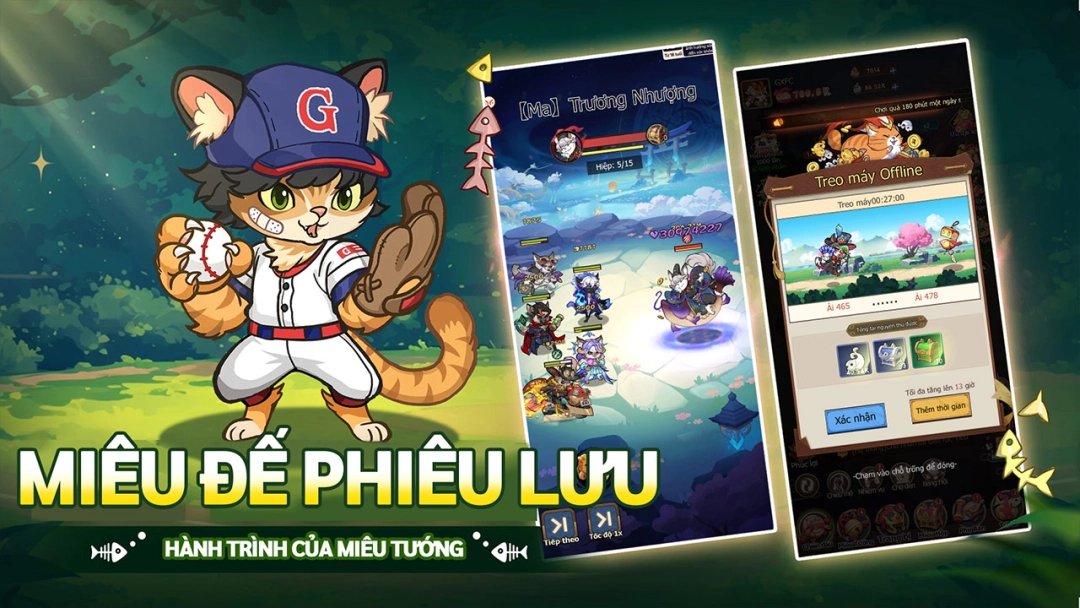
Lửa chiến Tam Quốc bùng cháy, anh hùng hóa thân thành mèo! Khi Gia Cát Lượng rung tai phe phẩy quạt lông, Quan Vũ khoác áo vằn cam trợn mắt oai phong, trận chiến dễ thương đảo ngược lịch sử chính thức bắt đầu! Tại đây, bạn sẽ chỉ huy trăm Miêu Tướng, trải nghiệm sưu tầm thẻ bài × nuôi mèo siêu chữa lành, viết nên huyền thoại Tam Quốc “Meo Meo” khó tả!

▶4 tính năng nổi bật◀
1. Thần mèo giáng thế, vuốt thống trị sơn hà
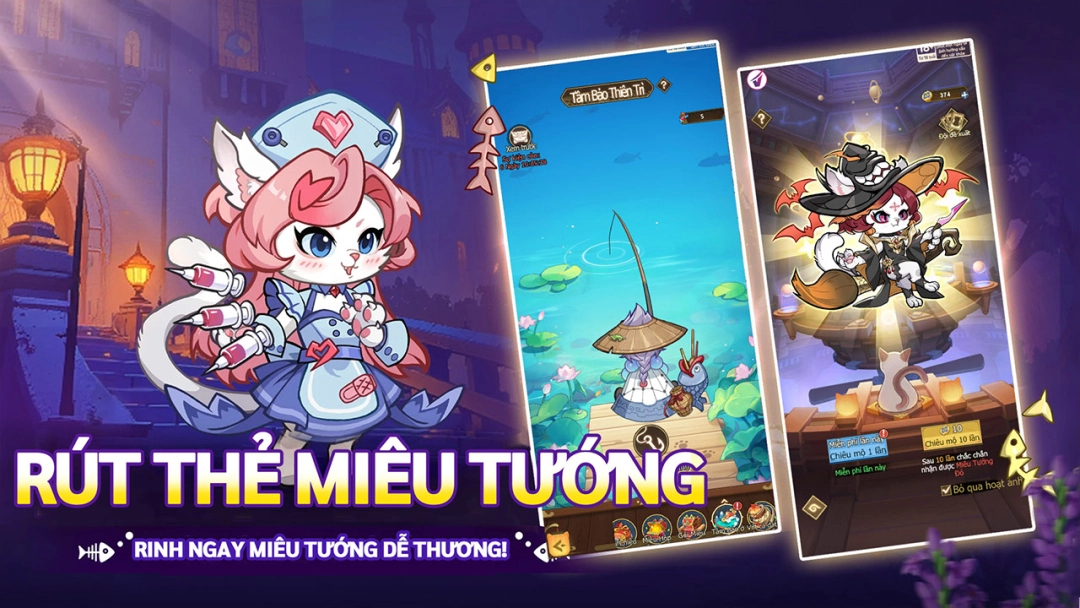
• Đăng nhập nhận ngay SSR Thần Mèo-Điêu Thuyền Đuôi bông phe phẩy, mê hoặc cả chiến trường!
• Nhiều danh tướng Tam Quốc hóa thân thành Miêu Tướng siêu cưng: Mèo Ragdoll-Gia Cát tính càn khôn, Mèo bạc sắt-Triệu Vân bảy lần vào ra trận. Tự do kết hợp liên kết Miêu Tướng, kích hoạt hợp kích lật ngược thế trận!

2. Mưu mèo kỳ kế, lấy trí thu phục
• Khéo léo dùng kỹ năng Miêu Tướng, kết hợp đội hình chiến thuật, lấy yếu thắng mạnh, hạ gục địch bằng mưu trí!
• Xếp đội 5 Miêu Tướng, xem Mèo lông dài-Trương Phi gầm vang phá trận, tạo nên màn “lật kèo” sử thi!

3. Bí mật miêu cung, ngọt ngào đồng hành
• Xây dựng Miêu Trại riêng của bạn! Vuốt ve tăng độ thân mật, mở khóa nhiều tương tác dễ thương hơn với mèo con!
• Ban ngày công thành phá trại, ban đêm vùi mặt ôm mèo - khoảnh khắc “chữa lành” giữa thời loạn là do bạn quyết định!

4. Nuôi mèo thảnh thơi, phúc lợi ngập tràn
• Treo máy nhận thưởng, ngủ cũng tự qua ải - đúng nghĩa “nằm chơi xưng bá thiên hạ”!
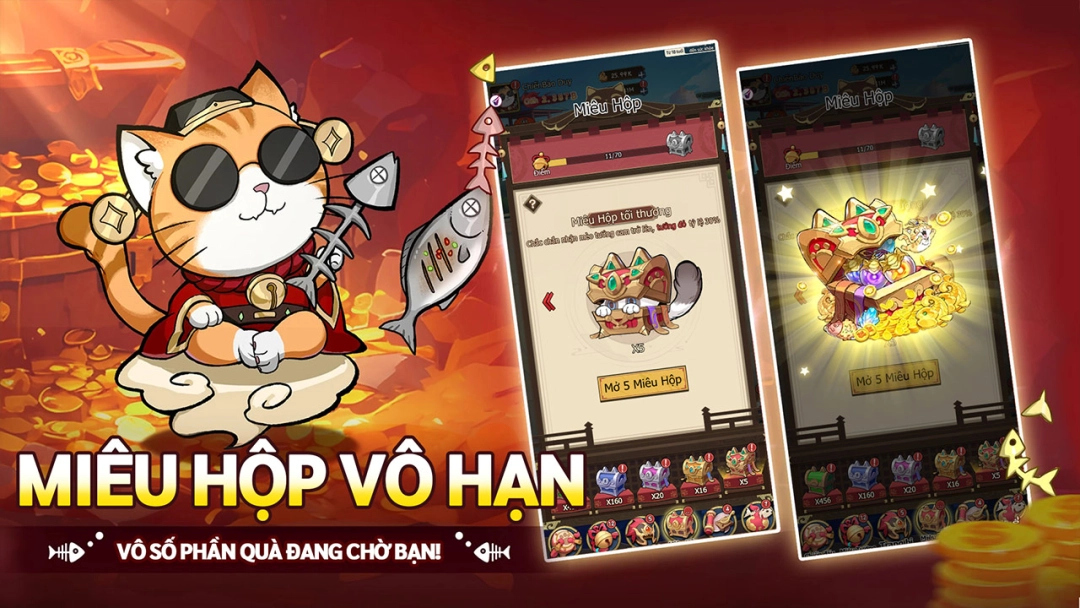
• Đăng nhập 7 ngày tặng ngay 1000 lượt rút! Nhận ngay Miêu Tướng Đỏ SSR tùy chọn (Quan Vũ/Lữ Bố...) - sức mạnh nghiền nát đối thủ ngay đầu trận!

Theo dõi fanpage Facebook để cập nhật thông tin mới nhất!
https://www.facebook.com/MieuDe3Q

Quyết định phê duyệt nội dung kịch bản trò chơi điện tử G1 trên mạng số 457/QĐ-PTTH&TTĐT cấp ngày 17 tháng 10 năm 2025.
Open up

Screenshots and Videos of Miêu Đế Tam Quốc PC

Experience a wider field of view, exquisite game graphics, and cooler combat skills and effects by downloading and playing Miêu Đế Tam Quốc on PC with LDPlayer. Enjoy the ultimate gaming experience with LDPlayer.

Why Play Miêu Đế Tam Quốc on PC with LDPlayer?

LDPlayer offers unique emulator features including multi-instance support, macros, operation recorder, and other functions not available on mobile devices.

Multi-Instance & Sync

Remote Control

Operation Recorder

Multi-Instance & SyncRemote ControlOperation Recorder

Effortlessly clone multiple instances and initiate synchronization until you draw the desired hero before binding your account, enhancing efficiency in rerolls in Miêu Đế Tam Quốc.

  • High FPS

    With support for high FPS, Miêu Đế Tam Quốc's game graphics are smoother, and actions are more seamless, enhancing the visual experience and immersion of playing Miêu Đế Tam Quốc.
  • Keyboard & Mouse

    In Miêu Đế Tam Quốc, players frequently perform actions such as character movement, skill selection, and combat, where keyboard and mouse offer more convenient and responsive operation.

How to Download&Play Miêu Đế Tam Quốc on PC?

  • 1

    Download and install LDPlayer on your computer

  • 2

    Locate the Play Store in LDPlayer's system apps, launch it, and sign in to your Google account

  • 3

    Enter "Miêu Đế Tam Quốc" into the search bar and search for it

  • 4

    Choose and install Miêu Đế Tam Quốc from the search results

  • 5

    Once the download and installation are complete, return to the LDPlayer home screen

  • 6

    Click on the game icon on the LDPlayer home screen to start enjoying the exciting game