Restaurant Story™ is a Casual game developed by Storm8 Studios. LDPlayer is the best platform for playing Restaurant Story™ on Windows PC, offering powerful features to enhance your immersive experience in Restaurant Story™.
When playing Restaurant Story™ on your computer, if you find repetitive actions or tasks tedious and time-consuming, fret not! Macro can alleviate your concerns. Simply record your actions with a click of the screen recording feature and let macros take care of the rest. Macros automate your operations, allowing you to effortlessly conquer the game with minimal effort! Start downloading and playing Restaurant Story™ on your computer now!
Welcome to Restaurant Story™, the most deliciously fun restaurant simulation game where you have the chance to create, design, and manage your dream restaurant. Immerse yourself in the vibrant world of culinary arts and restaurant design with this engaging cooking game, brought to you by Storm8 Studios.What Awaits You in Restaurant Story™?
• Unleash Your Culinary Creativity: With hundreds of Masterchef recipes at your fingertips, cook everything from your family’s favorite brunch items to sumptuous desserts. Your cooking skills will define the success of your restaurant.
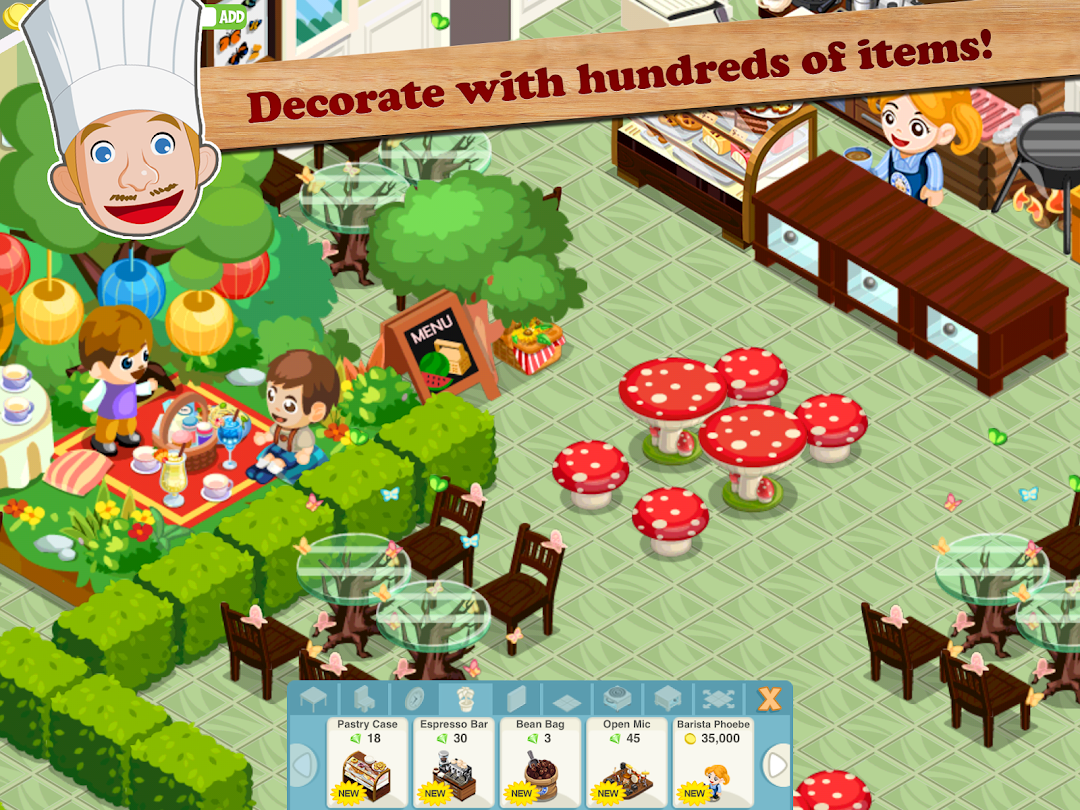
• Design Your Dream Restaurant: Beyond cooking, you have thousands of decorations and design options at your disposal. Transform your space from a quaint corner café to a world-class restaurant or even a themed pirate ship!
• Weekly New Recipes: Keep your menu fresh and exciting with new recipes added every week, ensuring there’s always something new for your customers to love.
• Customer Happiness: Make sure your customers leave happy and satisfied by balancing stunning decorations with mouth-watering dishes, securing your place as the top chef in town.
• Community and Competition: Join a vibrant community of fellow restaurateurs. Compete in cooking challenges and rise up the leaderboard to prove your culinary prowess.
Key Features:
• Strategic Restaurant Management: Master the art of restaurant management by juggling kitchen duties, customer service, and interior design, all within a vibrant and dynamic environment.
• Engage with Friends: Earn extra tips and compliments by showing off your restaurant to friends and the Restaurant Story™ community.
• Regular Updates: Enjoy free weekly updates, bringing you new dishes and decorations to keep the game fresh and exciting.
Please Note:
• Restaurant Story™ is an online-only game.
• Free to play with optional in-app purchases available. In-app purchases can be disabled through your device's settings. To delete this feature, on your device go to the Google Play Store, tap the Menu button, select Settings > Use PIN for purchase. Then, set up the four-digit PIN on the option below.
• Integrates with social media services like Facebook, allowing Storm8 Studios access to your information through such services.
• Data is collected for personalized ads and gameplay analysis.
Privacy & Terms:
• Storm8 Studios Terms of Service: http://www.storm8-studios.com/terms/
• Storm8 Studios Privacy Policy: https://www.storm8.com/privacy/
Connect with Storm8 today!
• Website: www.storm8.com
• https://twitter.com/storm8
• https://www.instagram.com/bakerystoryapp/
• https://www.instagram.com/restaurantstoryapp
• https://www.instagram.com/castlestoryapp
Ready to embark on your restaurant management journey? Download Restaurant Story™ now and start building the restaurant of your dreams!