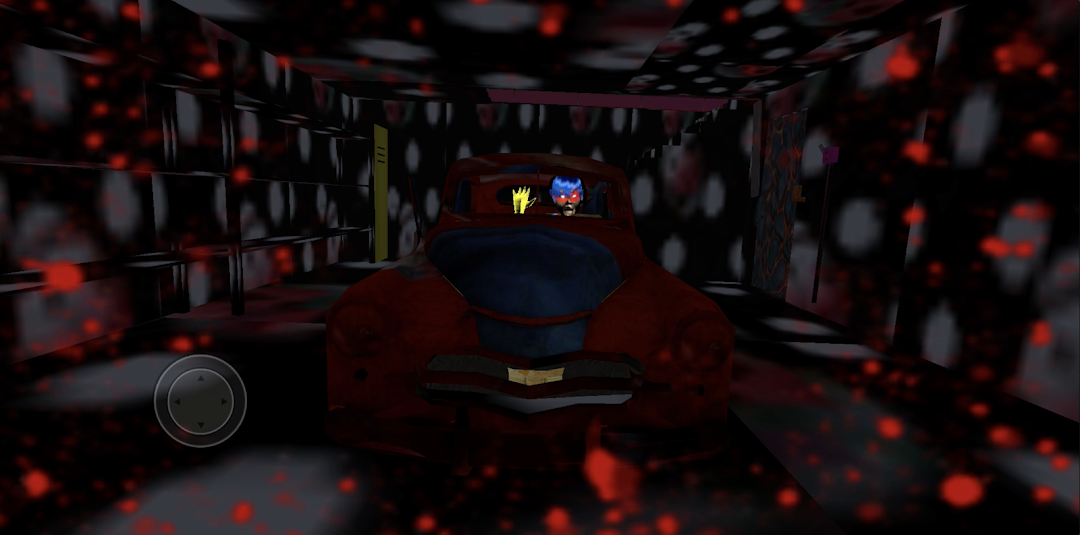
Horror LadyBug Granny is a Action game developed by VidStudioTDM, and LDPlayer is the best platform for playing Horror LadyBug Granny on PC, offering powerful features to immerse you in the game.
When playing Horror LadyBug Granny on computer, you can adjust frame rate settings for smooth gameplay and stunning visuals.
LDPlayer also provides pre-configured keyboard mapping for convenient control of the entire game. Continuous optimization of keyboard mapping enhances key sensitivity and skill accuracy. Additionally, LDPlayer offers special buttons like shoot, hide mouse, and continuous key press for an enhanced gaming experience.
If you prefer using a gamepad, the automatic gamepad detection allows you to customize controls with just a few clicks, enabling you to freely maneuver your hero. Start downloading and playing Horror LadyBug Granny on your computer now!
🚀 Horror LadyBug Granny: The Ultimate Scary AdventureEmbark on a heart-pounding journey with "Horror LadyBug Granny," the game that pushes the boundaries of fear! Face unexpected twists as Scary LadyBug Granny takes you on a chilling ride, occasionally kicking her neighborhood Krab to avoid confrontations.
🌟 Unleash the Horror:
Dive into the future of horror gaming with "Horror LadyBug Granny." Our game stands as a beacon of innovation, redefining fear with cutting-edge features that promise an unparalleled spine-tingling adventure.
🎮 Features Beyond Imagination:
🚀 Experience mind-bending features that keep you on the edge of your seat.
🎮 Navigate terror seamlessly with smooth and intuitive controls.
🏰 Immerse yourself in horror with intriguing game levels that challenge your sanity.
🌐 Voted the best horror game of 2024 – Prepare to be awestruck.
👾 Let the Fear Begin:
Play "Horror Ladybug Granny" now and transcend into a world where fear knows no bounds. Explore futuristic levels, each holding unique and eerie surprises. Good luck – you'll need it in this brave new world!
📲 Download Now and Confront Your Fears!
Experience the epitome of horror gaming with our latest mod. Don't miss the opportunity to download "Horror LadyBug Granny" and feel the terror deep in your bones. Unleash the future of fear – it's now at your fingertips!