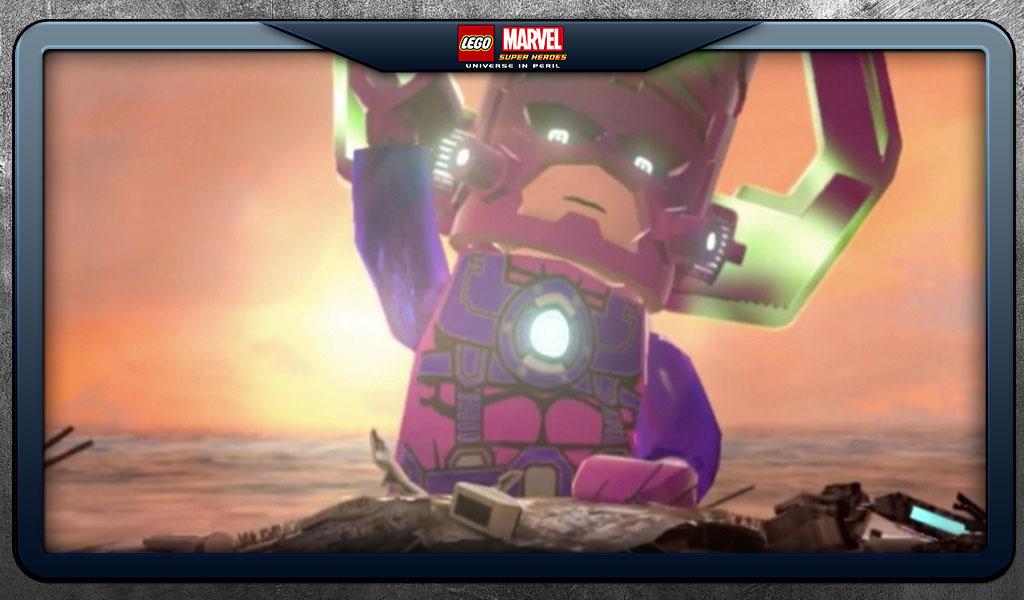
LEGO ® Marvel Super Heroes is a Action game developed by Warner Bros. International Enterprises, and LDPlayer is the best platform for playing LEGO ® Marvel Super Heroes on PC, offering powerful features to immerse you in the game.
When playing LEGO ® Marvel Super Heroes on computer, you can adjust frame rate settings for smooth gameplay and stunning visuals.
LDPlayer also provides pre-configured keyboard mapping for convenient control of the entire game. Continuous optimization of keyboard mapping enhances key sensitivity and skill accuracy. Additionally, LDPlayer offers special buttons like shoot, hide mouse, and continuous key press for an enhanced gaming experience.
If you prefer using a gamepad, the automatic gamepad detection allows you to customize controls with just a few clicks, enabling you to freely maneuver your hero. Start downloading and playing LEGO ® Marvel Super Heroes on your computer now!
LEGO® Marvel™ Super Heroes: Universe in Peril features an original story crossing the entire Marvel Universe. Take control of Iron Man, Spider-Man, the Hulk, Captain America, Wolverine and many more Marvel characters as they unite to stop Loki and a host of other Marvel villains from assembling a super-weapon capable of destroying the world!GAME FEATURES:
• Over 91 playable characters, such as Iron Man, Spider-Man, Captain America, Wolverine, and more can be unlocked as you progress through the game. Select character families can be accessed at any time through purchase via our in-game store.
• Complete 45 action-packed missions as you chase down Cosmic Bricks across key locations from the Marvel Universe
• Battle enemies using super power abilities such as flight, super strength and invisibility.
• Use fast-paced combat moves and activate Super Moves like Hulk’s Thunder Clap and Iron Man’s Arc Reactor.
• Complete challenges and earn rewards.
• Switch between “Console” and “Touch Screen” controls to find the play-style that suits you best.
NOTE:
This game is filled with many hours of content and cinematics that take up a lot of space! You’ll need 2.2gb of available space on your device if you install over wifi, but only 1.1gb of space if you download on your computer and then sync.
As with many large app installations, we advise that you restart your device after installing as this will resolve some stability issues. Also make sure you have installed the most recent firmware.
No internet connection is needed to play this game.
If you are experiencing difficulties, please contact us at support.wbgames.com.