Embers: Last Duel is a Role Playing game developed by PASTP, and LDPlayer is the best platform for playing Embers: Last Duel on Windows PC, offering powerful features for an immersive experience.
When playing Embers: Last Duel on PC, as a new player looking to start with a fresh account, the multi-instance and sync features are extremely useful for rerolls. You can use them to run multiple instances and begin the synchronization process. Bind your account until you draw the desired heroes.
In addition, operation recorder is great for games that require you to level up and complete tasks! Run the sync and record your actions, then repeat the main instance's actions in real-time. By doing so, you can run 2 or more accounts simultaneously. You can always get the heroes you want before others by faster rerolls and more efficient summoning! Start downloading and playing Embers: Last Duel on your computer now!
Join now to get a 36000-Rating and S-grade Pet + Gifts worth 10000 Diamonds!The only eternal spark in the world of darkness
Declare the ultimate war with uttermost courage and enjoy epic adventures!!
■■■■■Game Introduction■■■■■
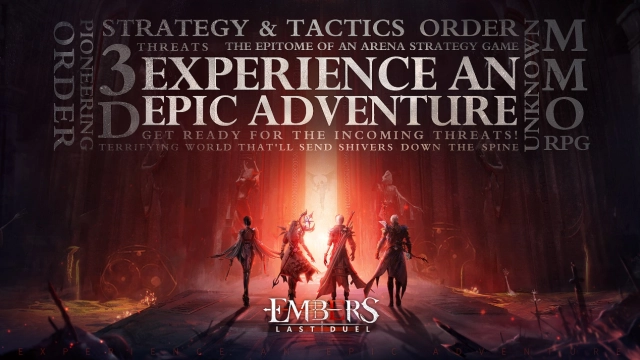
Embers: Last Duel is a real open-world MMORPG boasting over 20 classes and more than 12 PVP gameplays without rules. You can enjoy adventures, treasure hunts and huntings freely in the game and experience the most splendid visual effects in the history of mobile games and the grand and epic adventures!
■■■■■Game Features■■■■■
▶Over 12 PVP Gameplays Challenge the Server Limit◀
-12 PVP gameplays offer players with excellent fighting experience
-The super large open world without rules and limits to get infinite glory
▶Team Up to Challenge BOSS with Wise Strategies◀
-Battlefields everywhere, crisis everywhere
-No more boring raids or pile fights. Kill BOSS if you can
▶Unlimited Class Transfer System Over 20 Classes◀
-Free cultivation of 20 classes with customized talents and arcanes, first in the industry
-Showcase your understanding of classes with godly harvest
▶Get Almighty Gear at the Beginning of 2-Minute Dream Battles◀
-Highest chance in the industry with 100% positive comments
-Even ordinary players can get full-body godly gear in fair matches
■■■■■Official Information■■■■■
※Embers: Last Duel Official Website: Get latest information and event news of Embers: Last Duel
LINK:https://warxm.winwaygame.com
※Embers: Last Duel FB Fan Club: Communicate with other players and get real-time event info
LINK:https://www.facebook.com/EmbersSEA
■■■■■To improve your gaming experience, the game will require the following permissions■■■■■
[Selective Permissions]
▶Microphone: The permission to record sound when recording videos
※ You can still play the game even if don't allow the permissions
[Permission Off]
▶Settings > Select Embers: Last Duel > Permission Off