COMET Football is a Sports game developed by analyticom.de. LDPlayer is the best platform for playing COMET Football on Windows PC, offering powerful features to enhance your immersive experience in COMET Football.
When playing COMET Football on your computer, the larger screen and more powerful graphics performance enable you to enjoy clearer and smoother game visuals, enhancing the visual experience of the game.
The operation of peripherals such as gamepads is emulated to better mimic the feel of real sports, providing more precise control and richer operation options.
Furthermore, if you wish to execute a series of continuous key combinations, the one-click macro feature will be the functionality you've been dreaming of, allowing you to effortlessly stay one step ahead with one-touch operation. Start downloading and playing COMET Football on your computer now!
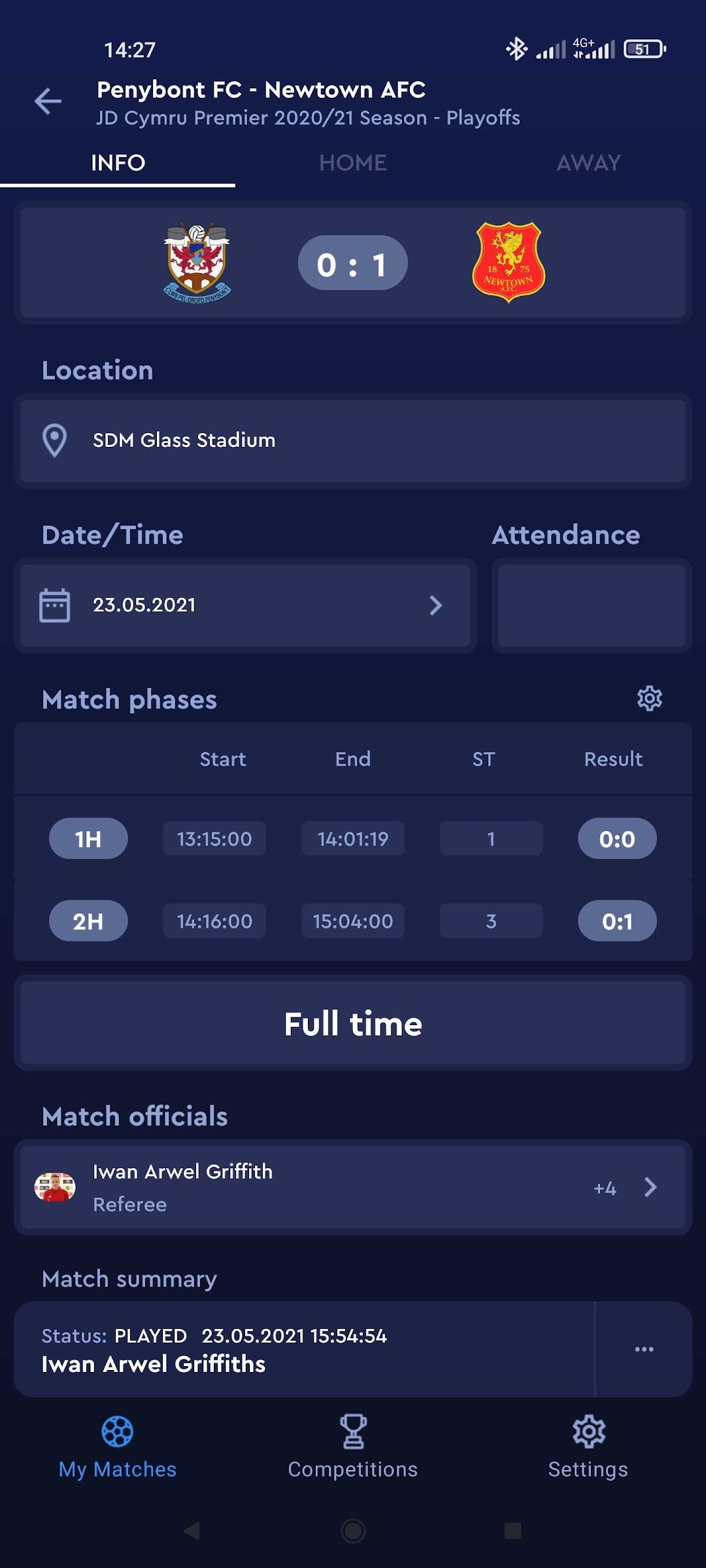
COMET is a state-of-the-art, market-leading solution for management and automation of key operations in sports associations, leagues and governing bodies.The COMET Football app allows authorized COMET Users, such as Clubs, Referees and Competition Managers, to manage match-related operations from anywhere anytime. Most common features of COMET Football App are the following:
Clubs
· view upcoming and previous matches of the club across all competitions
· enter and confirm lineups, team officials and kits
· enter, if authorized, match events in real-time unofficial mode
· receive push notifications in relation to relevant match updates
Referees
· view upcoming and previous appointed matches
· approve or reject match appointments
· enter/review match events and confirm the match report
· receive push notifications in relation to relevant match updates
Competition Managers
· view all relevant competitions and access previous and upcoming matches
· reschedule the match, update the location or match status
· update appointments of referees and other match officials
· if needed, fully administer the match, on behalf of the club or the referee
Specific options may vary depending on COMET configuration and authorization settings at your Association.