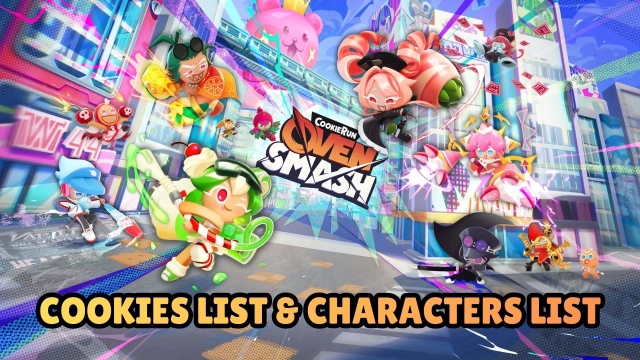
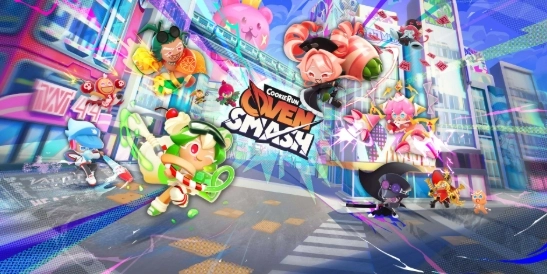
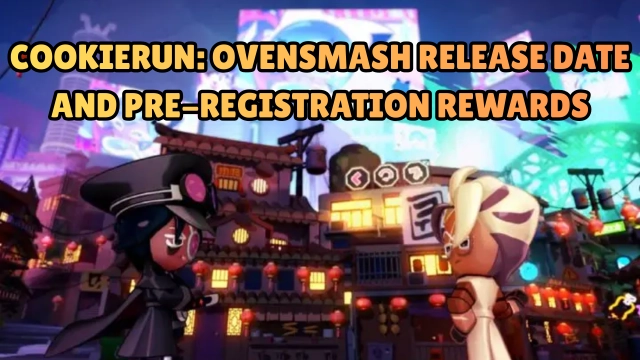
The beloved CookieRun franchise, with over 200 million fans worldwide, is back with its most thrilling adventure yet! CookieRun: OvenSmash takes the iconic Cookies out of the oven and drops them into Platter City for intense, real-time battle action. Set in a vibrant urban fantasy world, three powerful factions wage war for supremacy. Players must choose their roles, master devastating Spell Cards, and engage in heart-pounding multiplayer brawls to make their wishes come true. Blending deep strategic combat with a lively social hub, OvenSmash delivers a fresh, action-packed spin on the classic CookieRun universe.
Core Gameplay & Features
-
Immersive Urban Fantasy: Explore and battle across Platter City, a stunning new urban setting where three distinct factions clash for dominance.
-
Deep Strategic Combat: Team composition is everything! Take on the role of Tanker, Dealer (DPS), or Supporter. Synergize with your teammates to dominate the battlefield in real-time.
-
Game-Changing Spell Cards: Turn the tide of any match in a split second. Use powerful Spell Cards to transform into a giant, summon sky-slicing dragons, and execute match-winning strategies.
-
Express Yourself: Stand out in the arena! Customize your favorite Cookies with dozens of unique looks, outfits, and stylish items to match your personal vibe.
-
Connect in the Plaza: Hang out in the game’s dedicated social hub. Meet other players, show off your customized Cookies, form parties, and transition seamlessly from chilling with friends to epic team battles.
Players love CookieRun: OvenSmash because it successfully transitions the charming characters of the IP into a highly competitive, fast-paced action brawler where strategy and quick reflexes lead to sweet victories.
Play CookieRun: OvenSmash on PC with LDPlayer for Best Experience
-
Precision Controls for Real-Time Action: In a fast-paced brawler, touchscreen controls can lead to missed skills or clumsy dodging. LDPlayer allows you to map your movement, attacks, and Spell Cards to your keyboard and mouse (or gamepad) for pinpoint accuracy.
-
High FPS & Smooth Performance: When screen-filling ultimates and giant dragons are summoned, mobile devices can stutter. LDPlayer guarantees a stable, high-frame-rate experience, ensuring you never miss a split-second reaction.
-
Immersive Big Screen Battles: See the chaotic action of Platter City clearly on a large PC monitor. A wider view helps you keep track of your teammates, spot incoming attacks, and appreciate everyone's custom Cookie outfits.
-
Battery-Free Socializing & Brawling: Spend hours hanging out in the Plaza, forming parties, and grinding competitive matches without your phone overheating or dying in the middle of a fight.
Bake your enemies and claim victory in Platter City—download CookieRun: OvenSmash on PC and smash the competition with LDPlayer!