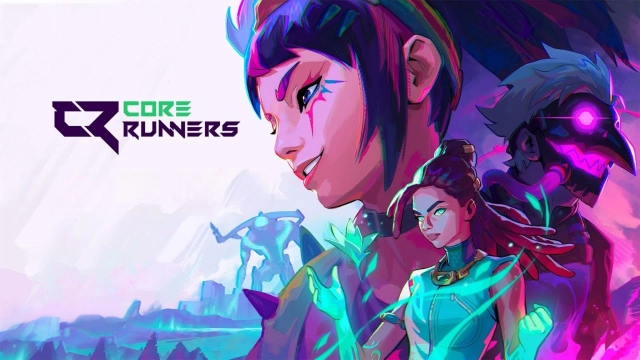
Core Runners is a Action game developed by Studio Arm Private Limited, and LDPlayer is the best platform for playing Core Runners on PC, offering powerful features to immerse you in the game.
When playing Core Runners on computer, you can adjust frame rate settings for smooth gameplay and stunning visuals.
LDPlayer also provides pre-configured keyboard mapping for convenient control of the entire game. Continuous optimization of keyboard mapping enhances key sensitivity and skill accuracy. Additionally, LDPlayer offers special buttons like shoot, hide mouse, and continuous key press for an enhanced gaming experience.
If you prefer using a gamepad, the automatic gamepad detection allows you to customize controls with just a few clicks, enabling you to freely maneuver your hero. Start downloading and playing Core Runners on your computer now!
Jump into fast-paced 5v5 action built for mobile. Enjoy smooth performance, quick 10-minute tactical rounds, and a compact 300MB size. Enter a stylish, vibrant world of bold heroes, legendary attitude, and competitive gameplay designed for players who want action anytime, anywhere.Attack to plant or defend to detonate — master unique skills, precise shooting, and team strategy in every high-stakes match. From intense crossfire moments to clutch counter plays, every strike matters. Use smart rotations, coordinated force, and split-second decisions to turn the battle in your favor.
Whether you're a tactical veteran or just getting started, there’s a role for every mobile player. Answer the call, know your duty, squad up with friends, and bring the fire in blood-pumping rounds where victory is earned, not bought. Free to play and never pay to win — just pure skill, teamwork, and the drive to become a legend.
Ready to compete in style?
Download now and join the closed beta!
[Contact Us]
English: corerunners2035@gmail.com
Indonesia: corerunnersid@gmail.com