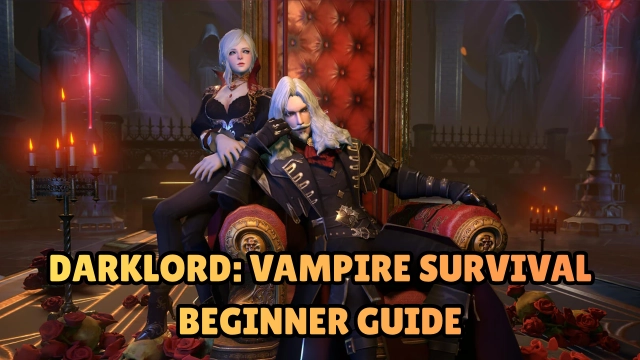


Darklord: Vampire Survival
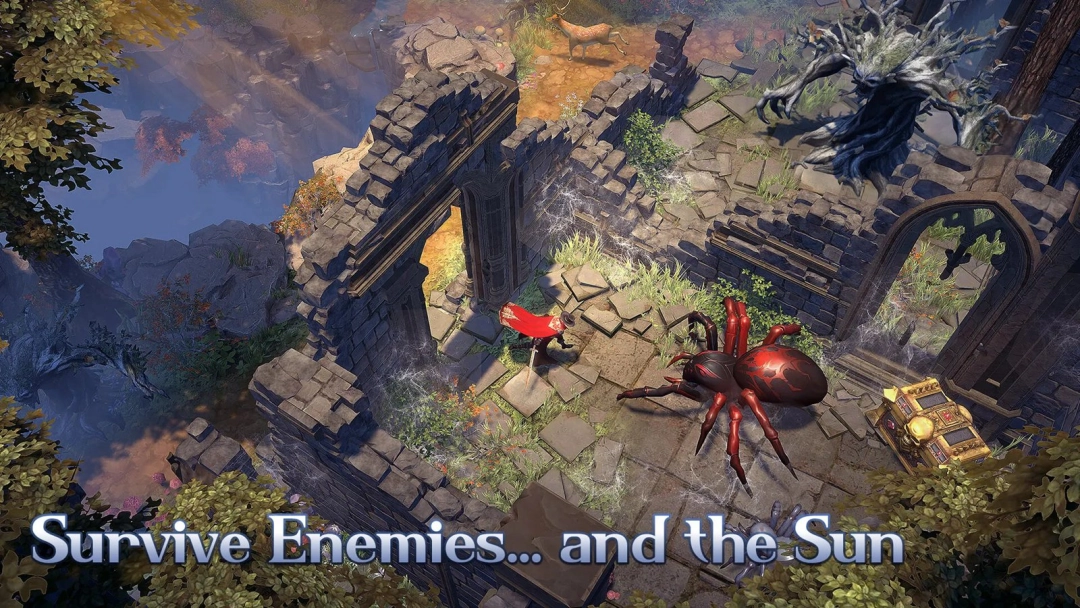
Introduction The hero has fallen, and the Dark Era has begun. Darklord: Vampire Survival is a thrilling vampire-themed RPG that masterfully blends action combat, base building, crafting, and roguelike progression into one shadow-soaked open world. As a nobody resurrected by Dracula’s last drop of blood, you must survive the demon-infested wastelands, hunt for resources, and reclaim the lost power of the Darklord. Remember: sunlight is your greatest enemy. Hide in the shadows, build your ultimate sanctuary, and evolve your bloodline to seal the Gates of Hell forever.
Core Gameplay & Features
-
Abyss Genetics & Evolution: Absorb the blood of 9 ancient races (Human, Succubus, Angel, etc.) and mix over 200 traits. Customize your ultimate vampire build—whether you want to be an immortal tank or a high-damage hunter.
-
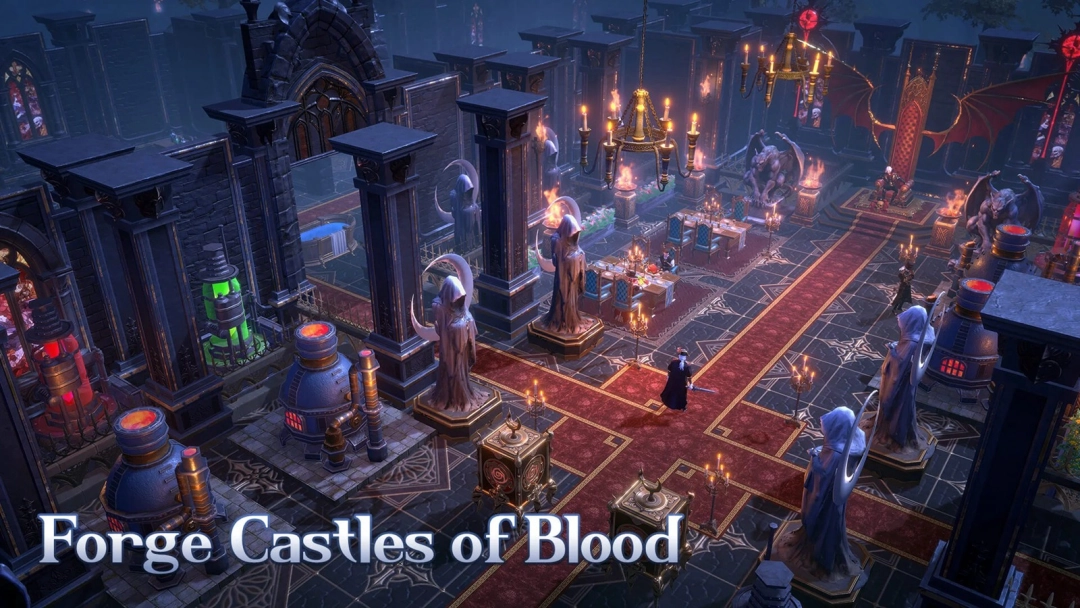
Crimson Sanctuary Building: Construct and upgrade your refuge in the ruins of despair. Gather cursed materials to build Bone Bastions, deploy holy water traps, and fend off endless hordes of monsters.
-
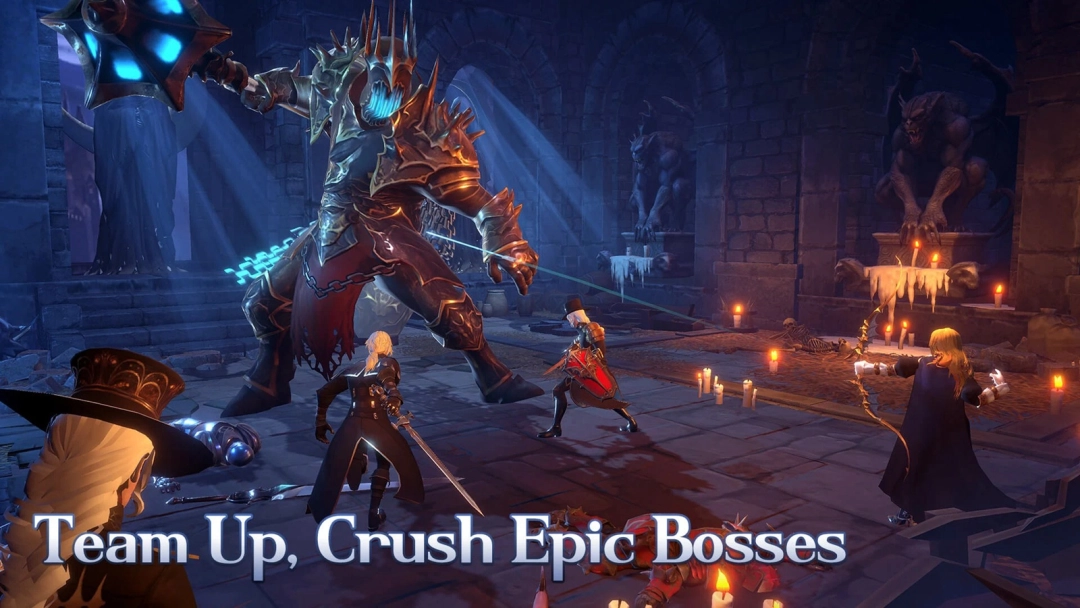
Roguelike Action Freedom: Define your own slaughter style with class-free progression. Defeat elite bosses to earn random skills, and craft legendary weapons with unique skill combinations like Void Slash or Projectile Bounce.
-
Command Bloodbound Servants: You don't fight alone. Transform defeated enemies and rescued humans into loyal servants. Feed them pure blood to unlock unique evolution paths and combo skills.
-
Loot Dracula’s Relics: Hunt down powerful lords to collect all six of Dracula's lost relics, such as the life-stealing Demon Fang or the regenerating Rage Heart, to reclaim your dominion.
Players love Darklord: Vampire Survival because it perfectly balances the adrenaline-pumping thrill of roguelike horde survival with the deep, rewarding progression of base building and genetic evolution.
Play Darklord: Vampire Survival on PC with LDPlayer for Best Experience
-
Precision Controls for Survival: In intense roguelike battles against endless monster hordes, clumsy touch controls can lead to a quick death. Use LDPlayer to map your movement and attacks to a keyboard and mouse for flawless dodging and skill execution.
-
Effortless Resource Grinding: Building the ultimate Crimson Sanctuary requires serious resource farming. Utilize LDPlayer's Macro feature to automate repetitive gathering tasks, saving you hours of tedious grinding.
-
Immersive Big Screen Darkness: The shadow-soaked, apocalyptic world deserves to be seen in full detail. Play on a large PC monitor to easily spot lurking demons, hidden resources, and appreciate the dark fantasy aesthetic.
-
Battery-Free Long Sessions: Base building and survival crafting demand long play sessions that will quickly drain your phone's battery and cause it to overheat. LDPlayer ensures stable, high-performance gameplay for as long as you want to survive.
-
Multi-Instance for Rerolling: Want to start your journey with the best early-game bloodline traits or servants? Use the Multi-Instance tool to run multiple accounts simultaneously and find your perfect start.
Embrace the shadows, claim Dracula’s throne, and survive the apocalypse—download Darklord: Vampire Survival on PC and rule the night with LDPlayer!