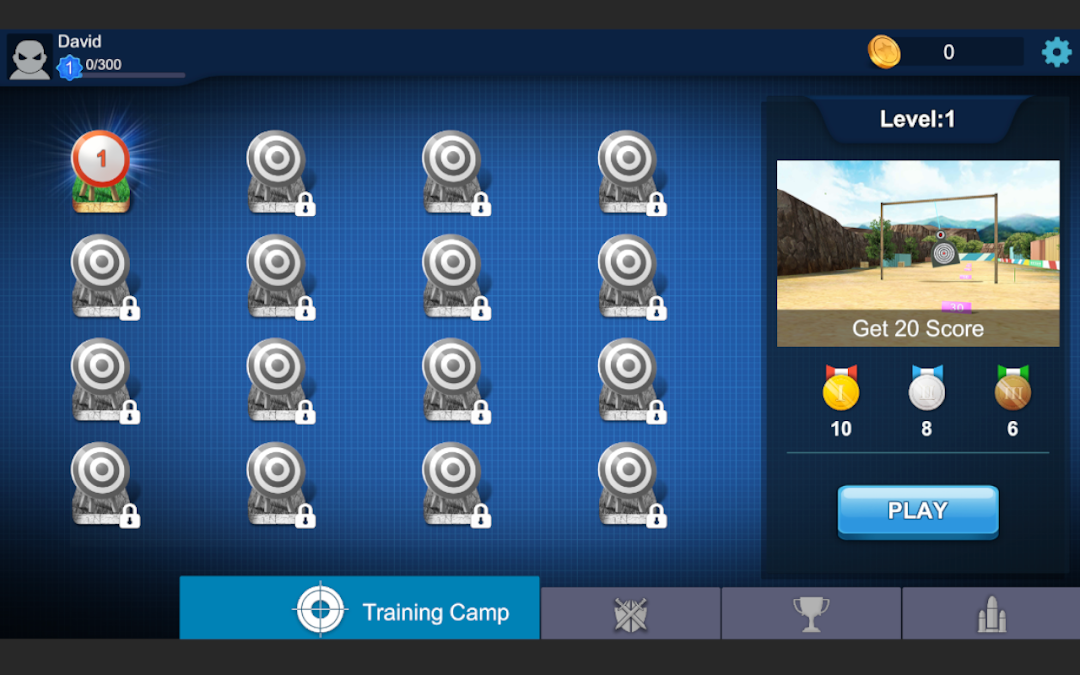
Deer Shooter Simulator is a Simulation application developed by Bajake Studios, but with the best Android emulator-LDPlayer, you can download and play Deer Shooter Simulator on your computer.
Running Deer Shooter Simulator on your computer allows you to browse clearly on a large screen, and controlling the application with a mouse and keyboard is much faster than using touchscreen, all while never having to worry about device battery issues.
With multi-instance and synchronization features, you can even run multiple applications and accounts on your PC.
And file sharing makes sharing images, videos, and files incredibly easy.
Download Deer Shooter Simulator and run it on your PC. Enjoy the large screen and high-definition quality on your PC!
Get ready for the most thrilling shooting simulator experience with Deer Shooting Simulator! Take on the role of a skilled sniper shooter and engage in exciting challenges across multiple levels, all within a stunning 3D environment. Test your aiming precision and challenge yourself to become the ultimate sniper!Key Features:
Realistic Sniper Guns: Choose from a variety of sniper rifles and long-range guns to complete your missions. Each weapon is designed for maximum precision and an authentic shooting experience.
Unique Deer Statues: Instead of real deer, Deer Shooting Simulator features deer statues as targets. Each level presents a different setup with strategically placed statues that challenge your accuracy and speed.
Multiple Levels: Enjoy a wide range of game levels, each with its own unique challenges and settings. As you progress, the difficulty increases, putting your shooting skills to the test.
Immersive 3D Environment: Dive into beautifully designed 3D landscapes that offer a realistic environment to complete your sniper missions. The detailed surroundings provide the perfect backdrop for a challenging and engaging experience.
Precision Aiming & Controls: Master the art of long-range shooting with easy-to-use controls and an intuitive aiming system. The game is designed to make you feel like a professional sniper in the field!
How to Play:
Select your sniper gun and enter the immersive 3D world.
Take aim at the deer statues positioned across various levels and hit them with precision.
Complete all challenges and unlock new sniper rifles and levels as you advance.
Free to Play: Download Deer Shooting Simulator now and start your sniper shooting journey for free! Perfect for fans of shooting simulators, sniper games, and those who enjoy a good challenge in a 3D environment.